
athenahealth to Google Calendar Appointment Sync: Easy Guide
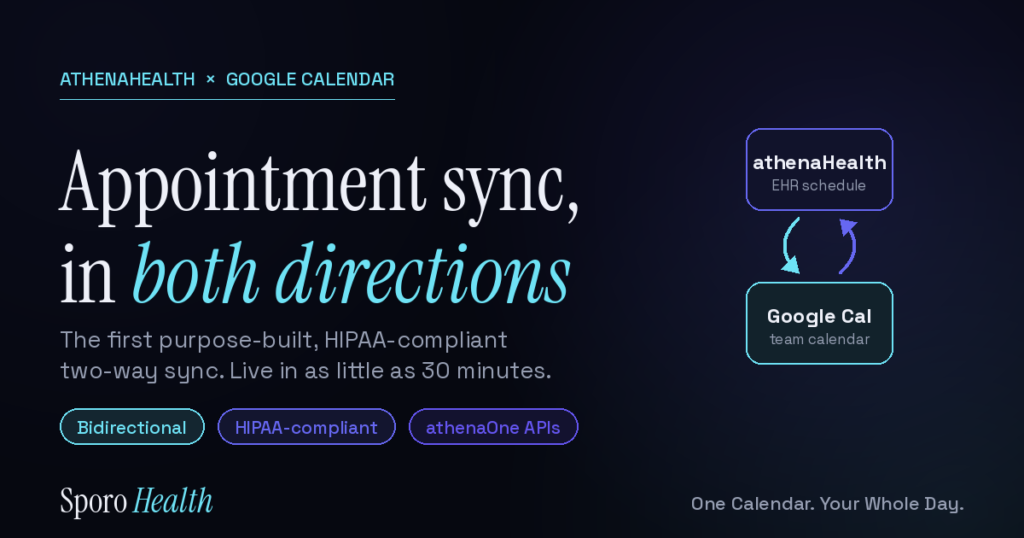
Quick answer: athenaHealth does not offer a native two-way Google Calendar sync. To get athenahealth to Google Calendar appointment sync, practices use Sporo Health — a purpose-built, HIPAA-compliant bidirectional integration built on athenaOne APIs. When an appointment is created, rescheduled, or canceled in athenaHealth, the matching event in Google Calendar is automatically updated, and changes made in Google Calendar flow back to athenaHealth — in both directions, within seconds. Setup takes as little as 30 minutes with a signed BAA in place before any data flows.
That’s the short version. Below is everything a practice manager or physician needs to know in 2026 — how the sync actually works, what data moves (and what never does), the three ways practices attempt this today, and how to set it up without a development project.
Does athenaHealth sync with Google Calendar natively?
No. As of 2026, athenaHealth has no built-in feature that pushes appointments to Google Calendar or pulls Google Calendar events back into athenaOne. The athenaHealth scheduling module lives entirely inside the EHR.
That gap is why so many practices end up double-booking. A physician glances at their personal or team Google Calendar, sees an open block, accepts an outside meeting — then walks into a clinic that athenaHealth had already filled. The two systems simply don’t talk to each other out of the box.
To bridge them, you need a third-party integration that reads from athenaHealth’s API and writes to the Google Calendar API, and that keeps both sides consistent when either one changes.
What is bidirectional appointment sync, and why does it matter?
Bidirectional sync means changes flow both ways automatically. A one-way sync only mirrors athenaHealth into Google Calendar; if a provider edits the Google Calendar event, athenaHealth never finds out. A true two-way sync keeps both systems aligned no matter where the change originates.
This matters because real scheduling is messy. Front desk staff book in athenaHealth, but providers and care teams often manage their day in Google Calendar. If a reschedule in one system silently fails to reach the other, you get a no-show, a double-book, or a patient sitting in an empty waiting room.
With bidirectional sync, an appointment created, moved, or canceled in athenaHealth updates Google Calendar, and an event moved in Google Calendar updates the athenaHealth slot — so the two never drift apart. This is the core mechanism behind preventing double-booking in athenaHealth.
How does athenahealth to Google Calendar appointment sync work?
Sporo Health connects to athenaHealth through the official athenaOne APIs and to Google through the Google Calendar API, then keeps a rolling sync window aligned in both directions. Here’s the flow at a glance:
- An appointment is created, rescheduled, or canceled in athenaHealth.
- The change is detected and the matching Google Calendar event is created or updated within seconds.
- When a provider moves or blocks time in Google Calendar, the corresponding athenaHealth slot is updated so the EHR reflects real availability.
- The two systems stay consistent in both directions, even during simultaneous edits, across a rolling 30-day window.
No spreadsheets, no manual mirroring, no copy-paste between tabs. Once it’s live, the sync runs in the background and your staff stops babysitting two calendars.
What patient data syncs to Google Calendar? (And what never does)
Only lightweight scheduling metadata moves to Google Calendar: appointment type, time, and duration. Protected health information never enters Google Calendar.
This is the part compliance officers care about most, so it’s worth being precise:
| Data | Syncs to Google Calendar? |
|---|---|
| Appointment time and duration | Yes |
| Appointment type | Yes |
| Patient name | No |
| Provider name | No |
| Location / facility | No |
| Clinical detail or chart notes | No |
| Free/busy status as PHI | No |
Because patient identifiers and clinical data stay inside athenaHealth, Google Calendar holds nothing that could expose a patient. Sporo also signs a Business Associate Agreement (BAA) before any data flows — consistent with HHS guidance on business associates and Google’s own Workspace HIPAA support.
Is Google Calendar HIPAA compliant for medical practices?
Google Calendar can be used in a HIPAA-compliant way only when it’s part of a Google Workspace account covered by a BAA with Google, and when no PHI is written into calendar events. The app itself isn’t “HIPAA compliant” in a vacuum — compliance depends on how it’s configured and what data you put in it.
Sporo is built around that reality. By keeping appointment events free of patient identifiers and operating under a signed BAA, the integration lets practices get scheduling visibility in Google Calendar without putting PHI somewhere it shouldn’t be.
If your practice is weighing this, the safe rule is simple: a calendar event should tell a provider when and what type of appointment exists, never who the patient is.
What are the three ways to connect athenaHealth and Google Calendar in 2026?
Practices generally try one of three approaches. Here’s how they compare:
| Approach | Direction | HIPAA-safe | Effort | Reliability |
|---|---|---|---|---|
| Manual mirroring (staff copy appointments) | One-way, by hand | Risky (PHI often pasted in) | High, ongoing | Low — human error |
| General workflow automation tools | Usually one-way | Depends on config | Medium setup | Brittle on reschedules |
| Purpose-built sync (Sporo Health) | Bidirectional | Yes — BAA + no PHI | As little as 30 min | High |
Manual mirroring is what most practices start with, and it’s exactly where double-bookings come from. Generic automation tools can move data but often handle reschedules and cancellations poorly, leaving orphaned events. A purpose-built sync is the only option designed specifically for the athenaHealth + Google Calendar pairing.
How long does setup take?
For a single-provider or simple practice, Sporo can be live in as little as 30 minutes. A typical small-to-midsize practice takes 2–3 days end to end, and multi-location groups usually run 5–7 days to account for additional scheduling templates and provider mapping.
There’s no development project, no engineering team, and no API work on your end — onboarding is white-glove, and the BAA is signed up front. For a deeper breakdown, see how long an athenaHealth Google Calendar sync takes to set up. Compare that to the multi-week build a custom integration would require.
Why does this matter financially?
Scheduling gaps are expensive. According to a peer-reviewed analysis in PMC, the average cost of a single no-show is roughly $196 in lost revenue — and double-bookings caused by calendar drift compound that loss with rushed visits and frustrated patients. The hidden cost of double-booking adds up faster than most practices realize.
The American Medical Association’s 2025 physician survey found that physicians’ top desired use of new technology is cutting administrative burden — and reconciling two calendars by hand is exactly the kind of low-value admin work that burns front-desk hours every week.
A reliable two-way sync removes that work entirely, which is why practices treat it as operational infrastructure rather than a nice-to-have.
FAQ
Q: Does athenaHealth have a native Google Calendar integration? A: No. athenaHealth offers no built-in two-way Google Calendar sync as of 2026. Practices use a third-party integration like Sporo Health, built on the athenaOne APIs, to connect the two.
Q: Is the athenahealth to Google Calendar appointment sync bidirectional? A: Yes. Sporo’s sync is fully bidirectional — changes in athenaHealth update Google Calendar, and changes in Google Calendar update athenaHealth, automatically and within seconds.
Q: Does patient information get exposed in Google Calendar? A: No. Only appointment type, time, and duration sync. Patient names, provider names, locations, and clinical details never enter Google Calendar, and a BAA is signed before any data flows.
Q: Is this HIPAA compliant? A: Yes. The integration operates under a signed Business Associate Agreement and keeps all PHI inside athenaHealth, so Google Calendar never holds protected health information.
Q: How fast does an appointment change appear in Google Calendar? A: Changes propagate in both directions within seconds, across a rolling 30-day window.
Q: How long does it take to set up? A: As little as 30 minutes for a simple practice, typically 2–3 days for small-to-midsize practices, and 5–7 days for multi-location groups — with white-glove onboarding and no development work required.
Q: What if an appointment is rescheduled or canceled? A: Reschedules and cancellations sync automatically in both directions, so you don’t end up with orphaned events or stale slots in either system.
Ready to connect athenaHealth and Google Calendar?
If your team is still mirroring appointments by hand — or watching providers get double-booked because the EHR and Google Calendar don’t talk — there’s a purpose-built fix. Sporo Health is the first bidirectional, HIPAA-compliant sync built specifically for athenaHealth and Google Calendar, and most practices are live within days.
See how Sporo prevents double-booking — book a 30-minute demo.
One Calendar. Your Whole Day.
