Transferring Outlook Meetings When a Provider Leaves: An Organizer-Continuity Checklist
Here is how to transfer Outlook meetings when a provider leaves a medical practice: Microsoft 365 healthcare IT administrators should inventory every future provider-owned meeting, classify transfer eligibility, assign an accepted replacement owner, handle recurring and online-meeting exceptions separately, verify attendee and availability behavior, and disable the departing account only after every critical item has a tested disposition. Outlook access alone does not prove organizer continuity.
How do you inventory every future provider-owned Outlook meeting?
Inventory every future meeting and recurring series before disabling, deleting, or converting the provider’s account. Include single meetings, series masters, modified occurrences, canceled occurrences, online meetings, attachments, external attendees, and meetings held in practice-owned containers. Microsoft’s current organizer-change requirements make container, account, date, client, and meeting type material to the decision.
Search the provider’s primary, additional, delegated, shared-mailbox, and Group calendars. The existing guide to inventory multiple Outlook calendars can help identify secondary or shadow containers. Use a future horizon that reaches the last relevant occurrence rather than stopping at the employment end date.
What belongs in the organizer-continuity register?
The register should identify the item, its operational effect, the proposed owner, the chosen disposition, and the evidence required for closure. Use one row per single meeting or recurring series.
| Register field | What to record |
|---|---|
| Identity and container | Subject, event or series ID, mailbox, calendar, and future date range. |
| Recurrence state | Pattern, effective boundary, modified instances, and canceled instances. |
| People and content | Attendees, external or hybrid recipients, attachments, links, and online-meeting status. |
| Scheduling effect | Show As state, provider-availability effect, and connected-calendar representation. |
| Decision | Proposed owner, transfer or fallback path, acceptance state, and expiry if retained. |
| Evidence | Executor, verifier, test result, exception owner, and closure date. |
The Microsoft Graph event model distinguishes event IDs, organizers, series masters, instances, exceptions, canceled occurrences, online-meeting state, attachments, and availability status. Those fields provide a useful evidence vocabulary even when staff perform the handoff through Outlook rather than an API.
How do you choose the correct transfer or fallback path?
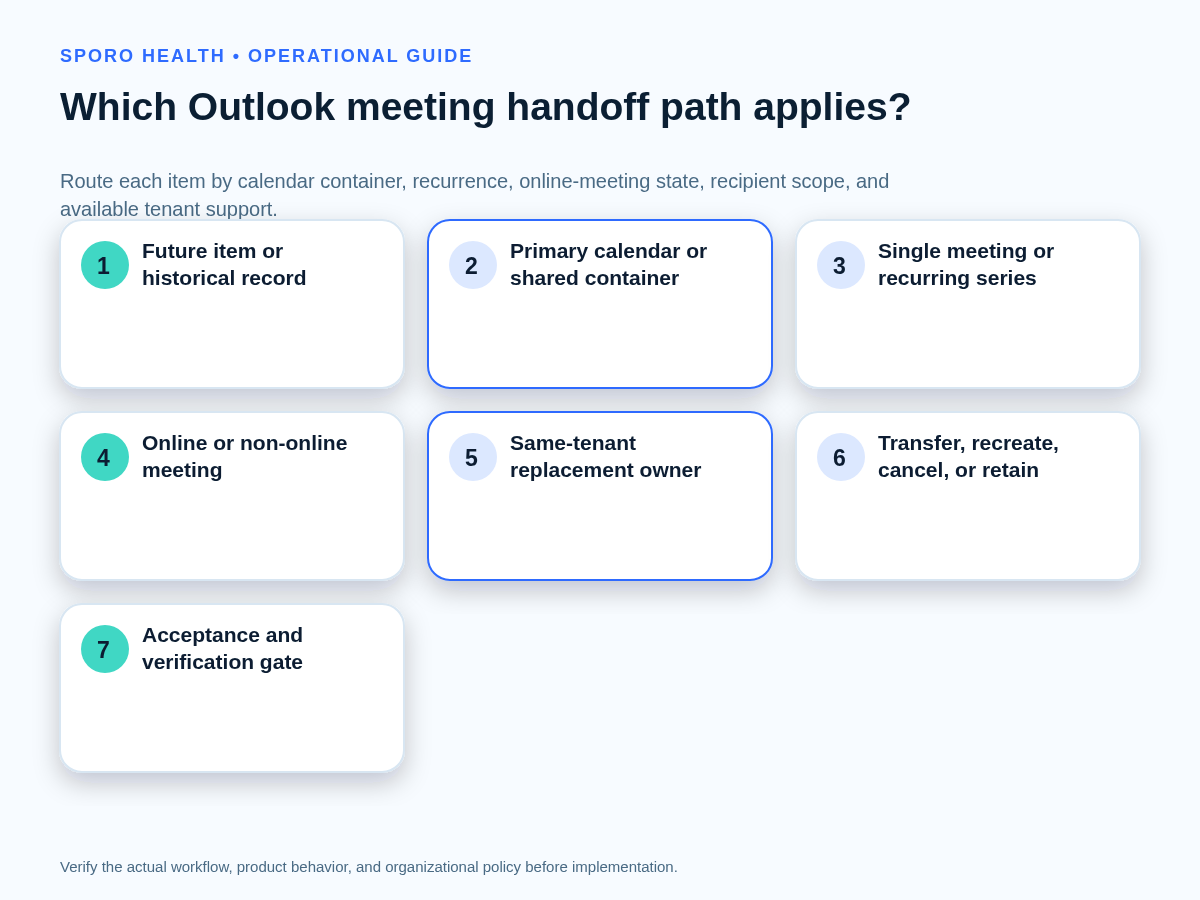
Assign every inventoried item one disposition: organizer transfer, delegated execution, container-access handoff, end and recreate, cancellation, or documented retention. Do not leave a row in a generic pending state.
First choose the Outlook calendar ownership model that actually applies. A provider’s primary calendar, an additional calendar, and a practice-owned shared container do not support the same handoff path.
| Condition | Preferred path | Closure evidence |
|---|---|---|
| Future, non-online meeting on the primary work calendar; same-tenant replacement | Send an organizer-change request. | Replacement accepts and can update and cancel. |
| Eligible Exchange Online item handled administratively | Use the approved organizer-change administration path. | Feature availability, event identity, result, and owner test are recorded. |
| Meeting in a Group or shared mailbox | Hand off container access and continuing ownership. | Membership, edit authority, and accountable owner are tested. |
| Teams or another online meeting | Rebuild online details or recreate the future meeting. | New owner controls the link and meeting options. |
| Past series, personal account, unsupported client, or ineligible replacement | End the old series and recreate the required future portion. | Old future instances end and one verified replacement remains. |
| No continuing business purpose | Cancel and communicate. | Attendees receive the correct cancellation and no future residue remains. |
| Temporary justified retention | Retain with a named owner and expiry. | Reason, access, review date, and final disposition are documented. |
Microsoft documents both an acceptance-based Outlook path and the Exchange Online Invoke-ChangeMeetingOrganizer capability. Verify current tenant enablement, permissions, and client support before selecting either route.
Does delegate access change organizer ownership?
No; delegate or editor access can enable work on a calendar, but it does not prove that organizer responsibility moved. A delegate may edit items, respond on behalf of the owner, or initiate an eligible organizer request. The replacement becomes organizer only after the supported handoff completes and, for the Outlook request path, the replacement accepts.
Use the guide to compare Outlook Editor and Delegate permissions, then keep four controls separate:
- Meeting organizer: who can update or cancel the invitation.
- Human calendar access: who may view or edit the container.
- athenahealth scheduling authority: who may change the provider’s authoritative appointment schedule.
- Integration access: which application identity may read or write approved calendars.
Microsoft’s delegate-permission documentation describes management on another person’s behalf; its organizer-transfer documentation separately defines when ownership changes.
How should a recurring series be split at the handoff boundary?
Define one effective future boundary, preserve the historical portion, and reconcile every exception around that boundary. Do not treat a recurring series as a single undifferentiated object.
- Record the last occurrence that remains with the departing provider.
- Set the first future occurrence intended for the replacement owner.
- Inventory moved, edited, or attendee-specific exceptions after that date.
- Record canceled occurrences separately because they may not appear in an ordinary instance list.
- After acceptance or recreation, scan the full future range for duplicates, gaps, and abandoned instances.
Microsoft states that organizer changes affect future instances while earlier instances remain with the previous organizer. Its event documentation also distinguishes series masters, occurrences, and exceptions. Use both concepts to prove that history remains intact and the future portion has exactly one controllable owner.
Which shared-container and online-meeting exceptions need separate handling?
Separate Teams meetings, shared containers, unsupported accounts, external recipients, and inaccessible content from the routine transfer queue. These items require a fallback or additional verification, not an assumption that the standard transfer preserved control.
For container design, compare Microsoft 365 Group calendars and shared mailboxes before assigning the continuing owner.
| Exception | Required handling |
|---|---|
| Teams or other online meeting | Verify current support. Rebuild the meeting link when the replacement cannot manage the associated online meeting. |
| Group or shared mailbox | Transfer membership and edit authority to the continuing container owner instead of attempting user-to-user organizer transfer. |
| Personal account, cross-tenant replacement, encrypted item, unsupported client, or disabled feature | Use controlled recreation, cancellation, or retention with an exception owner. |
| External or hybrid attendees | Review communications because recipients may receive an ending message and new invitation and may need to respond again. |
| Attachments or OneDrive links | Test the replacement owner’s access; copy or reshare content when inherited links are inaccessible. |
Microsoft’s current guidance says the Outlook interface does not transfer online meetings and does not support Group or shared-mailbox items. The Exchange cmdlet documentation additionally warns that changing the calendar organizer does not change the associated Teams meeting organizer.
What must be verified after each handoff?
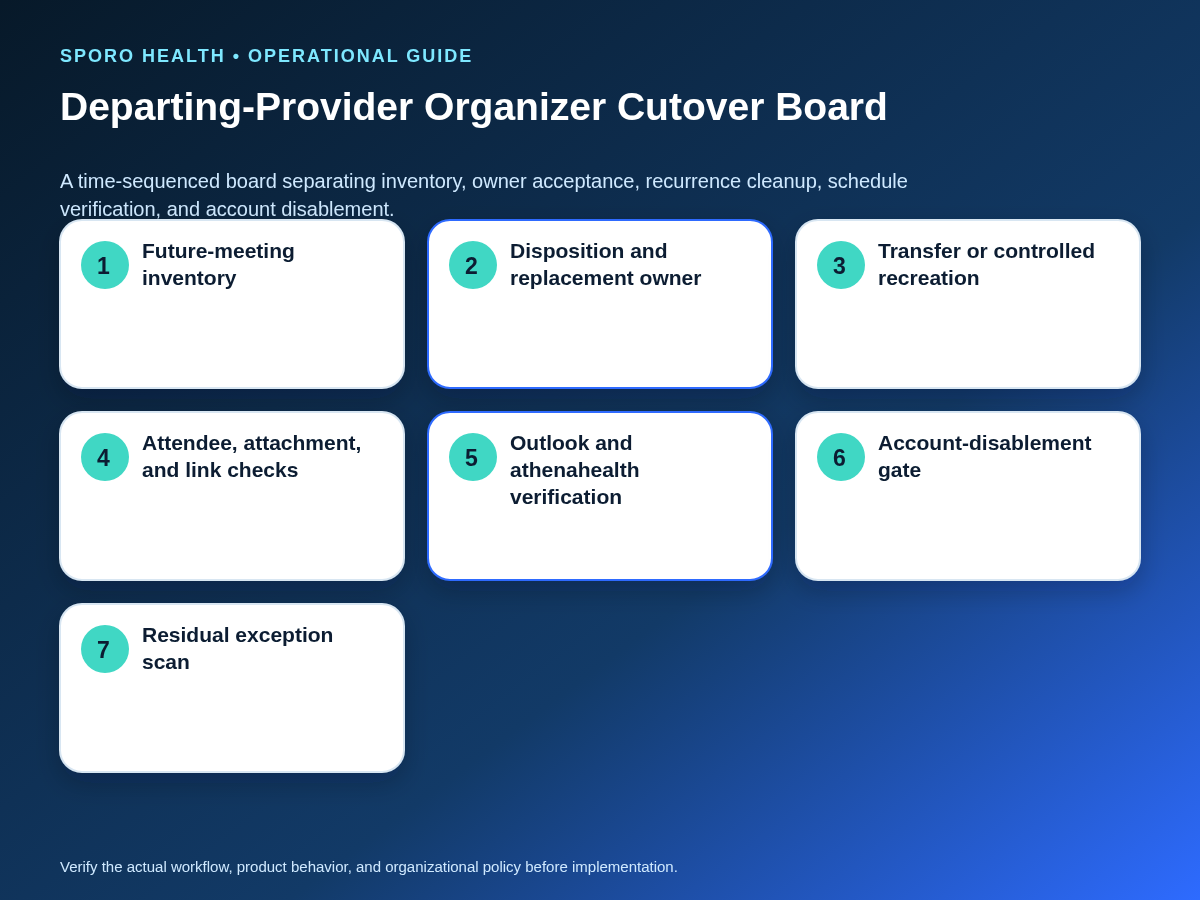
Verify ownership through actions, not through visual access alone. The replacement owner should prove the ability to update and cancel, and a separate verifier should confirm the resulting attendee, recurrence, content, availability, and schedule states.
- Open the item from the replacement owner’s calendar and confirm organizer identity.
- Send a controlled update where appropriate and verify attendee delivery and response state.
- Confirm the effective date and every future recurring instance.
- Test attachments, shared files, locations, and online-meeting links.
- Confirm Show As values and the provider’s expected Outlook availability.
- Compare the Outlook result with the approved athenahealth schedule or integration evidence.
- Scan the departing calendar and attendee views for duplicate or abandoned future items.
Outlook event state and athenahealth appointment state are separate evidence surfaces. The athenahealth appointment API reference represents appointment records independently of Microsoft’s calendar event model, so an Outlook view alone should not close a provider-availability check.
When can the departing provider’s account be disabled?
Disable the account only when all critical organizer dependencies are accepted, tested, or contained by a named fallback owner. Place this event-level gate inside the broader provider calendar offboarding checklist.
| Block account disablement when | Permit the gate to advance when |
|---|---|
| A critical meeting lacks an accepted owner. | The replacement can update and cancel it. |
| An unsupported item lacks a documented fallback. | Recreation, cancellation, access handoff, or retention is complete. |
| A future series is duplicated, incomplete, or abandoned. | The full future range has one verified disposition. |
| Teams, shared-container, attachment, or external-attendee checks remain open. | Each exception has evidence, an owner, and a closure or expiry. |
| Provider availability or connected-calendar state is unresolved. | Outlook and the authoritative scheduling workflow agree for the tested range. |
How should organizer-continuity completion be measured?
Measure controlled coverage and residual schedule risk rather than the number of items edited. Define the reporting horizon and denominators before work begins.
| Measure | Calculation or review |
|---|---|
| Meeting coverage | Future items with a documented disposition divided by all inventoried future items. |
| Accepted transfers | Accepted and tested transfers divided by transfer requests sent. |
| Recreated-series closure | Recreated items with the old future portion ended and the new portion verified. |
| Unresolved exceptions | Open items by criticality, owner, due date, and fallback status. |
| Duplicate future instances | Confirmed duplicate occurrences found during the post-cutover scan. |
| Schedule mismatches | Intervals where Outlook availability and the approved athenahealth scheduling state still disagree. |
Use practice-defined acceptance thresholds based on scheduling risk. Do not declare completion merely because a transfer command or Outlook request returned successfully.
Where do connected-calendar options fit?
Connected-calendar products can support visibility and workflow testing, but they do not replace organizer ownership, account-lifecycle, or authoritative-schedule decisions. For vendor-specific evaluation, review the Sporo Health platform overview, the current athenahealth and Microsoft 365/Outlook connection, the separate athenahealth and Google Calendar connection, and the Sporo Health listing in athenaConnect Marketplace. Treat product descriptions as vendor claims to validate against the practice’s tenant, contracts, approvals, and acceptance tests.
How do you transfer Outlook meetings when a provider leaves a medical practice?
Run one meeting-level register from inventory through replacement-owner acceptance, exception handling, verification, and the final account-disablement gate. The practical standard for how to transfer Outlook meetings when a provider leaves a medical practice is simple: every future item needs one owner, one disposition, and evidence that the resulting schedule works.
If the practice is evaluating a connected-calendar product, bring the register, exception matrix, and acceptance tests to a scoped review. Ask how the proposed configuration represents transferred, recreated, shared-container, and online-meeting items without assuming behavior that has not been demonstrated.
Frequently asked questions
Can an Outlook meeting organizer be changed when a provider leaves?
Yes, eligible future meetings can move to a same-tenant replacement who accepts the organizer request. Unsupported calendar containers, accounts, clients, or meeting types need a documented fallback.
How do you transfer recurring Outlook meetings to another organizer?
Transfer only the future portion from a defined effective date, or end the old series and recreate the future portion. Check every modified or canceled occurrence for residue.
What happens to past instances when an Outlook meeting series changes organizer?
Past instances remain with the previous organizer. Preserve that history, record the future boundary, and verify that the replacement owner controls only the intended future instances.
Can Teams meetings be transferred to a new organizer?
Treat Teams meetings as exceptions. Outlook’s organizer-change interface does not currently support online meetings, and the Exchange cmdlet does not transfer control of the associated Teams meeting.
Can meetings in an Outlook shared mailbox or Group calendar be transferred?
No organizer transfer is available for meetings stored there. Hand off membership and edit authority to the continuing container owner, then test update and cancellation rights.
Does Outlook delegate access change the meeting organizer?
No. A delegate may edit, respond, or initiate an eligible organizer request, but ownership changes only after the supported transfer completes and the replacement accepts.
What happens to external attendees and attachments after an Outlook organizer transfer?
External or on-premises attendees may receive an ending message and a new invitation. Attachments can remain, but the new organizer may lack access to linked OneDrive content.
When can a departing provider’s Microsoft 365 account be disabled?
Disable it only after critical meetings have accepted owners or tested fallbacks, duplicate scans are clear, online and shared-container exceptions are contained, and availability effects are verified.
Sources
- Change the organizer of a meeting in Outlook, Microsoft Support.
- Invoke-ChangeMeetingOrganizer, Microsoft Learn.
- Microsoft Graph event resource, Microsoft Learn.
- Outlook edit and delegate permissions, Microsoft Support.
- Appointment API reference, athenahealth.