Microsoft 365 Group Calendar vs. Shared Mailbox for athenahealth Scheduling
For Microsoft 365 Group calendar vs shared mailbox for athenahealth scheduling, neither container is universally better. Microsoft 365 healthcare IT administrators should first define whether the calendar represents provider availability, scheduling-team work, or an informational team view; then compare booking authority, event provenance, human and application access, lifecycle control, and tested recovery before authorizing a pilot.
Which is better: Microsoft 365 Group calendar vs shared mailbox for athenahealth scheduling?
Neither container is universally better. Choose the container that fits the practice’s booking authority, event behavior, permission boundaries, application path, lifecycle ownership, monitoring, and recovery evidence.
A Microsoft 365 Group gives its members a shared calendar. Microsoft documents that a Group-created event appears organized by the Group, adds the creator as an attendee, and can be edited or deleted by Group members. Those collaboration behaviors can be useful, but they can also create personal attendee copies or broad correction authority that must be tested. See Microsoft’s Group calendar guidance.
A shared mailbox is a mailbox-backed container with assigned access. Microsoft says users access it through their own licensed mailboxes and that its account should not be used for direct sign-in. See Microsoft’s shared-mailbox guidance.
| Decision question | Group calendar | Shared-mailbox calendar |
|---|---|---|
| Purpose | Team collaboration and shared visibility | Mailbox-governed shared work |
| Human authority | Membership drives collaboration | Mailbox or folder permissions assign access |
| Organizer behavior | Group may be organizer; creator may receive a personal copy | Depends on writer identity, delegation, and meeting path |
| Permission shape | Membership-centered | Mailbox-wide or calendar-folder rights |
| Application evidence | Operation-specific Group API proof required | Exact mailbox target and authorization proof required |
| Lifecycle | Group owners and membership | Mailbox ownership, delegates, folder rights, and sign-in state |
A major technical gate is authorization mode. Microsoft’s current event-creation table supports application permission for user calendars but marks it unsupported for Group calendars, and the Group event-list endpoint also marks application permission unsupported. Review the calendar event permission table and Group event-list permissions. Do not generalize from one endpoint: require the vendor to identify every endpoint and permission used.
What decision must come first?
Define what the calendar represents before comparing containers. A team calendar should not be selected until the practice identifies the authoritative schedule unit and the people allowed to change it.
- One provider’s availability: a team container may blur individual accountability or add duplicate availability signals.
- A scheduling team’s shared work: either container may fit if booking authority, correction rights, and application support are proved.
- An informational team calendar: keep it outside the availability calculation unless a tested rule explicitly says otherwise.
If practice ownership is not yet settled, first choose who should own the Outlook calendar. A redesign is preferable to forcing provider-specific availability into a container whose membership or organizer behavior does not match the operating model.
What should the event-provenance map record?
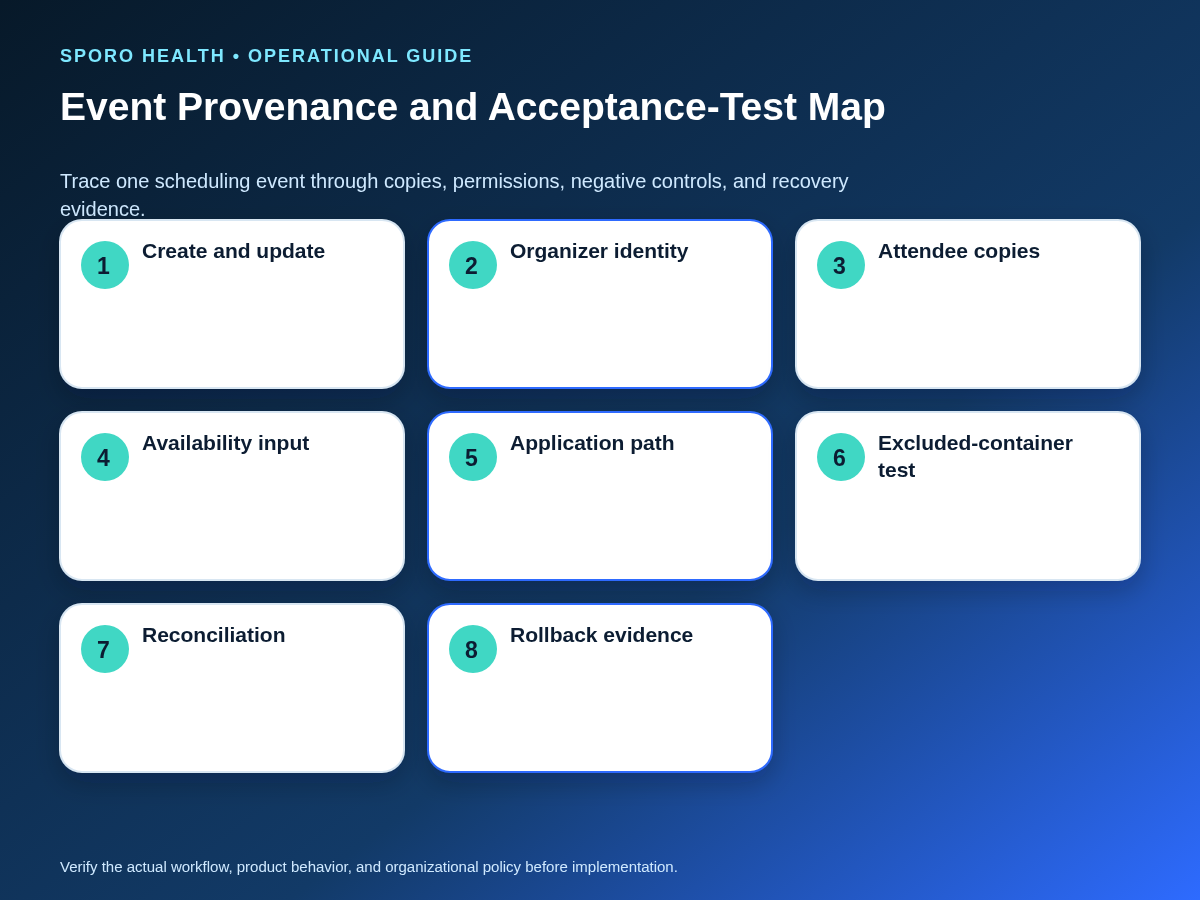
Trace who created the event, where every copy lives, what constrains availability, and who may correct it. The map should follow one representative event rather than relying on a screenshot of the target calendar.
Before building the map, inventory every Outlook calendar that may affect availability, including personal attendee copies and legacy containers.
| Provenance field | Evidence to capture |
|---|---|
| Organizer | Group, shared mailbox, staff member, integration identity, or another organizer |
| Owner | Group object, mailbox, provider, or practice function |
| Attendee copies | Where invitations or personal copies appear and whether they show Busy |
| Write destination | The one calendar the approved workflow changes |
| Availability input | The exact copy, status, and calendar that may constrain booking |
| Integration identity | Delegated user, service principal, or other documented path |
| Correction authority | The role allowed to update, cancel, delete, reconcile, or escalate |
Run create, update, invitation, response, cancellation, and deletion scenarios through desktop and mobile clients used by the pilot. A second copy is not automatically a duplicate constraint; prove whether the integration observes it and whether the practice has approved it as an availability input.
How should human and application access be proved?
Document staff permissions and integration authorization as separate control paths. A staff member’s ability to edit a calendar does not establish that an application can read, write, monitor, or revoke access to that container.
Use the broader preparation steps to complete the Microsoft 365 integration preflight. When assigning staff rights, also separate Outlook Editor and Delegate responsibilities.
| Proof | Human path | Application path |
|---|---|---|
| Identity | Named user or approved group | Named application and service principal |
| Permission | Membership, mailbox access, or folder role | Delegated or application permission and consent record |
| Operations | Permitted staff actions | Read, create, update, cancel, delete, monitor |
| Scope | Approved calendars only | Positive target and excluded-container negative control |
| Revocation | Remove membership or rights and retest | Remove grant or scope and retest every operation |
Exchange Online RBAC for Applications can pair application roles with mailbox resource scopes and provides an authorization test for a target mailbox. Microsoft also documents calendar-folder permission roles for human access. These controls are evidence inputs, not proof that a particular vendor supports the selected container.
How should the nine-factor scorecard work?
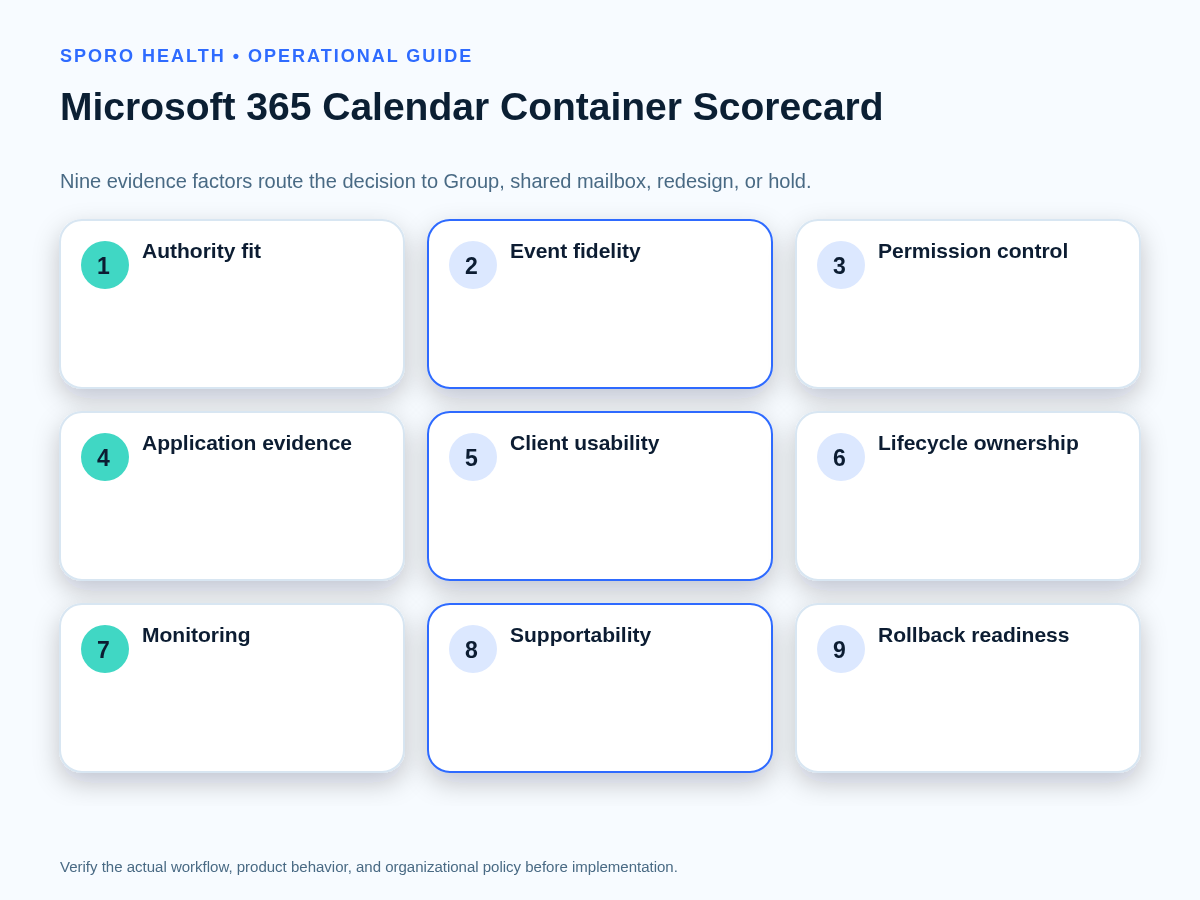
Score each container as unproved, conditional, or proved across nine factors. A total score must never override a zero on authority, application support, event-state fidelity, or rollback.
| Factor | Evidence required for “proved” |
|---|---|
| Authority fit | Container represents the approved schedule unit |
| Event-state fidelity | Required states preserve identity and expected outcomes |
| Permission control | Human rights are narrow, reviewable, and revocable |
| Application evidence | Every required operation works through the approved authorization path |
| Client usability | Desktop and mobile users can perform assigned tasks consistently |
| Lifecycle ownership | Membership, mailbox, and offboarding owners are named |
| Monitoring | Silent failures and excluded-path writes can be detected |
| Supportability | Practice and vendor escalation responsibilities are documented |
| Rollback readiness | Writes can stop and the last reconciled state can be restored |
Choose Group only when its collaboration model and required application path are proved. Choose shared mailbox when mailbox governance and its tested access path fit better. Redesign when the container represents the wrong schedule unit. Hold when any critical factor remains unproved.
What must acceptance testing prove?
Acceptance testing must prove event behavior, authorization boundaries, negative controls, and recovery on the exact tenant configuration. Passing a simple create test is insufficient.
The official athenahealth appointment API reference can help identify athenahealth-side operations, but it does not prove a vendor supports either Microsoft container. Insert these cases into the broader method used to test athenahealth calendar sync before rollout.
| Test group | Required scenarios and evidence |
|---|---|
| Core transactions | Create, update, move, cancellation, and deletion preserve identity and final state |
| Meeting behavior | Invitation, response, organizer, response mailbox, and attendee copies match the design |
| Recurrence and privacy | Recurring exception and private-event handling remain within approved rules |
| Negative controls | Duplicate and excluded-calendar tests produce no extra availability constraint or write |
| Lifecycle | Membership-change and access-revocation tests remove expected rights without leaving hidden paths |
| Recovery | Failure detection, reconciliation, retry or replay, and rollback restore an accountable state |
Record the initial state, action, expected result, actual result, identifiers, timestamps, screenshots or logs, tester, and disposition. A failed critical scenario produces redesign, containment, or hold—not an undocumented exception.
How should an existing calendar be migrated?
Migrate through a bounded cutover rather than uncontrolled copying or parallel entry. Keep the old container available for evidence until future events, identities, and residual access have been reconciled.
| Cutover field | Required control |
|---|---|
| Future-event inventory | List event IDs, series, organizers, attendees, and approved availability role |
| Boundary | Set the last old-container write and first new-container write |
| Method | Define which events are copied, recreated, excluded, or allowed to expire |
| Dual-write containment | Freeze or route edits so one transaction cannot create two active copies |
| Identity and negative checks | Verify organizer, integration mapping, and no write to the excluded container |
| Rollback | Preserve mappings and the last reconciled inventory until the new path stabilizes |
Retire the old container only after every future event has a disposition, representative recurring events pass, access is removed as planned, and the practice can explain which record is authoritative.
How should failures and pilot measures be governed?
Pair each likely failure with a containment owner, recovery action, and closure test before the pilot starts. Recovery should restore an accountable schedule, not merely clear an error message.
| Failure | Containment and recovery |
|---|---|
| Membership drift | Freeze unauthorized editing, correct membership, and retest effective access |
| Revoked application access | Protect affected schedules, restore only approved scope, and reconcile the gap |
| Unsupported event operation | Stop the path, classify affected events, and redesign or hold |
| Duplicate copies | Identify the authoritative event and remove the extra constraint safely |
| Unexplained organizer change | Preserve evidence, correct routing, and retest invitations and responses |
| Residual migration events | Reconcile against the cutover inventory before retiring the old container |
Track unexplained organizer changes, duplicate constraints, unauthorized editors, excluded-path failures, stale membership, unmonitored calendars, and events that cannot be reconciled to an accountable source. Review by container, provider or team, operation, and cause rather than relying on one aggregate pass rate.
Where do connected-calendar products fit?
A product belongs in the decision only after it demonstrates the selected container and authorization path. Review the Sporo Health company overview and the current athenahealth-to-Outlook product page, then request written Group-calendar and shared-mailbox support details plus a tenant-specific demonstration.
If the practice is comparing ecosystems, also review the athenahealth-to-Google Calendar product page and the Sporo Health athenaConnect Marketplace listing. Treat these as vendor materials, not proof of container-specific behavior. Privacy, security, and regulatory conclusions require authorized review of the actual configuration, contracts, data, retention, and controls.
Frequently asked questions
Does a Microsoft 365 Group calendar automatically block provider availability in athenahealth?
No. Any scheduling effect depends on the approved workflow and demonstrated integration behavior.
Is every shared-mailbox calendar suitable for an athenahealth integration?
No. The exact mailbox, calendar, permissions, notification path, event states, and vendor support must be tested.
Can staff permissions prove integration access?
No. Human calendar rights and application authorization are separate control paths, so each needs its own evidence and revocation test.
Which is better: Microsoft 365 Group calendar vs shared mailbox for athenahealth scheduling?
Neither is universally better. Choose according to booking authority, membership, organizer behavior, application support, lifecycle control, and tested recovery.
What should trigger a hold instead of a pilot?
Hold when authority is unclear, a critical event operation is unsupported, application access is unproved, the excluded container still changes availability, or rollback cannot be demonstrated.
Can a practice migrate by copying every future event?
No. Inventory identities first, set a cutover boundary, prevent dual writes, test copied or recreated events, and retire the old container only after reconciliation.
Sources
- Microsoft Support: Use a Group calendar in Outlook to schedule and edit events
- Microsoft Learn: About shared mailboxes in Microsoft 365
- Microsoft Graph: Create event in a user or Group calendar
- Microsoft Graph: List Group events
- Microsoft Learn: RBAC for Applications in Exchange Online
- Microsoft Learn: Add-MailboxFolderPermission
- athenahealth: Appointment API reference