When a Provider Stops Seeing Patients in athenahealth: A Role-Transition Checklist
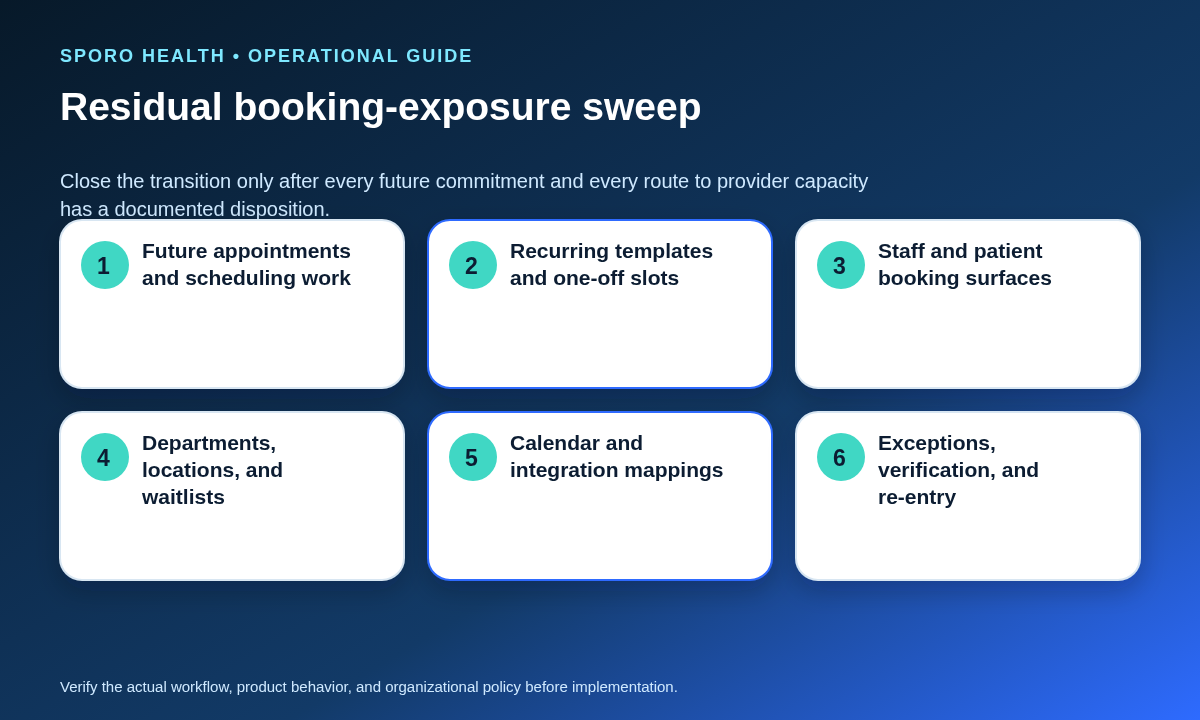
For practice managers asking what to do when a provider stops seeing patients in athenahealth, the safe approach is not full offboarding. First resolve every future appointment and scheduling task, then close every staff and patient booking surface, reduce athenaOne and calendar access to the provider’s new duties, verify integration behavior, and require independent evidence that no stale capacity remains.
What kind of provider transition is this?
Use this checklist when the provider remains employed but stops patient-facing care indefinitely or permanently. Use the provider leave-of-absence schedule and access checklist when a return is planned, and the provider calendar offboarding checklist when employment or the contractual relationship ends. A department transfer needs a different workflow if clinical booking will continue elsewhere.
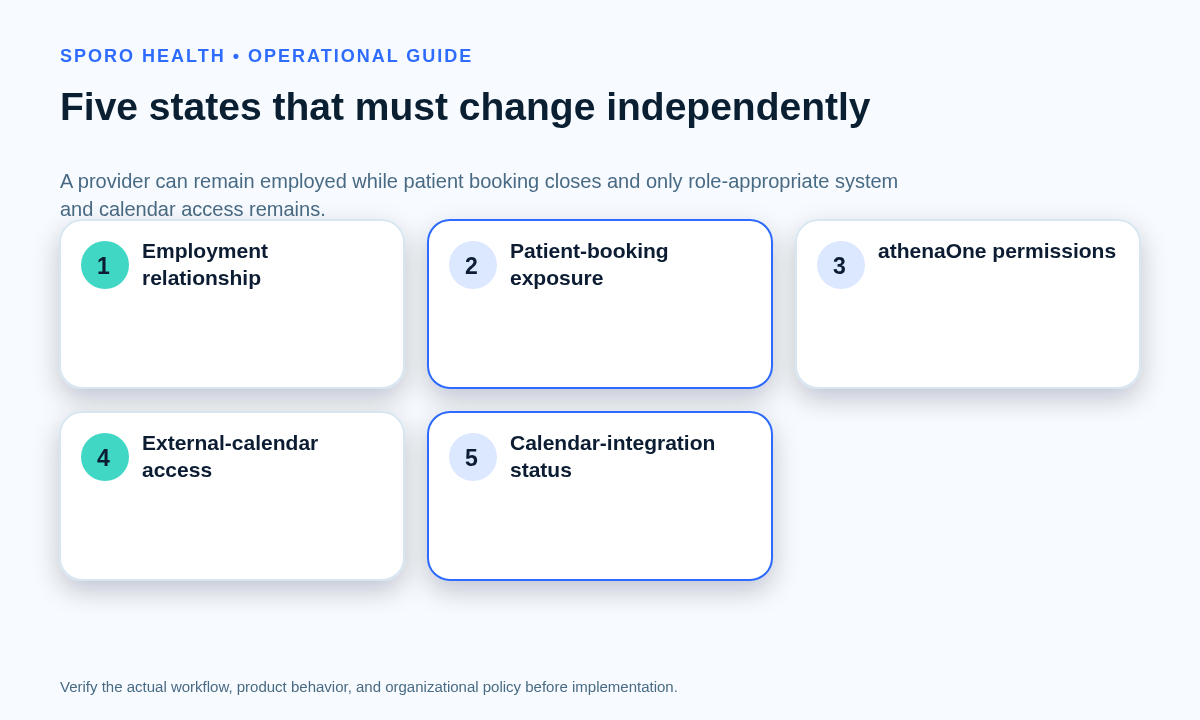
Do not represent the provider as simply active or inactive. Record five states independently:
| Control dimension | Target state | Required evidence |
|---|---|---|
| Employment relationship | Employed in the new role | Approved role and effective date |
| Patient-booking status | Non-bookable | Negative booking-surface tests |
| athenaOne access | Limited to new duties | Approved permission comparison |
| External-calendar access | Kept, narrowed, or removed | Google or Microsoft access test |
| Calendar-integration status | Kept, narrowed, paused, disconnected, or redesigned | Observed test result |
What belongs in the role-transition record?
The record should define the boundary, retained duties, owners, approved access, exceptions, and evidence before anyone changes the schedule. Include the effective date, last clinical session, future-appointment cutoff, departments and locations affected, retained job duties, permitted athenaOne functions, external-calendar disposition, integration disposition, responsible owners, exception path, verification evidence, and conditions for later reactivation.
Assign separate people to approve the role, execute schedule and access changes, disposition future work, and verify the result where staffing permits. The final reviewer should be able to trace each decision to an owner and a test rather than relying on a verbal statement that the provider was “made inactive.”
How should future appointments and scheduling work be handled?
Every future item needs an explicit disposition and a named owner before the clinical cutoff. Do not close capacity first and leave booked work, waitlists, recurring plans, or follow-up tasks to be discovered later.
| Future-work class | Allowed disposition | Closure evidence |
|---|---|---|
| Booked appointments | Complete, transfer, reschedule, approved cancellation, exception, or escalation | Final appointment state and owner |
| Recurring appointment plans | End, split, transfer, rebuild, or escalate | Every expected occurrence accounted for |
| Waitlist items | Move to an eligible queue, close, or escalate | No item still targets unavailable capacity |
| Follow-up requests and ticklers | Reassign, complete, close, or escalate | Accepted destination owner |
| Scheduling tasks and messages | Complete or hand off with context | Accepted handoff |
| Provider-organized meetings | Keep, transfer, recreate, cancel, or monitor | Organizer and attendee behavior verified |
| Unresolved exceptions | Contain and assign a deadline | Risk, monitor, and retest date recorded |
Review both the near-term schedule and the full open booking horizon. The work is complete only when each item has reached a valid final state or entered a documented exception path.
Is removing the provider’s schedule template enough?
No, closing one template does not prove that the provider is non-bookable. Use the daily athenahealth schedule reconciliation playbook during the observation period to find and close residual exceptions. athenahealth’s current service description identifies Schedule Builder, Appointment Schedule, recurring appointment handling, staff scheduling, and configured patient self-scheduling as distinct parts of the scheduling environment, so the sweep must extend beyond one template. Review the athenaOne scheduling description.
Test all applicable surfaces:
- Recurring templates and date-bounded template applications
- One-off, frozen, released, or manually created slots
- Staff booking views, saved filters, and department searches
- Patient Portal, athenaPatient, guest self-scheduling, and request paths
- Every department, location, appointment type, and booking horizon
- Waitlists, recurring plans, ticklers, and unresolved scheduling tasks
- Google Calendar or Outlook events that could affect availability
- Integration mappings, provider identifiers, and unclosed connections
Run negative tests from representative staff and patient perspectives. Search multiple future dates and attempt a controlled test transaction where policy permits. Capture the query, date, role, result, and reviewer instead of recording only “schedule closed.”
Which access should the provider retain?
Retained access should follow the provider’s new duties, not the permissions attached to the former clinical role. Start with the provider calendar access recertification workflow, then review athenaOne, Google Workspace, Microsoft 365, groups, delegated rights, mobile access, and application access. HHS guidance specifically notes that a change in responsibility can require increased access to some systems and decreased access to others. See HHS access-establishment and modification guidance. When the minimum-necessary standard applies, access should also be limited according to role and purpose. See the HHS minimum-necessary FAQ.
| New duty | Access question | Former privilege to review | Evidence |
|---|---|---|---|
| Administrative meetings | Is work-calendar access sufficient? | Patient-booking and clinical schedule rights | Meeting test |
| Reporting or leadership | Which reports and departments are required? | Broad patient or scheduling access | Approved report test |
| Authorized follow-up work | Which patient or communication functions remain justified? | Unrelated clinical functions | Permitted and denied tests |
| No retained system duty | Can the path be removed? | All inherited access | Residual-access test |
Use the exact permission names and administrative controls available in your configured environment. athenahealth states that scheduling access depends on user permissions, provider groups, and departments; do not assume one universal role name fits every practice.
What should happen to Google Calendar, Outlook, and synchronization?
Decide external-calendar access and integration status separately from employment and athenaOne access. A provider may need a calendar for administrative meetings while having no legitimate reason to remain connected to patient-booking workflows.
Choose one documented outcome for each calendar and connection: keep unchanged, narrow the calendar or provider scope, pause while evidence is gathered, disconnect, or redesign around a different managed calendar. Google permits calendar owners or administrators to control sharing levels and remove specific people or groups. Review Google Calendar sharing controls. Microsoft documents separate procedures to review, change, remove, and verify calendar permissions. Review Exchange Online calendar permissions.
Do not use broad account suspension or license removal as an automatic shortcut for an employed person. Google notes that suspension retains account data but blocks the user’s service access and new calendar invitations. Review Google’s suspension behavior. Microsoft allows administrators to change access to individual apps and services, which is distinct from removing every product license. Review Microsoft 365 apps and license controls.
How do you verify that the transition is complete?
The transition is complete only when future work has an owner, no unauthorized booking capacity is found, retained access matches the new role, calendar behavior is verified, and an independent reviewer accepts the evidence. Use one of four closure outcomes:
| Outcome | Use when | Required action |
|---|---|---|
| Accept | All work, exposure, access, and calendar tests pass | Close the record and begin observation |
| Accept with monitored exception | A bounded issue cannot create new unauthorized commitments | Name a monitor, deadline, and retest |
| Delay transition | Future work or required access is not ready | Do not declare the target state complete |
| Contain and escalate | The effective date is fixed but a path remains unsafe | Block new commitments and escalate correction |
The evidence packet should include the future-work register, before-and-after access comparison, booking-surface test log, calendar and integration results, unresolved exceptions, named owners, review date, and reviewer acceptance. Observe at least the practice-defined near-term scheduling horizon for stale slots, misrouted requests, or unexpected calendar updates.
What if one booking or access path cannot be closed on time?
Contain the path, prevent new patient commitments through it, and assign a named monitor until correction and retesting are complete. Record the affected provider, department, dates, channel, failure mode, interim control, monitor, escalation owner, correction deadline, and retest method.
A monitored exception is not permission to leave the surface unattended. If containment cannot reliably prevent new bookings or inappropriate access, use the contain-and-escalate outcome and communicate the restricted path to scheduling teams through an approved operational channel.
What must happen before the provider resumes seeing patients?
Use a fresh booking-readiness review rather than restoring the former template or reconnecting the old calendar automatically. Apply the booking-readiness gate for opening a provider schedule to the returning clinical state.
Revalidate departments, locations, appointment types, templates, permissions, staff and patient booking channels, external-calendar ownership, integration mappings, future capacity, representative create-change-cancel transactions, exception ownership, and early observation. The previous clinical configuration is historical evidence, not approval for the new start date.
Where do current connected-calendar destinations fit?
Use product destinations for vendor-specific evaluation only after the practice defines the required role-transition controls. Review the Sporo Health overview, the current athenahealth and Google Calendar connection, the athenahealth and Microsoft 365/Outlook connection, and the Sporo Health listing in athenaConnect Marketplace. Treat product descriptions as vendor claims and verify behavior against your approved scope and test cases.
Practical conclusion
The practical answer to what to do when a provider stops seeing patients in athenahealth is to separate employment from booking, access, calendar, and integration status. Resolve future work first, close and test every booking path, retain only duty-based access, and accept the transition only when an independent reviewer can trace each target state to evidence.
Frequently asked questions
How do you make a provider non-bookable in athenahealth without deleting the user?
Close every booking pathway rather than deleting the user. Keep the account only if the new duties require it, then reduce permissions, calendar access, and integration scope and verify that staff and patient searches show no bookable capacity.
What happens to future appointments when a provider stops clinical practice?
Every future appointment needs an explicit disposition. Complete it before the cutoff, transfer it, reschedule it, cancel it under approved policy, retain it as an authorized exception, or escalate it to a named decision owner.
Is removing a provider’s schedule template enough to stop patient booking?
No, a removed template does not prove every booking surface is closed. Test one-off slots, recurring capacity, departments, locations, staff views, self-scheduling, waitlists, calendar mappings, and other channels that could still expose availability.
Should Google Calendar or Outlook synchronization remain connected when a provider moves to an administrative role?
Only if the connection serves an approved duty in the new role. Meeting-calendar access does not by itself justify keeping a provider connected to patient-booking workflows; choose keep, narrow, pause, disconnect, or redesign explicitly.
Which athenaOne permissions should a nonclinical physician retain?
Retain only the functions required for documented duties. Map each administrative, reporting, communication, scheduling, or patient-information need to approved access, then remove or reduce permissions inherited from the former clinical role.
How is a clinical-to-administrative role change different from provider leave or offboarding?
A role change is indefinite or permanent while employment continues. Leave expects a return and needs reversible controls; offboarding ends the relationship and normally removes access; a department transfer keeps clinical booking active somewhere else.
How do you verify that a provider no longer appears on staff or patient booking surfaces?
Run representative staff and patient searches across departments, locations, appointment types, and future dates. Record screenshots or reports, test connected-calendar behavior, confirm retained access, and require an independent reviewer to accept the evidence.
What must be retested before the provider can resume seeing patients?
Use a fresh booking-readiness gate. Revalidate departments, locations, appointment types, templates, permissions, booking channels, calendar mappings, future capacity, representative booking transactions, exception ownership, and early observation before reopening patient care.
Sources
- athenahealth: athenaOne Service Description
- HHS: Controlling Access to ePHI
- HHS: Minimum Necessary FAQ
- Google Calendar Help: Share your calendar
- Google Workspace Admin Help: Suspend a user temporarily
- Microsoft Learn: Manage calendar permissions in Exchange Online
- Microsoft Learn: Assign or unassign licenses and services