Reopening Physician Time After Removing a Calendar Event: An athenahealth Stale-Block Runbook
Why is physician time still blocked in athenahealth after deleting a calendar event? Usually, the removed item was not the only state constraining the interval: a duplicate survived, the wrong recurrence scope changed, a removal update was missed, an identity mapping became stale, or athenahealth has a separate restriction. Practice managers should contain only that interval, protect booked appointments, prove the branch, and reopen after a delayed recheck.
Why is physician time still blocked in athenahealth after deleting a calendar event?
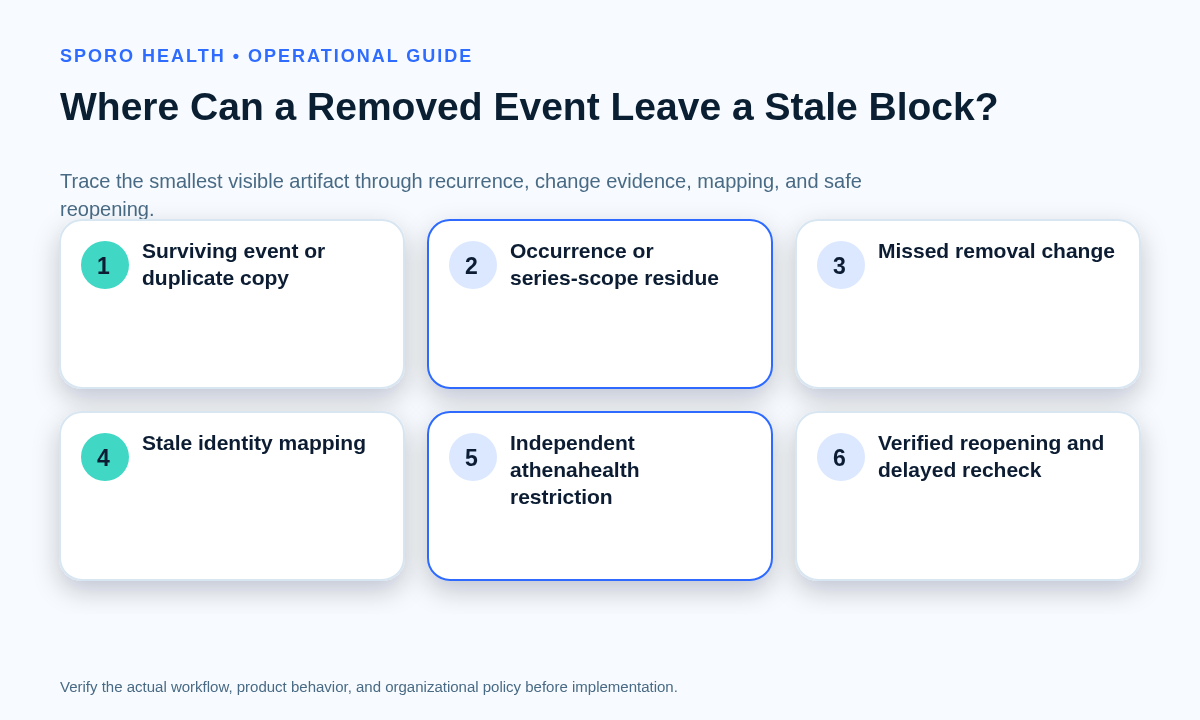
A removed event can leave physician time closed because the blocking state may survive somewhere other than the item staff just removed. Treat the interval as uncertain until one of four branches is proved: a surviving copy, recurrence-scope residue, a missed removal change or stale mapping, or an independent athenahealth restriction.
- Surviving copy: another calendar, duplicate, attendee copy, imported item, or replacement event still covers the interval.
- Recurrence residue: one occurrence was removed, but its parent series or a modified exception still represents the time.
- Missed change or stale mapping: the external platform recorded the removal, but the connected workflow did not reconcile the corresponding identity.
- Independent restriction: a schedule rule, closed slot, template exception, approved hold, or other athenahealth-side control still limits capacity.
Google represents deleted events and canceled recurring exceptions as distinct event states, while Microsoft exposes deletion, cancellation, series, occurrence, and exception evidence separately. That is why a blank calendar view alone does not identify the cause. See the Google Calendar event resource and Microsoft Graph event resource.
If the symptom is the opposite—time remains bookable after adding a commitment—use the false-open physician time diagnostic instead.
What should staff do first?
Contain new booking only for the affected interval, preserve the evidence, and check for existing patient appointments before editing either system. Do not close the physician’s full day, delete neighboring occurrences, or start a broad resynchronization while the fault remains unclassified.
- Record the provider, date, time zone, original interval, approved calendar, and current athenahealth capacity state.
- Identify whether a patient appointment is already booked within or adjacent to the interval. Protect booked care from automated or manual cleanup.
- Record the exact removal action, actor, timestamp, event owner, target calendar, and occurrence-versus-series scope.
- Name one investigation owner and one verifier. Pause competing edits until they coordinate the correction.
The event-removal provenance ledger should contain enough evidence to reconstruct the transaction:
| Ledger field | What to capture |
|---|---|
| Schedule scope | Provider, department, location, time zone, and affected interval |
| Calendar identity | Account, calendar container, owner, event or series identifier, and original start |
| Removal provenance | Delete, cancel, move, or end-series action; actor; device or interface; timestamp |
| Booking state | Existing appointments, open capacity, holds, and nearby dependencies |
| Disposition | Proved branch, smallest correction, verifier, delayed recheck, and closure time |
How should deletion, cancellation, moving, and ending a recurring series be distinguished?
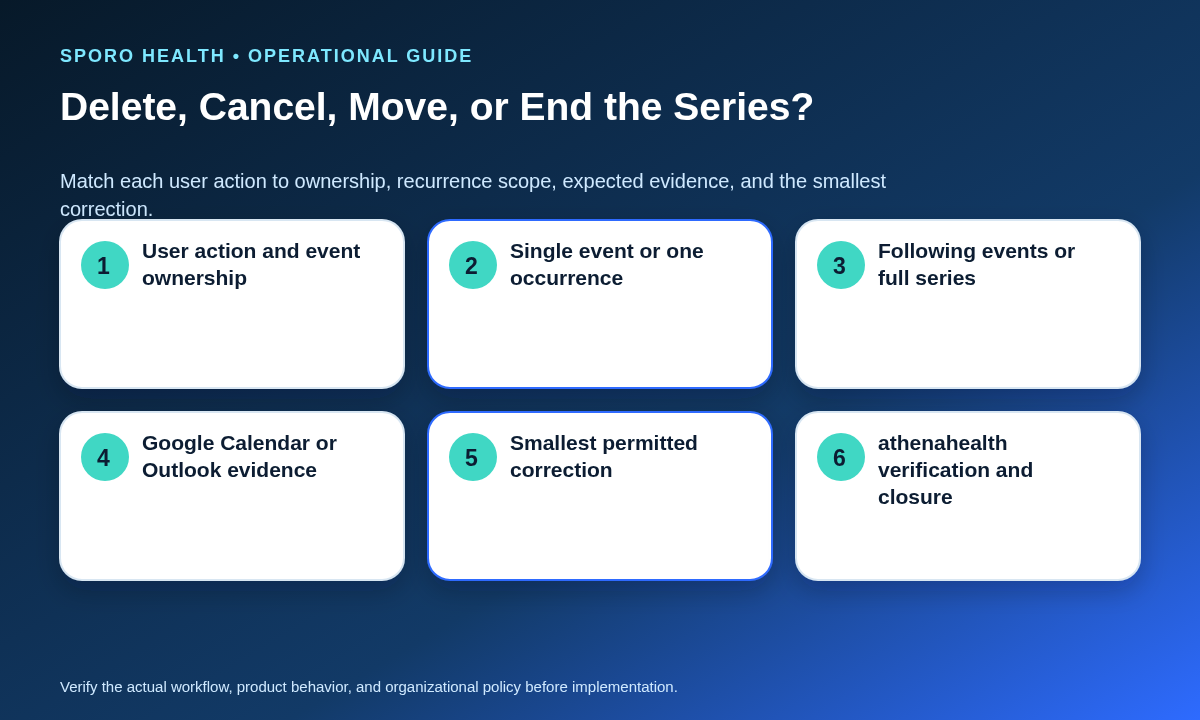
Record the user’s actual action, event ownership, target calendar, and recurrence scope because each path produces different evidence. “The event is gone” is an observation, not a complete transaction description.
| Action | Identity and scope to record | Expected evidence | Recovery implication |
|---|---|---|---|
| Delete or remove | Owner versus invitee; single event, occurrence, or series | Deleted or canceled identity, removal from the intended calendar, and any surviving copies | Search other approved containers before recreating anything |
| Cancel a meeting | Organizer, attendees, cancellation scope, and sent update | Organizer cancellation plus the resulting attendee-calendar state | Do not treat an attendee’s local deletion as organizer cancellation |
| Move an event | Old time, new time, event identity, and exception scope | Old interval released and new interval represented once | Test both intervals; a move can leave residue at the original time |
| End a series | Parent series, final valid occurrence, cutoff, and future scope | Past occurrences retained as intended and future occurrences removed or canceled | Verify the occurrence immediately before and after the cutoff |
Google’s help distinguishes deleting an owned event from removing an invitation and offers one-occurrence, following-events, and full-series choices. Microsoft similarly distinguishes organizer cancellation from attendee deletion and occurrence from series scope. Review Google’s event-deletion guidance and Microsoft’s Outlook event guidance.
Which diagnostic sequence limits unnecessary changes?
Move from the smallest visible artifact to recurrence identity, change evidence, mapping evidence, and finally independent athenahealth restrictions. Stop as soon as one branch is proved; do not “clean up” unrelated records.
- Inspect the interval: search every approved calendar container for the same time, including shared or secondary calendars and duplicate-looking items.
- Resolve recurrence scope: identify the parent series, original occurrence time, modified exceptions, and neighboring occurrences.
- Trace the removal: confirm whether the platform recorded deletion, cancellation, or movement and whether available integration evidence observed that change.
- Check athenahealth independently: determine whether a local schedule rule or restriction explains the closed capacity without relying on the external event.
| Classifier branch | Evidence that selects it | Smallest correction |
|---|---|---|
| Surviving event copy | An active item still covers the interval on an approved calendar | Remove or correct only the proved surviving copy |
| Recurrence-scope residue | Parent-series or exception evidence still claims the original occurrence | Correct the one occurrence or approved future boundary |
| Missed removal or stale mapping | Platform removal exists, but the linked identity or change trail was not reconciled | Reconcile the event identity or repair the specific mapping |
| Independent athenahealth restriction | No approved calendar artifact remains, but a separate capacity control is present | Remove or amend that restriction through its authorized workflow |
When two items appear related, preserve their identifiers and consult the duplicate event identity-and-replay guide. If the item was declined rather than removed, use the declined-event availability guide to separate RSVP state from availability state.
How should Google Calendar and Outlook be handled?
Use separate platform evidence cards rather than assuming Google Calendar and Outlook produce identical removal or recurrence records. Capture what the user did in the interface and what the platform’s current event model can prove.
What should the Google Calendar evidence card contain?
Record the calendar ID, event ID, owner, status, recurring-event ID, original start time, and removal scope. Google documents that a canceled recurring exception can retain the parent recurring-event ID and original start time, while other canceled events represent deleted items that clients should remove locally. Its incremental synchronization guidance says changed results include deleted entries and that an invalid sync token requires a new full synchronization. See the Events API reference and incremental synchronization guide.
What should the Outlook evidence card contain?
Record the mailbox and calendar, organizer, event type, series master, original start, cancellation state, occurrence scope, and available delta evidence. Microsoft Graph delta queries can return added, updated, or deleted events within a calendar view. A series master can expose canceled occurrence identifiers separately from modified exceptions, and Outlook’s user workflow distinguishes canceling an organized meeting from deleting an appointment or invitation. See Microsoft Graph calendar-view delta queries and the event resource definition.
How should one removed recurring occurrence be tested?
Match the occurrence’s original time to its parent series, verify its immediate neighbors, and test only the affected interval before considering a series-wide correction. The displayed start time is insufficient when an occurrence was previously moved.
- Capture the parent series identity and the occurrence’s original start, current start, time zone, and removal action.
- Verify the preceding and following occurrences still have the intended state.
- Search for an exception or duplicate that occupies the original interval.
- Confirm that the affected athenahealth interval—not the whole recurring pattern—has the intended capacity.
- Repeat the check after the normal observation delay. Escalate if the stale block returns.
What recovery path should staff use?
Correct the smallest confirmed fault and widen recovery only when the evidence proves a broader boundary is affected. A broad resync, series-wide edit, or mapping rebuild should be an escalation step, not the opening move.
- Contain: prevent new booking only for the uncertain interval while preserving booked appointments.
- Remove the survivor: correct the one active duplicate or calendar artifact that still claims the time.
- Repair recurrence scope: reconcile the specific occurrence, exception, or approved series cutoff.
- Reconcile the missed change: replay or process the confirmed removal without creating a new competing identity.
- Repair the mapping: restore the proved provider-calendar-event relationship and retest create, change, and removal behavior for that bounded scope.
- Escalate: authorize a bounded resynchronization or vendor investigation only when narrower steps cannot restore trustworthy state.
If evidence shows the removal occurred during an authorization or notification gap, follow the disconnected provider calendar recovery runbook to define and reconcile the missed-change window.
When can physician time reopen?
Reopen only after the blocking artifact is gone, athenahealth shows the intended capacity, booked patients remain protected, and a delayed recheck confirms the stale state does not return. One successful refresh is not a complete closure test.
The reopen proof pack should contain:
- Artifact scan: no active approved calendar item, duplicate, recurrence exception, or future-series residue covers the interval.
- Capacity check: the intended provider, department, location, appointment type, and booking surfaces show the approved state.
- Booked-patient safeguard: no existing appointment was canceled, moved, duplicated, or exposed by the correction.
- Negative test: where locally approved, use a test environment, booking preview, or non-patient test method to confirm the old restriction no longer applies; do not create a real patient appointment merely to test availability.
- Delayed recheck: repeat the artifact and capacity checks after the relevant systems have had time to reconcile.
- Closure owner: record who verified the result, when it was checked, and what evidence supports closure.
athenahealth’s current appointment documentation describes workflows for finding open slots and reporting booked, rescheduled, or canceled appointments. Use the practice’s authorized interface and locally approved evidence rather than assuming one screen proves every booking channel. See athenahealth Appointments documentation.
How should stale availability blocks be measured?
Measure both how long stale blocks last and how often teams reopen time without complete proof. Review results by provider-calendar pair and recurrence status so repeated control failures are not hidden in one overall count.
| Measure | Definition |
|---|---|
| Stale-block duration | Time from the recorded removal action to verified reopening |
| Unsupported reopening rate | Reopened intervals without a complete proof pack divided by all reopened stale blocks |
| Recurrence-related repeat rate | Repeated stale blocks involving occurrences or series divided by all stale-block cases |
| Broad-recovery frequency | Cases requiring resync, mapping rebuild, or vendor escalation divided by all cases |
| Pair-level repeat count | Repeat failures for the same provider-calendar pair within the practice’s review period |
Use the calendar sync drift sampling framework when isolated stale blocks begin to suggest a wider reconciliation problem.
Where do connected-calendar options fit?
Connected calendars can support schedule visibility and change propagation, but they do not replace authority, verification, exception, and recovery rules. A product page cannot prove why one interval remained closed.
Teams comparing vendor options can start with the Sporo Health healthcare automation overview, then review Sporo’s current vendor descriptions for an athenahealth and Google Calendar connection, an athenahealth and Microsoft 365/Outlook connection, and the athenaConnect Marketplace listing for Sporo Health Google Calendar Sync. Treat those destinations as vendor claims and require incident-specific evidence before attributing cause or recovery to any product.
How should the stale-block investigation close?
Close the case only when the smallest confirmed fault has been corrected and the reopen proof pack is complete. The practical answer to “why is physician time still blocked in athenahealth after deleting a calendar event” is to prove which state survived—not to make broader edits until the symptom disappears. Retain the provenance ledger so repeat failures can be compared by provider, calendar, recurrence scope, and recovery level.
Frequently asked questions
Why is physician time still blocked in athenahealth after deleting a calendar event?
The likely cause is a surviving event copy, recurrence-scope residue, a missed removal change or stale mapping, or a separate athenahealth restriction. Treat the interval as uncertain until evidence selects one branch.
Does deleting a calendar event automatically reopen athenahealth time?
Not necessarily. Another copy, a recurring exception, a missed change path, an outdated mapping, or an unrelated athenahealth restriction may still keep the interval closed.
Should staff create another event to force the time open?
No. A compensating event can introduce another identity and hide the original fault. Preserve the evidence, correct the confirmed source, and create another item only when the approved workflow requires it.
How do you diagnose a stale block after deleting one recurring occurrence?
Match the occurrence’s original time and parent series, verify neighboring occurrences, and test only the affected interval. Do not edit the full series unless the evidence shows a series-wide fault.
When should a stale calendar availability block become a sync incident?
Escalate when the branch cannot be proved, the interval re-closes after correction, multiple provider-calendar pairs are affected, or recovery would require a broad resync, mapping rebuild, or series-wide edit.
What proves that physician time reopened safely?
No approved blocking artifact remains, athenahealth shows the intended capacity state, existing appointments are protected, any approved negative test passes, a delayed recheck remains clear, and a named owner closes the record.
Sources
- Google Calendar API: Events resource
- Google Calendar API: Synchronize resources efficiently
- Google Calendar Help: Delete an event
- Microsoft Graph: Get incremental changes to events in a calendar view
- Microsoft Graph: Event resource type
- Microsoft Support: Create, modify, or delete an Outlook event
- athenahealth: Appointments documentation
- Sporo Health: athenahealth and Google Calendar
- Sporo Health: athenahealth and Microsoft Outlook