
athenahealth Calendar Sync Failures: An Alert-to-Action Triage Matrix
To understand how to triage athenahealth calendar sync failures, healthcare IT teams should verify the affected provider-calendar pairs, near-term schedule risk, retry state, last success, and blast radius before choosing an action. This alert-to-action matrix separates failures that require paging, ticketing, monitored recovery, or grouped informational status rather than treating every error as an incident.
What is the difference between an alert, drift, and an outage?
An alert is a signal, drift is a verified cross-system mismatch, and an outage is a defined loss of reliable synchronization across a material scope. Do not promote an error directly to an outage without checking whether retries recovered, whether a schedule state is wrong, and how many provider-calendar pairs are affected.
An alert may report an API response, webhook gap, expired channel, failed retry, or operational complaint. Drift exists only after a comparison confirms that expected states differ. An outage begins when the organization can no longer trust normal synchronization for a scope important enough to change staff behavior.
If no technical alert fired, use reconciliation sampling for silent calendar drift. Alert triage and drift detection are complementary controls: one starts with a signal, while the other starts by comparing schedule states.
How to triage athenahealth calendar sync failures: which disposition applies?
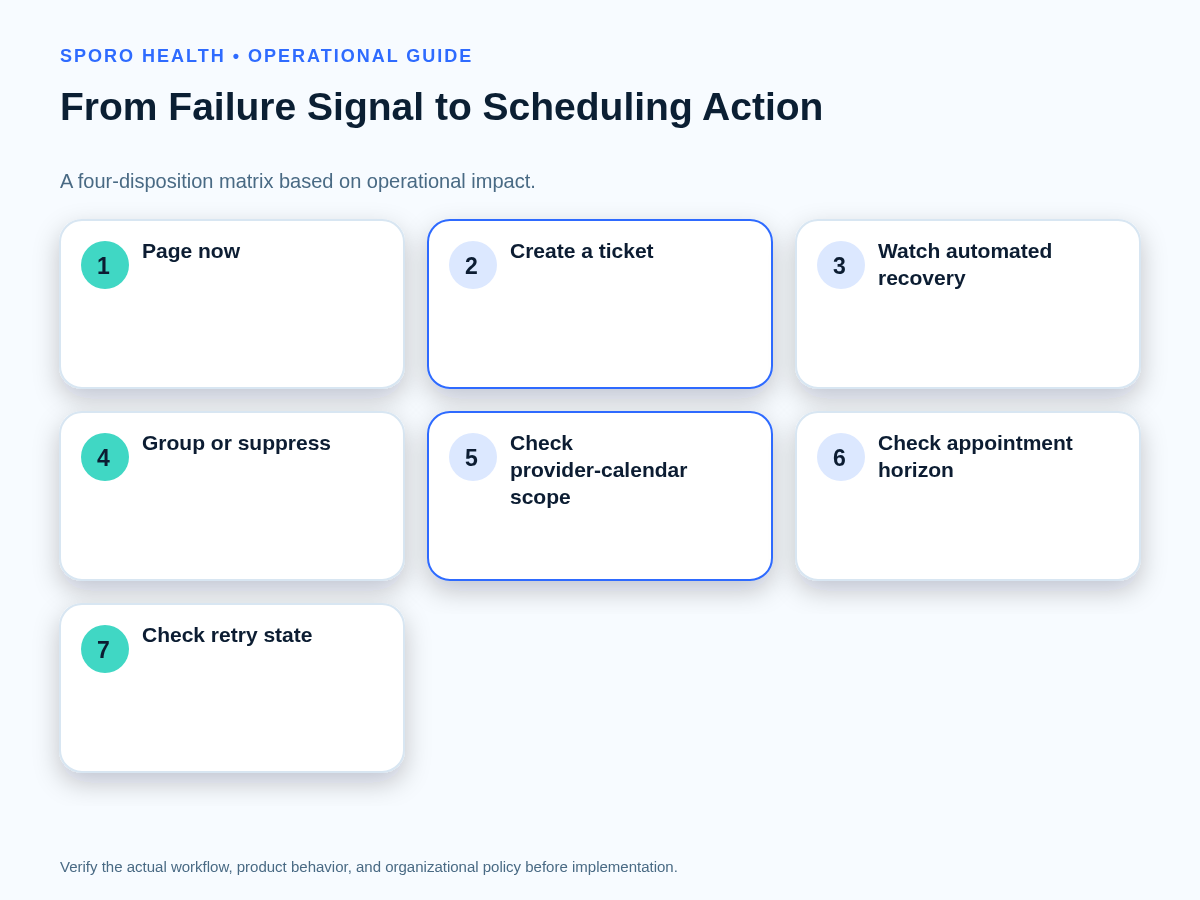
Choose the disposition from confirmed scheduling impact, affected connections, appointment horizon, retry state, and blast radius rather than raw error count. One persistent failure affecting tomorrow morning may matter more than many recovered retries involving distant or unchanged records.
| Disposition | Use when | Required action | Exit condition |
|---|---|---|---|
| Page now | Near-term schedules are unreliable, retries are exhausted, or multiple providers have confirmed impact. | Assign an incident owner, protect affected schedules, and begin recovery. | Risk is contained and reliable state retrieval has started. |
| Create a ticket | The issue is bounded, investigation is necessary, and staff can continue normal scheduling safely. | Record evidence, owner, priority, and a verification deadline. | The cause is corrected or an approved workaround is documented. |
| Watch recovery | The failure is transient and remains inside a defined retry path without confirmed impact. | Observe retry progress and retain the signal for trend review. | A successful operation and representative state check are recorded. |
| Group or suppress | Duplicate child alerts are already represented by a parent incident or informational dashboard. | Attach the signals to the parent and prevent redundant notifications. | The parent issue closes or the grouping key no longer applies. |
Every decision should name the provider-calendar pair, nearest affected appointment, last successful operation, current attempt count, and whether a person must act now. If those fields are unknown, the alert needs enrichment before its severity can be trusted.
What belongs in a calendar sync signal-lineage worksheet?
The worksheet should connect each alert to one affected connection, its recent processing history, a possible schedule consequence, a responsible owner, and a verification step. This creates a traceable path from machine signal to operational decision.
| Field | Question it answers |
|---|---|
| Alert source and timestamp | Which monitor emitted the signal, and when? |
| Connection identity | Which provider, external calendar, tenant, or channel is involved? |
| Non-sensitive record identifiers | Which operations can be traced without copying unnecessary scheduling details? |
| Last successful operation | When was the connection last known to process normally? |
| Error category and attempts | Is the condition transient, permanent, authorization-related, or exhausted? |
| Schedule horizon and consequence | Could imminent appointments, blocks, cancellations, or reschedules be wrong? |
| Owner and next action | Who must watch, investigate, contain, or escalate? |
| Closure evidence | What result will prove recovery rather than merely silence the alert? |
Align technical identifiers with the operations your implementation performs using the official athenahealth appointment API reference, while following organizational rules for authorized access and data handling. Production alert fields should also trace back to scenarios in the pre-rollout calendar sync acceptance matrix.
How should Google Calendar notification failures be recovered?
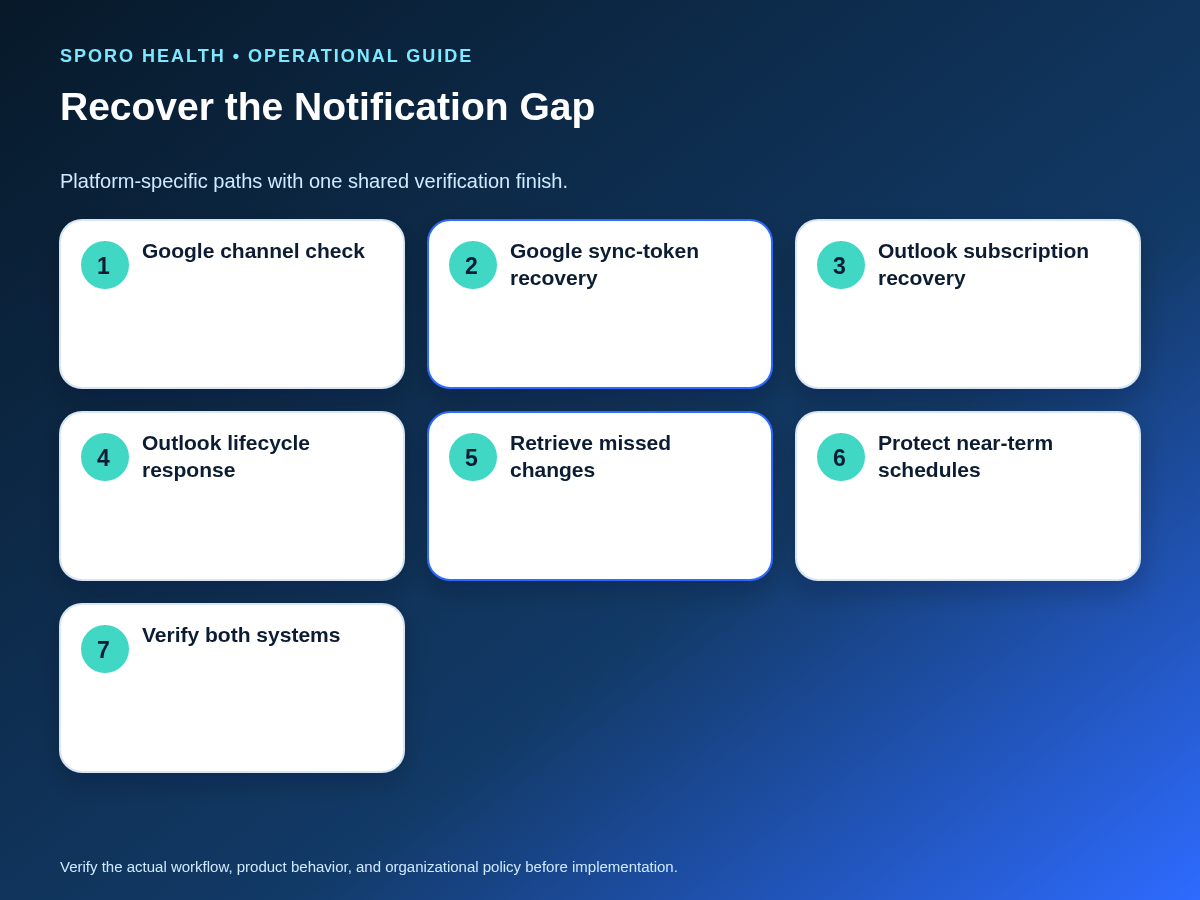
Restore the notification path, retrieve the changes that may have been missed, and verify resulting schedule states before closing the alert. Replacing a channel or receiving a successful webhook response does not by itself prove that every affected event is correct.
Google Calendar notification channels can expire and are replaced rather than automatically renewed. Push messages identify the watched resource but do not contain the specific changed event, so the application must retrieve changes after receiving a notification. Google also advises applications to tolerate missing notifications. See the official guidance on Google Calendar push notifications.
- Expired or near-expiry channel: create the replacement channel, confirm receipt, and check the overlap or gap window.
- Invalid sync token: a 410 response requires a controlled full synchronization according to the Google incremental synchronization guide.
- Rate limit or transient backend error: keep the signal in the retry path and use the response-specific guidance, including exponential backoff where prescribed in Google Calendar API error handling.
How should Outlook calendar change-notification failures be recovered?
Renew, reauthorize, or recreate the affected Microsoft Graph subscription, then retrieve calendar changes for the possible notification gap. Subscription health and schedule-state recovery are separate closure requirements.
Microsoft Graph supports change notifications for Outlook events through subscriptions, as described in its Outlook change-notification overview. Monitor expiration, authorization state, lifecycle events, webhook response behavior, throttling, and the last successfully processed notification.
Lifecycle events can report reauthorizationRequired, subscriptionRemoved, or missed. Microsoft directs applications to recreate or reauthorize as appropriate and retrieve missing data afterward; a missed event calls for a data resynchronization. Review the Microsoft Graph lifecycle recovery guidance.
Microsoft Graph expects a timely 2xx response and may delay or drop notifications when an endpoint remains slow. Its webhook delivery guidance should inform endpoint monitoring. Use event delta queries for supported incremental calendar-view recovery, and consult Microsoft 365 readiness checks for Outlook integration when the failure points to mailbox, permission, or calendar topology.
How can calendar sync alert fatigue be reduced?
Page only when a defined human action is required, ticket bounded investigations, and retain nonactionable signals as grouped dashboard information. Alerts that repeatedly produce no decision or intervention should be downgraded, redesigned, or removed.
Google SRE guidance separates page-worthy conditions, important subcritical tickets, and informational dashboard data while supporting alert deduplication and inhibition. That model can be adapted to scheduling integrations without copying its infrastructure assumptions. See Practical Alerting from Time-Series Data.
- Deduplicate by connection, error category, and a defined time window.
- Group provider-level child alerts beneath a confirmed parent incident.
- Delay paging until a transient condition survives the approved retry window, unless schedule impact is already confirmed.
- Review alerts that created no human action, no useful evidence, or no change in disposition.
When should a calendar sync failure become an outage?
Declare an outage when reliable synchronization is lost across a material scope and the practice must change how it protects or processes schedules. A single recovered transient error is not an outage, while one persistent connection failure can still justify immediate action if imminent appointments are unreliable.
Before declaration, check provider-calendar scope, scheduling horizon, retry exhaustion, confirmed mismatches, common dependencies, and the athenahealth status page alongside relevant platform status sources. If normal synchronization can no longer be trusted, move from triage into the calendar integration outage recovery runbook.
How should affected schedules be protected during recovery?
Protect the nearest scheduling horizon first, retrieve missing changes, route confirmed exceptions to named owners, and verify both systems before normal handling resumes. Technical reconnection should not outrun operational containment.
- Define the gap window: start at the last confirmed success and end when reliable processing resumes.
- Identify affected pairs: do not assume every provider or calendar shares the same failure.
- Retrieve changes: use the platform-specific incremental or full recovery path dictated by channel, token, subscription, or lifecycle state.
- Protect imminent schedules: direct confirmed nonincident exceptions into the daily schedule exception-queue handoff.
- Repair transactions: use the front-desk workflow for schedule changes for failed cancellations, reschedules, duplicates, stale entries, or recurring changes.
- Verify representative states: compare creates, updates, cancellations, blocks, and any high-risk near-term records within the gap window.
What proves that an alert is closed or ready for vendor escalation?
An alert closes only when recovery or containment is complete, affected states are checked, near-term schedules are protected, and remaining manual work has an owner. A green connection indicator or a successful retry is evidence, but neither is sufficient alone when changes may have been missed.
The closure record should contain the recovery time, last failed and first successful operations, affected provider-calendar pairs, representative records checked in both systems, retry outcome, protected appointments, remaining exceptions, owner, and final disposition.
If escalation is required, send a concise chronology with timestamps, non-sensitive identifiers, platform and connection IDs, error categories, attempt counts, status-page observations, remediation already tried, the suspected gap window, and the evidence needed from the vendor. Keep child alerts attached to the same packet so responders can see scope without reconstructing duplicate reports.
How should the triage matrix be put into operation?
Start with one agreed matrix, one signal-lineage record, named owners, and a recurring review of alerts that failed to produce useful action. Test channel expiration, invalid-token recovery, missed-notification retrieval, retry exhaustion, deduplication, escalation, and closure evidence before relying on the process.
Organizations evaluating connected-calendar options can review Sporo Health, the current athenahealth and Google Calendar product page, the athenahealth and Microsoft Outlook product page, and the Sporo Health athenaConnect Marketplace listing. Treat product descriptions as vendor claims and confirm current behavior, responsibilities, and evidence during evaluation.
A dependable answer to how to triage athenahealth calendar sync failures is therefore not more paging. It is a repeatable path from signal to verified impact, proportionate action, protected schedules, and documented closure.
Frequently asked questions
What is the first step when an athenahealth calendar sync alert fires?
Identify the affected provider-calendar pair, scheduling horizon, change type, retry state, last successful operation, and any confirmed schedule impact before assigning a disposition.
When should a calendar sync failure page the on-call owner?
Page when a person must protect near-term scheduling or restore a failing connection now, especially after retries are exhausted, multiple providers are affected, or imminent appointments cannot be trusted.
When does a calendar sync alert become an outage?
It becomes an outage when reliable synchronization is lost across a material scope and the practice must change its operating mode; an isolated recovered alert should normally remain a recorded transient event.
What completes Google Calendar notification failure recovery?
Complete recovery by replacing an expired channel if necessary, retrieving changes, handling any invalid sync token through the required full synchronization, and verifying affected schedule states.
What completes Outlook calendar notification recovery?
Complete recovery by restoring the subscription or authorization path, retrieving changes that may have been missed, and checking the affected calendar view rather than closing on subscription renewal alone.
How can a practice reduce calendar sync alert fatigue?
Deduplicate signals for the same connection and time window, group child alerts under parent incidents, require a defined human action for paging severity, and redesign alerts that repeatedly produce no action.
What evidence is required to close a calendar sync alert?
Record recovery or containment, cross-system verification for affected records or a defined sample, protection of near-term schedules, ownership of remaining manual work, and the final closure timestamp.
Sources
- athenahealth appointment API reference
- athenahealth status page
- Google Calendar push notifications
- Google Calendar synchronization guidance
- Google Calendar API error guidance
- Microsoft Graph Outlook change notifications
- Microsoft Graph lifecycle notifications
- Microsoft Graph webhook delivery
- Microsoft Graph event delta queries
- Google SRE practical alerting

2 Comments
Comments are closed.

[…] the calendar sync alert-to-action triage matrix to classify the initial signal. If several providers or a shared dependency are affected, move to […]
[…] the existing calendar sync failure triage matrix to create realistic detection signals without repeating the live production response […]