Duplicate Calendar Events After athenahealth Sync: An Identity-and-Replay Troubleshooting Guide
How to fix duplicate calendar events after athenahealth sync: healthcare IT teams should treat matching entries as suspects, not confirmed duplicates. Contain booking risk, collect the source and destination identity bundle, classify each copy, choose one survivor, repair its mapping, reconcile the affected interval, and test creates, updates, reschedules, cancellations, retries, and recurring exceptions before normal operation resumes.
How to fix duplicate calendar events after athenahealth sync
Start by proving event identity before deleting anything. A calendar title and start time are display attributes, not a reliable cross-system key. The investigation should connect one authoritative athenahealth scheduling object to its intended calendar container, destination event identifier, recurrence relationship, status, and change history.
Use this order of operations:
- Contain the affected provider-calendar pairs.
- Capture identifiers and timestamps for every apparent copy.
- Classify each event as a true duplicate or a look-alike.
- Trace the create, retry, replay, backfill, import, or recurrence path.
- Select one survivor and repair its mapping before removing another event.
- Reconcile the affected interval and run representative regression tests.
What counts as a true duplicate calendar event?
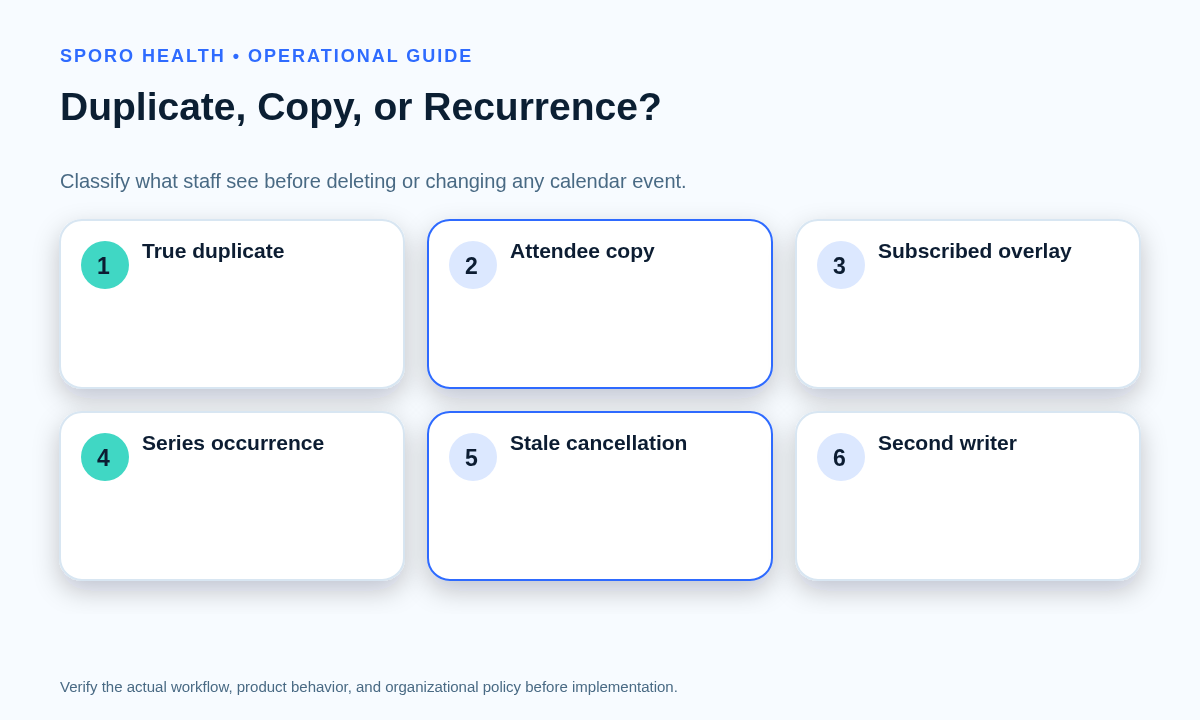
A true duplicate is two independently addressable destination events representing one authoritative scheduling object. Attendee copies, subscribed-calendar overlays, recurring occurrences, exceptions, and stale canceled entries can look repetitive without being duplicate creates.
| What appears duplicated | Identity result | Correct response |
|---|---|---|
| Separate event IDs tied to one source key | True duplicate projection | Preserve one, repair its mapping, then remove or quarantine the other. |
| Organizer event plus an attendee-calendar copy | Legitimate attendee relationship | Inspect attendee behavior; do not delete it as a duplicate create. |
| One event visible through shared or subscribed calendars | Display overlay | Correct the calendar view or subscription rather than the source event. |
| Series master and occurrence IDs | Recurring-event structure | Identify the parent, occurrence, and original start before editing. |
| Canceled event still visible | Stale lifecycle state | Reconcile status and deletion visibility before taking action. |
| Events with different creators or import metadata | Possible second writer | Stop the competing writer and establish edit authority. |
Google documents recurring-event parent and original-occurrence fields, while Microsoft exposes event types, series relationships, exceptions, and occurrences in its event resource. Use those identity fields instead of comparing titles alone.
When should a practice contain or pause sync?
Contain the smallest safe scope, but pause broader writes when identity or scheduling authority is uncertain. Record the affected providers, destination calendars, time range, first known occurrence, and whether new copies are still appearing.
- Direct staff to the authoritative schedule during the investigation.
- Limit unnecessary edits and record every manual change.
- Pause the affected writer if it continues to create independent event IDs.
- Expand containment if the same signature appears across providers or calendars.
Use a defined front-desk workflow for reschedules and cancellations to control live transactions. If the report arrived through monitoring, the alert-to-action calendar sync triage matrix can help assign ownership and decide whether the event-level issue is becoming a broader incident.
What belongs in the event-identity ledger?
The ledger should preserve enough evidence to reconstruct how every event was created, changed, and related. Confirm the scheduling fields available to your implementation against the current athenahealth Appointment API reference and the actual integration contract.
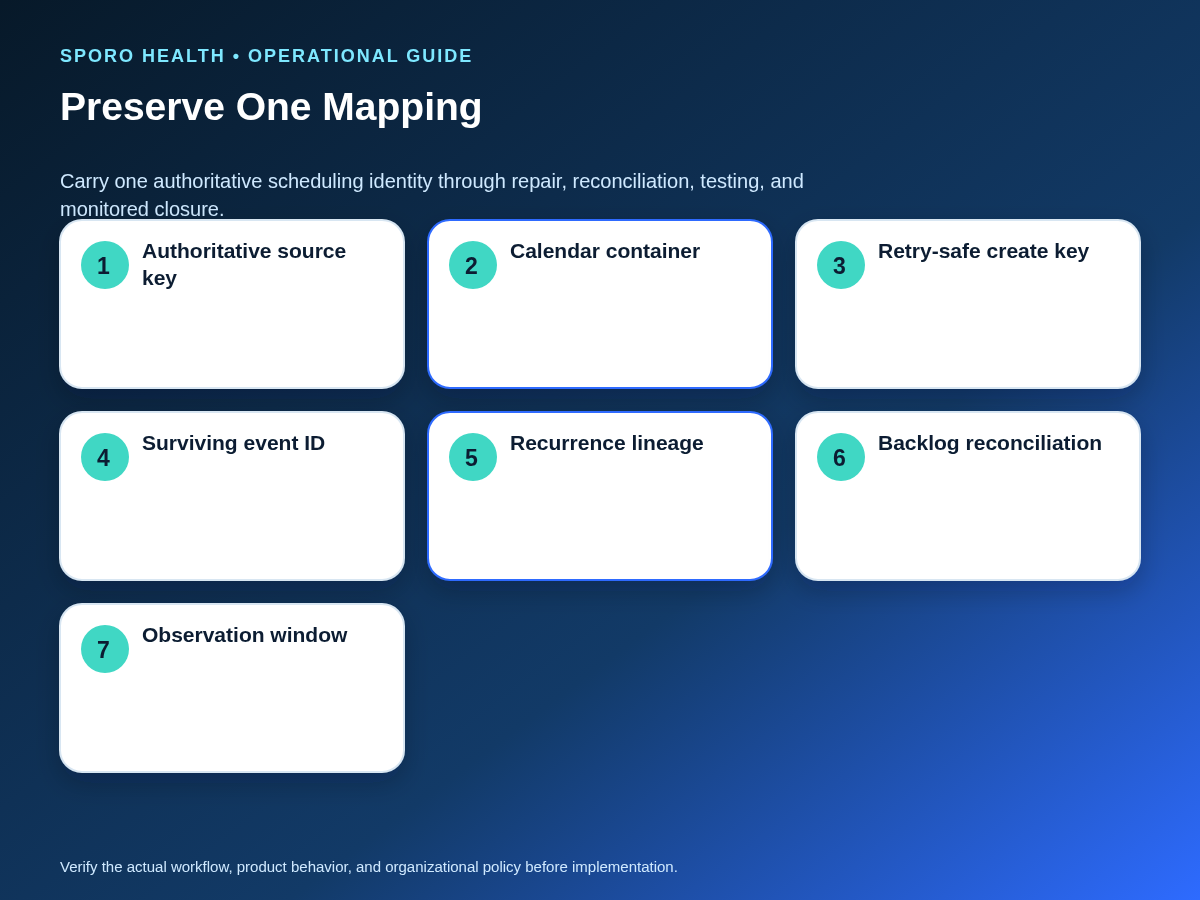
| Ledger field | Evidence to capture | Why it matters |
|---|---|---|
| Authoritative key | athenahealth scheduling record identifier and type | Defines the object that should have one projection. |
| Calendar container | Mailbox or calendar ID and provider | Separates valid copies on different calendars. |
| Destination identity | Event ID, organizer, and platform | Distinguishes independently addressable events. |
| Recurrence lineage | Series parent, occurrence, exception, and original start | Prevents an occurrence from being mistaken for a new event. |
| Create identity | Custom event ID, transaction key, or retry key | Tests whether repeated creates were idempotent. |
| Lifecycle evidence | Created, updated, canceled, or deleted timestamps | Reconstructs ordering and stale states. |
| Repair decision | Survivor, non-survivor, mapping change, and approver | Makes remediation reviewable and reversible. |
| Verification | Test result, reconciled interval, and observation outcome | Supports evidence-based closure. |
Which cause branch explains the extra event?
Investigate each retry, replay, backfill, mapping, writer, move, and recurrence branch separately. A generic sync-failure label is too broad to identify the missing control.
If duplicates appeared during service restoration, compare the timeline with the calendar integration outage recovery runbook before assuming normal-operation retries were responsible.
| Evidence pattern | Cause branch | Control to require |
|---|---|---|
| A create timed out, followed by two event IDs | Ambiguous create retry | Reuse a stable create key and look up the first result before retrying. |
| The same change was processed more than once | Notification replay | Deduplicate delivery and make downstream processing idempotent. |
| Copies followed expired sync state or a backfill | Blind reconstruction | Rebuild observed state and match existing events before creating. |
| An update could not find the stored event | Broken identity mapping | Repair the mapping instead of immediately creating a replacement. |
| Creators or import sources differ | Competing writer | Stop the extra writer and document source-of-truth authority. |
| A moved event is no longer found by its stored ID | ID or mailbox handling | Use the platform-appropriate ID strategy and re-resolve safely. |
| Only one series occurrence is duplicated | Recurrence split | Key the exception by parent series and original occurrence. |
Google says a client-supplied event ID can prevent another event from being created after an ambiguous successful insert, and an invalid sync token requires full synchronization rather than blind continuation. Microsoft Graph may retry webhook delivery after a timeout or non-success response, so replay-safe processing is required. See the primary guidance for Google Calendar event creation, Google Calendar API errors, and Microsoft Graph webhook delivery.
How do Google Calendar and Outlook checks differ?
Apply the same identity-first standard, but test the retry, recurrence, ID, and recovery mechanisms native to each platform.
Google Calendar: verify that a create uses a stable source-to-calendar mapping and, when appropriate, a client-supplied event ID that remains the same on retry. Test a create that succeeds remotely but times out locally; the retry should find or conflict with the existing identity rather than generate a new one. A 410 response for expired synchronization state should trigger a controlled full synchronization that discovers existing events. For recurring items, compare the parent recurringEventId and immutable originalStartTime, not only the displayed start time.
Outlook and Microsoft Graph: verify that repeated creates reuse the same transactionId, which Microsoft defines as a client identifier for avoiding redundant POST operations. Decide whether the mailbox workflow requires Outlook immutable IDs; they remain stable for moves within the same mailbox but have documented boundaries. Test series masters, occurrences, exceptions, calendar moves, replayed notifications, and calendar-view delta recovery.
How do you choose the event to keep and repair the mapping?
Keep the event that best preserves the intended calendar, current authoritative state, recurrence lineage, and a durable mapping. Creation time alone is not a sufficient survivor rule because staff may have edited either copy after duplication.
- Freeze or queue writes for the affected pair if another create could occur.
- Complete the identity ledger for every candidate event.
- Confirm the intended calendar, organizer, current status, and recurrence scope.
- Select the event that can retain valid staff edits without contradicting the authoritative schedule.
- Bind the source key, calendar container, survivor ID, and recurrence identity in the mapping store.
- Send a controlled update and prove that it modifies the survivor.
- Quarantine or delete the non-survivor only after required evidence and retention decisions are complete.
- Reconcile all source and destination changes across the affected interval.
How do you verify recovery is complete?
Recovery is complete only when the mapping survives representative lifecycle and replay tests without creating another independent event. A clean screen immediately after deletion is not sufficient evidence.
Use the calendar sync drift reconciliation framework to sample beyond the initially reported event. Convert the confirmed cause into pilot acceptance tests for athenahealth calendar sync so the same defect is checked after future changes.
- The surviving event remains bound to the authoritative source key.
- A new record produces one intended destination event.
- An update targets the same event ID.
- A reschedule changes the expected event or occurrence.
- A cancellation reaches the approved destination state.
- A timed-out create followed by retry does not add a copy.
- Series and one-occurrence changes preserve recurrence identity.
- Backlog, full-sync, or delta-recovery changes are reconciled.
Define the observation window according to the practice’s write volume and operational cycle. Close only after queued changes are resolved and no new confirmed duplicates appear during that window.
How should duplicate incidents be measured?
Measure confirmed duplicate creation separately from reports of duplicate-looking entries. Otherwise, overlays and recurrence instances will inflate the failure rate.
Confirmed duplicate incidents per 1,000 calendar writes = confirmed true-duplicate incidents ÷ calendar writes × 1,000
- Affected provider-calendar pairs
- Share involving recurring events or exceptions
- Cases associated with retries, replays, or backfills
- Time from report to containment
- Time from containment to verified closure
- Repeat incidents after the recovery window
Review the measures by cause branch. A lower count is useful only if classification remains disciplined and unresolved suspected cases are still visible.
How should the recovery be closed?
Close the incident with a surviving identity, a repaired mapping, reconciled changes, passing tests, and an assigned preventive control. The durable answer to how to fix duplicate calendar events after athenahealth sync is not a bulk delete; it is restoring one traceable relationship between the authoritative scheduling object and its intended event.
If a vendor is part of the workflow, require evidence for retry safety, mapping repair, recurrence handling, and reconciliation. Teams evaluating Sporo can review Sporo Health, the vendor’s athenahealth and Google Calendar connection, its athenahealth and Microsoft Outlook connection, and the Sporo Health listing in athenaConnect Marketplace. Treat those destinations as vendor information and validate behavior in your own environment.
Frequently asked questions
What counts as a true duplicate calendar event after EHR sync?
A true duplicate is two independently addressable destination events representing one authoritative scheduling object. Similar titles and times are not enough; compare the source key, calendar, event ID, organizer, recurrence lineage, timestamps, and status.
Why do calendar sync retries create duplicate events?
Retries create duplicates when a create succeeds but the client does not receive confirmation and submits another create with a new identity. A stable retry-safe create key lets the destination recognize the second request as the same operation.
How do you choose which duplicate calendar event to keep?
Keep the event that is in the correct calendar, reflects the current authoritative state, has the expected organizer and recurrence lineage, and can retain the repaired mapping. Do not choose solely by which copy was created first or edited last.
How do you repair an appointment-to-calendar event mapping?
Repair the mapping by binding the authoritative scheduling key to the chosen calendar container and surviving platform event identifier, including recurrence identity when applicable. Then update the survivor and verify that later changes target that same object.
How should duplicate recurring events be fixed in Google Calendar and Outlook?
Fix recurring duplicates by identifying the series master, occurrence, or exception before changing anything. Test a whole-series update, one-occurrence move, cancellation, and resynchronization separately on Google Calendar and Outlook.
When should a medical practice pause calendar sync because of duplicates?
Pause or narrow synchronization when the authoritative state is uncertain, the writer is still creating extra events, the scope is expanding, or safe edits cannot be isolated to affected provider-calendar pairs. Otherwise, contain only the known pairs.
How do you verify that duplicate calendar event recovery is complete?
Recovery is complete when the survivor remains mapped, the affected interval is reconciled, queued changes are resolved, representative create, update, reschedule, and cancellation tests pass, and no new true duplicates appear during the defined observation window.
Sources
Primary platform references consulted for this guide: