Multiple Outlook Calendars for athenahealth Scheduling: A Coverage-and-Precedence Guide
How to manage multiple Outlook calendars for athenahealth scheduling starts with a distinction Microsoft 365 healthcare IT administrators should document: calendars that appear together are not automatically governed together. Inventory every provider calendar, approve which ones constrain availability, choose one declared write destination, normalize event states, and prove included and excluded paths with cross-calendar tests before the practice relies on the design.
How should you manage multiple Outlook calendars for athenahealth scheduling?
Treat every Outlook calendar as a separate governed resource until evidence approves its role. Outlook can display selected calendars side by side or in an overlay, but that interface choice does not establish an integration’s read scope, write scope, monitoring, or precedence. Microsoft describes overlay as a combined visual presentation of selected calendars, not as a merger of their underlying resources (Microsoft Support).
The safe operating model is therefore explicit: one inventory, one disposition per calendar, one declared destination for synchronized writes, and one evidence packet showing how positive and negative scenarios behave.
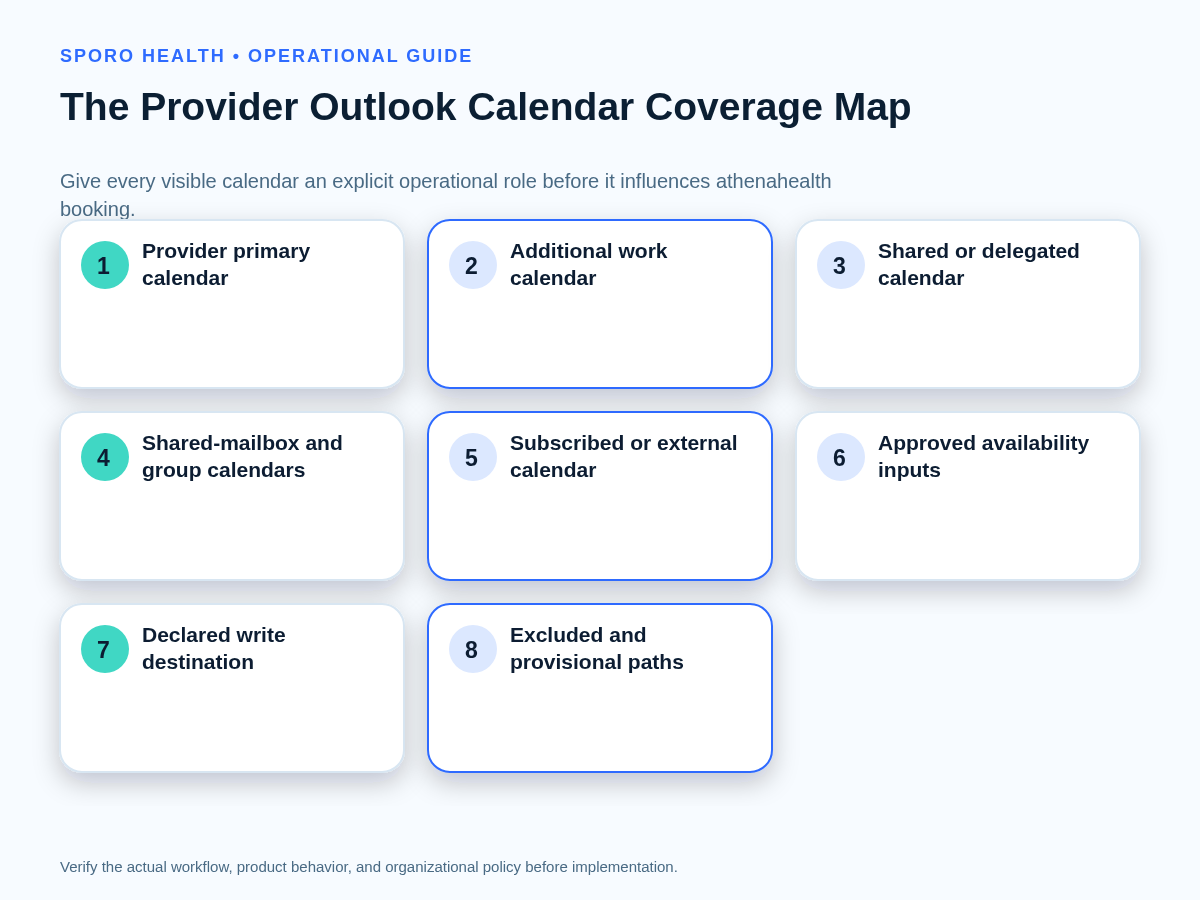
What belongs in the provider-calendar coverage registry?
Create one coverage-registry row for every provider-calendar pair before deciding scope. Record identifiers rather than relying on names alone. Microsoft Graph can list a user’s calendars and query a time-bounded view of a specified calendar, including recurring occurrences and exceptions (list calendars; list calendarView).
| Field | What to record |
|---|---|
| Provider and account | Provider, mailbox, user principal name, and accountable owner |
| Calendar identity | Current name, unique identifier, calendar type, and owning mailbox |
| Purpose | Clinical work, personal commitments, call, leave, meetings, group work, or reference |
| Access | Human viewers and editors, sharing or delegation, and application path |
| Operational role | Hard constraint, provisional review, informational, write destination, or excluded |
| Evidence | Supported event states, witnessed tests, limitations, and last approval date |
| Lifecycle | Review owner, change triggers, revocation steps, and rollback evidence |
Before building this provider-level register, complete the Microsoft 365 preflight for an athenahealth Outlook connection so tenant identity, scope, and rollback assumptions are already documented.
Which Outlook calendars should constrain physician availability?
Only calendars with operationally relevant commitments and proven support should constrain availability. Score each factor as 2 for proven, 1 for conditional, or 0 for absent or failed evidence. A hard-constraint calendar should score 2 on every mandatory factor; a relevant calendar with conditional evidence stays provisional.
| Factor | 2 — proven | 1 — conditional | 0 — fail |
|---|---|---|---|
| Ownership | Owner and authority are documented | Temporary or disputed ownership | No accountable owner |
| Operational relevance | Commitments change clinic availability | Only some events matter | No booking impact |
| Event-state fidelity | Required states pass tests | Some states need review | States are unreliable |
| Integration evidence | Exact calendar path is demonstrated | Vendor assertion only | Unsupported or unknown |
| Lifecycle control | Changes have an owner and trigger | Manual follow-up required | No review process |
| Supportability | Staff can diagnose and escalate it | Specialist help is required | No support path |
| Rollback | Exclusion or revocation is tested | Documented but untested | No safe reversal |
Use five dispositions: hard constraint, provisional review, informational, write destination, or excluded. Ownership is a prerequisite rather than proof of inclusion, so first choose an Outlook calendar ownership model.
How do Outlook calendar types differ operationally?
Compare calendar containers by ownership, event behavior, access path, lifecycle, and current vendor support—not by whether Outlook displays them together. Microsoft documents shared and delegated access as permission-dependent, while Microsoft 365 group calendars have distinct event routes and meeting behavior (shared and delegated calendar access; calendar resource differences).
| Calendar type | Operational distinction | Starting disposition |
|---|---|---|
| Primary user calendar | Provider-owned default container and common meeting destination | Candidate input or destination |
| Additional user calendar | Custom container in the same mailbox; requires its own identifier | Candidate input; test writes |
| Shared or delegated calendar | Owned elsewhere; effective rights and meeting routing matter | Conditional input |
| Shared-mailbox calendar | Practice-owned mailbox with separate human, application, and lifecycle questions | Conditional input or destination |
| Microsoft 365 group calendar | Group resource with different access and organizer behavior | Informational until proven |
| Subscribed or external calendar | May be a displayed feed or copy without dependable write or notification behavior | Exclude until proven |
After identifying the container, map Outlook Editor and Delegate permissions to scheduling tasks. Human permission does not, by itself, prove integration coverage.
Should the integration write to a primary or secondary calendar?
Choose one declared Outlook write destination per provider unless a different design has passed explicit testing. Reading commitments from several approved calendars while writing athenahealth-derived events to one destination reduces uncertainty about correction ownership, event identity, invitations, and deletion.
A primary calendar may simplify the provider’s daily view, while an additional or practice-owned calendar may create a clearer operational boundary. Neither is universally safer. Approve the destination only after testing organizer behavior, staff access, mobile visibility, private items, recurring events, moves, revocation, and what happens when the calendar is renamed or removed. Do not let the write destination become an availability input automatically; assign those roles separately in the registry.
How should Outlook Show As values affect availability?
Normalize each Outlook Show As value into a written practice disposition instead of treating every visible event as equivalent. Microsoft Graph represents the values as Free, Tentative, Busy, Out of Office, Working Elsewhere, and Unknown (event resource documentation).
| Show As | Default review rule |
|---|---|
| Free | Ignore for blocking unless another approved attribute establishes unavailability |
| Working Elsewhere | Informational or provisional; decide whether location changes clinic availability |
| Tentative | Provisional review with a confirm-or-release owner and deadline |
| Busy | Hard block only when the calendar and event category are approved |
| Out of Office | Hard block for the governed interval after boundary checks |
| Unknown | Hold for review; do not infer availability |
Test private items, all-day events, multi-day boundaries, recurring exceptions, invitations, declines, and provider location independently. For event-level operating rules beyond the container decision, set physician personal-calendar precedence rules.
How should duplicate commitments be handled?
Preserve one authoritative identity, count the commitment once, and escalate conflicting representations. A move, copy, and invitation can look similar in the interface but produce different records and ownership.
- Identify the authoritative athenahealth record or original Outlook commitment and retain its provenance.
- Determine whether the second item is a move, copy, invitation, recurrence instance, or independently created event.
- Where applicable, ask whether the integration uses Outlook immutable identifiers. Microsoft notes that ordinary event IDs can change when items move, while immutable IDs remain stable within the same mailbox (Microsoft Graph immutable ID guidance).
- If one commitment appears on two included calendars, apply one availability constraint while retaining evidence of both representations.
- If times, statuses, organizers, or recurrence scopes disagree, stop automatic precedence and send the case to the named exception owner.
Do not delete the apparent extra item until staff know which record the integration monitors and updates.
What should a multiple-calendar acceptance test cover?
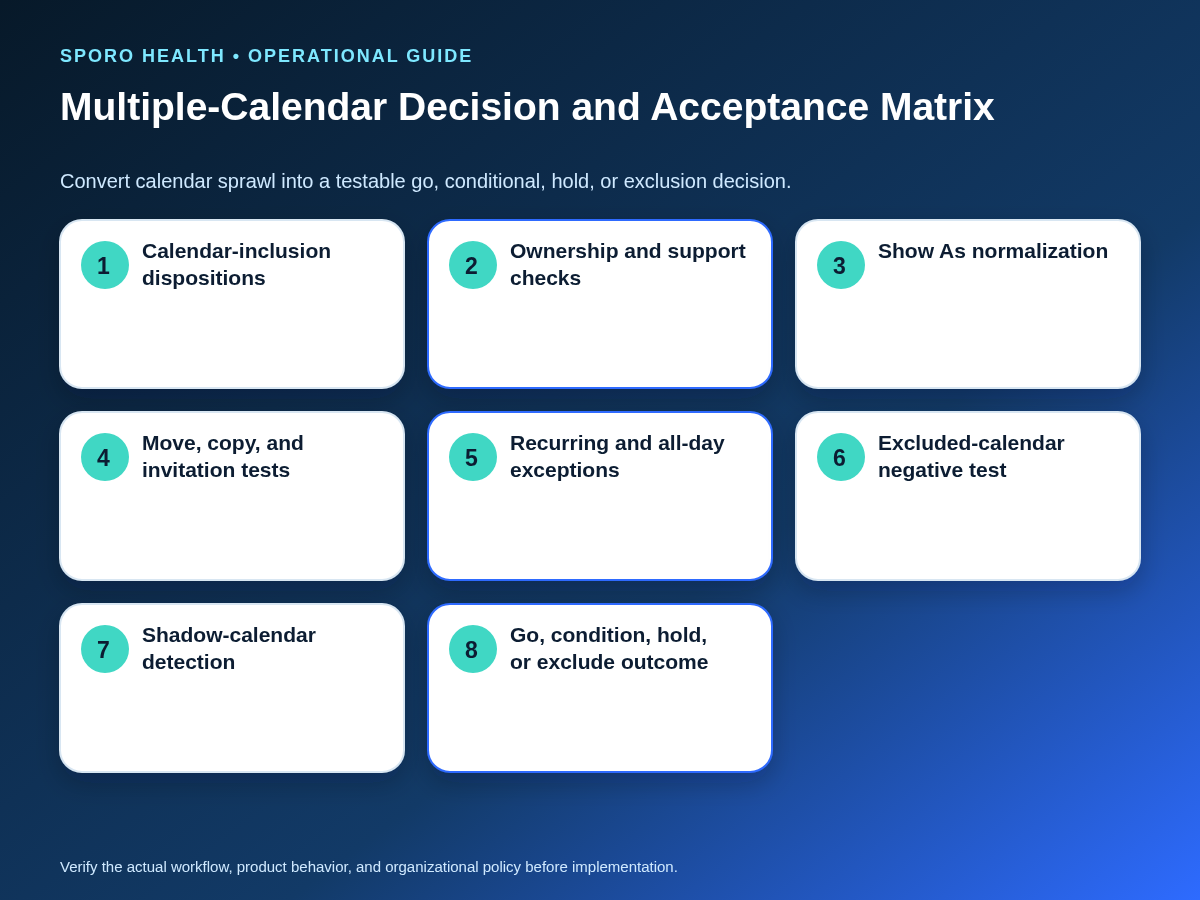
Test representative transitions on every included calendar and prove that an intentionally excluded calendar has no effect. Record the starting state, action, expected result, actual result, identifiers, timestamps, screenshots or logs, owner, and retest outcome.
| Scenario group | Required cases | Pass evidence |
|---|---|---|
| Core lifecycle | Create, update, move, reschedule, cancel, and delete | One correct constraint and destination event |
| Cross-calendar | Copy, move, invitation, acceptance, decline, and organizer change | Identity and precedence remain explainable |
| Complex time | Recurring exception, all-day and multi-day boundaries, and leave | Only the intended interval is constrained |
| Visibility | Each Show As value and private-item visibility | Approved disposition without unnecessary detail exposure |
| Lifecycle drift | Rename, create calendar, change owner, revoke access, and reconnect | Alert, safe failure, or documented recovery |
| Negative control | Create a blocking-looking event on an excluded calendar | No availability change; evidence retained |
Add these cases when you test athenahealth calendar sync before rollout. A high pass percentage cannot compensate for a failed exclusion test, duplicate block, or unexplained calendar path.
How do you detect shadow Outlook calendars?
Compare the approved registry with several independent discovery paths instead of relying on one Outlook view. No single list should be treated as proof of complete coverage.
- Export or query the provider’s known user calendars and retain identifiers.
- Review shared, delegated, shared-mailbox, and group relationships relevant to the provider.
- Ask the provider to confirm where call, leave, procedures, meetings, and personal commitments are actually recorded.
- Check for newly created or renamed calendars and exceptions attributed to an unapproved source.
- Run a negative test on every unresolved calendar before classifying it as excluded or verified.
When identities, roles, or relationships change, recertify provider-calendar access paths. An unresolved calendar remains unverified; Outlook visibility alone should not promote it into the availability model.
How should calendar coverage be measured?
Measure defects in the coverage model rather than raw event volume. Event counts can rise without showing whether the right containers and states are governed.
- Booking conflicts traced to excluded or undiscovered calendars
- Duplicate-block incidents caused by repeated representations
- Ambiguous-calendar exceptions awaiting review
- Unreviewed calendar creations, renames, owner changes, or access changes
- Failed excluded-calendar negative tests
- Provider-calendar registry rows missing a current owner or evidence date
Reapprove the model after provider identity, role, location, leave, mailbox ownership, permission, integration configuration, or vendor-support changes.
What must a vendor prove before enrollment?
Require evidence for the exact calendar configuration rather than a general statement that Outlook is supported. Ask the vendor to identify supported calendar types, exact read inputs, write destination, required permissions, Show As treatment, private-item behavior, recurrence handling, notification path, event identity, calendar-change detection, revocation, and rollback.
The current Sporo Outlook product page describes a bidirectional athenahealth and Outlook connection. Treat that description as a vendor claim: the public page does not establish support for every primary, additional, shared, delegated, shared-mailbox, group, or subscribed-calendar scenario in this guide. Keep unanswered paths provisional or excluded until the practice witnesses the relevant tests.
How should the practice put this guide into use?
Approve the provider-calendar registry and acceptance evidence before enrollment or expansion. Start with one provider whose calendar set represents the intended design, require a successful excluded-calendar test, assign ongoing ownership, and record a go, conditional go, hold, or exclude decision.
If the practice is evaluating connected-calendar options, review Sporo Health’s broader healthcare automation work, the athenahealth and Microsoft 365/Outlook product page, the athenahealth and Google Calendar product page when comparing platforms, and Sporo Health’s athenaConnect Marketplace listing. Ask for a demonstration using the practice’s actual calendar types. That is how to manage multiple Outlook calendars for athenahealth scheduling without confusing a combined view with verified coverage.
Frequently asked questions
- How to manage multiple Outlook calendars for athenahealth scheduling?
- Use a provider-calendar coverage registry, assign each calendar an approved role, choose one write destination, normalize event states, test cross-calendar transitions and exclusions, and review defects over time.
- Does Outlook overlay include every calendar in an athenahealth integration?
- No. Overlay combines selected calendars in the Outlook interface; the practice must separately verify which calendar resources the integration reads, writes, monitors, and ignores.
- Which Outlook calendars should block physician availability?
- Only approved calendars containing commitments that affect clinic availability, with tested event-state fidelity, supported access, accountable ownership, and a workable revocation and rollback path.
- Should an athenahealth integration use a primary or secondary Outlook calendar?
- Use one declared write destination per provider unless a different design has passed testing. Either calendar can work only when ownership, support, permissions, and lifecycle behavior are proven.
- Can a shared or delegated Outlook calendar constrain provider scheduling?
- Yes, conditionally. Include it only after confirming the owner, calendar identifier, effective permissions, event visibility, vendor support, notification behavior, revocation process, and acceptance-test results.
- How should Outlook Show As values affect physician availability?
- Map each value to a practice disposition. Busy and Out of Office may hard-block; Tentative and Unknown need review; Free normally should not constrain availability.
- How do medical practices detect shadow Outlook calendars?
- Compare Microsoft 365 inventories, sharing and delegation relationships, provider confirmation, newly created calendars, negative tests, and exception evidence against the approved coverage registry.
- How should duplicate commitments across Outlook calendars be handled?
- Preserve one authoritative identity and count the commitment once. Treat copied items as separate records requiring provenance, and route conflicting times or statuses to review.
Sources
- Microsoft Support: View multiple calendars at the same time in Outlook
- Microsoft Graph: List calendars
- Microsoft Graph: List calendarView
- Microsoft Graph: Event resource type
- Microsoft Graph: Get shared or delegated Outlook calendars and events
- Microsoft Graph: Calendar resource type
- Microsoft Graph: Obtain immutable identifiers for Outlook resources
- Sporo Health: Connect athenahealth to Microsoft Outlook