Same-Day Add-On Appointments in athenahealth: A Capacity-and-Conflict Workflow
A same-day add-on appointment workflow for athenahealth practices should begin only after any required clinical triage is complete. For front-desk leaders, the operational task is to prove that provider time, visit length, location, resources, buffers, and connected calendars all fit; apply the correct approval path; write the appointment once; and verify the resulting schedule state.
This playbook separates clinical decisions from scheduling authority. It gives practice managers and scheduling teams four dispositions for a request: book verified capacity, use an approved flex slot, hold for authorized review, or do not book pending resolution.
What is the same-day add-on appointment workflow for athenahealth practices?
Book only after required clinical triage is complete and every operational dependency fits. The request should then move through capacity testing, authority confirmation, one authoritative write, cross-system verification, and exception closure. Front-desk staff should not infer clinical urgency or appropriateness from an open slot.
AHRQ describes same-day scheduling as a supply-and-demand discipline and recommends a contingency plan when demand exceeds physician availability, followed by routine measurement. Research also suggests that access outcomes depend on how the operating model is implemented rather than on a slot label alone. See the AHRQ open-access scheduling guidance and a 2026 systematic review of advanced access.
What must staff check before adding an appointment to a full provider schedule?
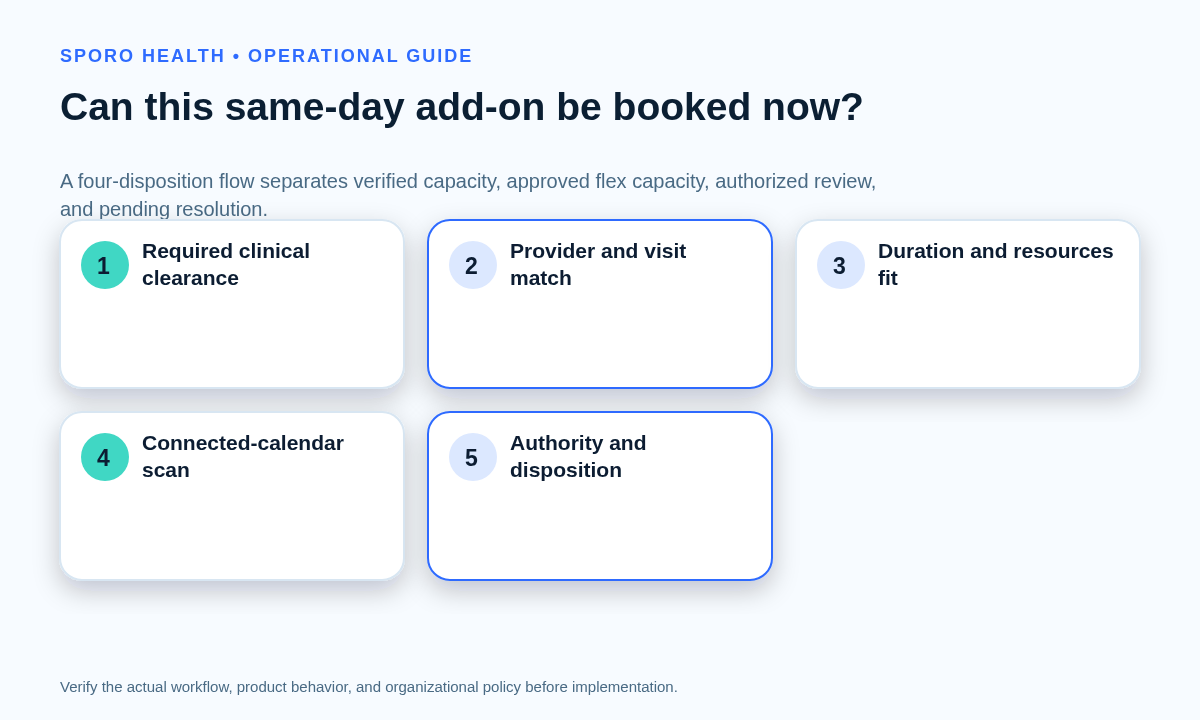
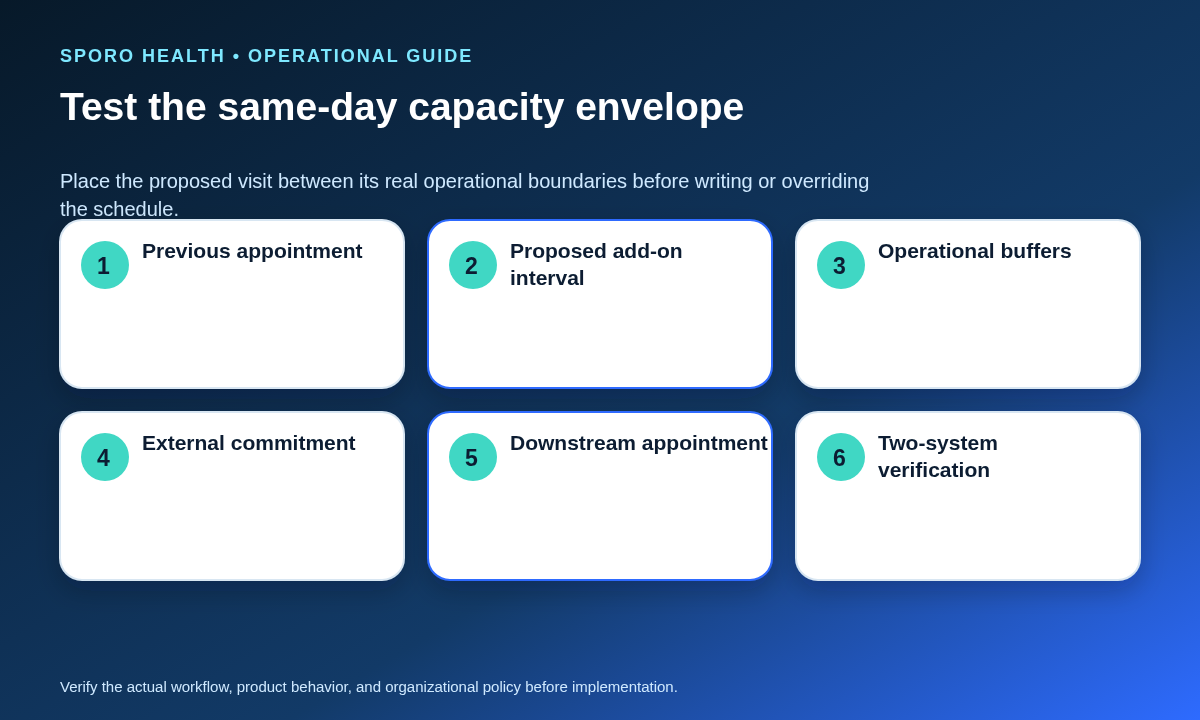
Test the proposed visit and its surrounding commitments as one capacity envelope. Current clinic lag matters: use the same-day provider delay recovery playbook when the provider is already behind.
| Envelope field | Question to answer | Evidence |
|---|---|---|
| Clinical clearance | Is any required triage complete? | Approved status or handoff |
| Visit definition | Do provider, appointment type, and duration match? | Request and scheduling policy |
| Place and resources | Are the location, room, equipment, and required staff available? | Resource schedule or confirmation |
| Operational buffers | Do preparation, cleanup, travel, and protected blocks remain intact? | Before-and-after timeline |
| Session condition | Does current delay change the apparent opening? | Live schedule state |
| External commitments | Do in-scope Google Calendar or Outlook events block the interval? | Free/busy and event state |
| Authority | May this staff member use the resulting capacity? | Role and exception policy |
Do not treat a blank space as proof. Athenahealth’s current service description says Appointment Schedule can display provider availability, use permissions for actions such as double-booking, and support multi-resource scheduling. Those capabilities still require practice-defined rules for the requested visit. See the athenaOne service description.
Which same-day add-on disposition applies?
Choose one of four dispositions before anyone writes the appointment. The result should identify both the next action and the evidence required for closure.
| Disposition | Use when | Required action |
|---|---|---|
| Book verified capacity | An approved slot is open and every dependency fits. | Book once, then run the insertion test. |
| Use an approved flex slot | A designated same-day slot is available under documented release rules. | Record the flex-slot basis and verify adjacent capacity. |
| Hold for authorized review | No clean slot exists, but a named owner may approve a bounded exception. | Preserve the request without representing it as booked. |
| Do not book pending resolution | Clinical clearance, capacity, authority, resources, or calendar state remains unresolved. | Route the blocking issue and give the request an owner. |
Willingness to stay late, verbal availability, or an unexplained calendar gap is not a fifth disposition. Each must be translated into an authorized, verifiable scheduling decision.
Who should decide, book, edit, and verify a same-day appointment?
Separate clinical triage, capacity acceptance, booking rights, override approval, calendar editing, and verification. When verified capacity cannot be found, apply the practice’s provider availability override decision rules.
| Control | Typical owner | Boundary |
|---|---|---|
| Clinical triage | Authorized clinical role | Determines the clinical path, not booking mechanics. |
| Provider acceptance | Provider or designated covering role | Confirms provider-level acceptance when policy requires it. |
| Routine booking | Authorized scheduling role | Books only verified open or released capacity. |
| Override approval | Named manager, provider, or operations owner | Approves a bounded exception and its scope. |
| Calendar editing | Authorized calendar owner or controlled integration | Changes only the calendar and event types within scope. |
| Final verification | Assigned scheduler or reconciler | Confirms the appointment and expected external state. |
The specific job titles may differ by practice. What matters is that staff can identify the accountable owner without improvising authority during a live request.
How should personal calendar conflicts affect same-day add-on booking?
A provider-owned conflict should stop automatic booking until its scope, blocking state, and owner are confirmed. Apply documented physician personal-calendar conflict rules rather than judging an event from its title or visibility.
Google Calendar’s free/busy endpoint returns busy intervals for calendars in scope, while an event’s transparency determines whether it blocks time. Its event resource also distinguishes event IDs, iCalendar identifiers, status, start, and end. See the Google Calendar free/busy reference and Google Calendar Events reference.
Microsoft Graph’s getSchedule operation returns availability for users and resources. Outlook events expose start, end, location, showAs state, identifiers, and other properties; showAs may be free, tentative, busy, out of office, working elsewhere, or unknown. See Microsoft Graph getSchedule and the Microsoft Graph event resource.
These platform states explain why event presence alone is insufficient. The practice must decide which calendars are in scope and which blocking states constrain patient booking.
How should staff write and verify the same-day appointment?
Write the appointment once in the designated authoritative system, then compare the intended state with both resulting schedule views. If fitting the add-on requires changing an existing booking, use the reschedule and cancellation reconciliation workflow instead of silently moving another patient.
- Before: capture the proposed provider, appointment type, interval, location, resources, approval basis, previous appointment, downstream appointment, buffers, and external conflict result.
- Write: create the appointment once using the approved athenahealth workflow. Record the appointment identity used by the practice’s reconciliation process.
- Verify athenahealth: confirm provider, date, start and end, location, appointment type, status, and the surrounding schedule.
- Verify the external state: confirm the expected Google Calendar or Outlook interval, provider calendar, blocking behavior, location representation, and event identity.
- Confirm communication: check the practice’s expected confirmation state. Athenahealth reported immediate same-day confirmations across configured email, text, and push channels in its Spring 2026 update; actual channels depend on practice configuration. See the athenaOne Spring 2026 update.
- Close: mark the request verified, or assign an exception with a named owner and next check.
What should staff do when the external calendar is missing, duplicated, delayed, or conflicting?
Protect the authoritative appointment and reconcile the external state without creating an untracked second copy. Route unresolved work through the practice’s daily schedule exception handoff.
| Observed state | Immediate control | Recovery evidence |
|---|---|---|
| Missing event | Mark external state unverified; do not recreate it manually. | Expected event found or exception accepted. |
| Duplicate-looking event | Preserve both until identity and ownership are compared. | One matched event remains without schedule loss. |
| Delayed result | Use the locally tested verification window; avoid assuming latency. | Arrival time and matched identity recorded. |
| Conflicting event | Stop further booking into the interval and assign an authorized owner. | Conflict resolved and both schedules rechecked. |
Google distinguishes event ID from iCalUID, and Microsoft documents transactionId as a client-set method for avoiding redundant create requests during retries. These are technical identity signals, not permission for front-desk staff to repair records outside the approved workflow.
Which metrics should practices track for same-day add-on appointments?
Measure both transaction quality and recurring demand pressure. Useful measures include request-to-decision time, disposition, approval-path use, unverified bookings, downstream collisions, duplicate or missing entries, exception age, and repeated demand by provider, location, and session.
Classify each problem before changing policy. An isolated missed resource check may indicate a processing or training error. Repeated holds, overrides, or collisions for the same provider-session pair may indicate that flex slots, appointment durations, staffing assumptions, buffers, or escalation rules no longer match demand. Review patterns by disposition rather than combining clean bookings and exceptions into one average.
How should practice managers implement the workflow?
Start with a bounded policy, named owners, and observed test cases.
- Define which requests require clinical clearance before scheduling.
- List approved open and flex capacity by appointment type.
- Publish the capacity-envelope worksheet and four dispositions.
- Name routine booking, override, calendar-editing, and verification owners.
- Define in-scope provider calendars and blocking states.
- Test clean capacity, flex capacity, review, no-book, missing-event, duplicate, and conflict scenarios.
- Review exception patterns by provider, location, session, and disposition.
Put the same-day add-on appointment workflow for athenahealth practices into use
The safest add-on is one whose clinical clearance, capacity, authority, identity, and final schedule state can all be shown. A gap on a screen is only a candidate interval; the completed capacity envelope and two-system verification turn it into an operationally controlled booking.
If connected-calendar support is part of the practice’s evaluation, review Sporo Health’s current schedule-integrity resources, the current athenahealth and Google Calendar product page, the athenahealth and Microsoft Outlook product page, and the Sporo Health athenaConnect Marketplace listing. Treat product-page statements as vendor claims and verify fit against the practice’s workflow, configuration, and approval requirements.
Frequently asked questions
When can front desk book a same-day add-on appointment in athenahealth?
Front desk can book when required clinical triage is complete, a policy-approved slot is open, every dependency fits, no unresolved conflict exists, and the action is within documented authority.
What should staff check before adding an appointment to a full provider schedule?
Staff should check the provider, appointment type, duration, location, resources, buffers, current delay, adjacent bookings, downstream commitments, and connected-calendar conflicts.
Who should approve a same-day appointment when no open slot exists?
The practice’s documented override owner should approve it; verbal availability or willingness to stay late should not replace the approved review path.
How should personal calendar conflicts affect same-day add-on booking?
A provider-owned calendar conflict should pause booking until staff confirm the calendar is in scope, the event blocks time under policy, and an authorized owner resolves it.
What should staff do when a calendar sync does not show the new appointment?
Keep the appointment in the authoritative scheduling system, mark the external state unverified, avoid creating an ad hoc duplicate, and assign reconciliation to a named owner.
Which metrics should practices track for same-day add-on appointments?
Track request-to-decision time, disposition, approval-path use, unverified bookings, collisions, duplicate or missing entries, exception age, and repeated demand by provider and session.
Sources