Recurring Patient Appointments in athenahealth: A Scope-and-Closure Playbook
For specialty-practice managers asking how to manage recurring appointment series in athenahealth, the safest method is to define the series before booking, choose the smallest approved change scope, and reconcile every expected occurrence before closure. A series is complete only when each planned date is booked, deliberately changed, intentionally canceled, queued, or owned as an unresolved exception.
How to manage recurring appointment series in athenahealth
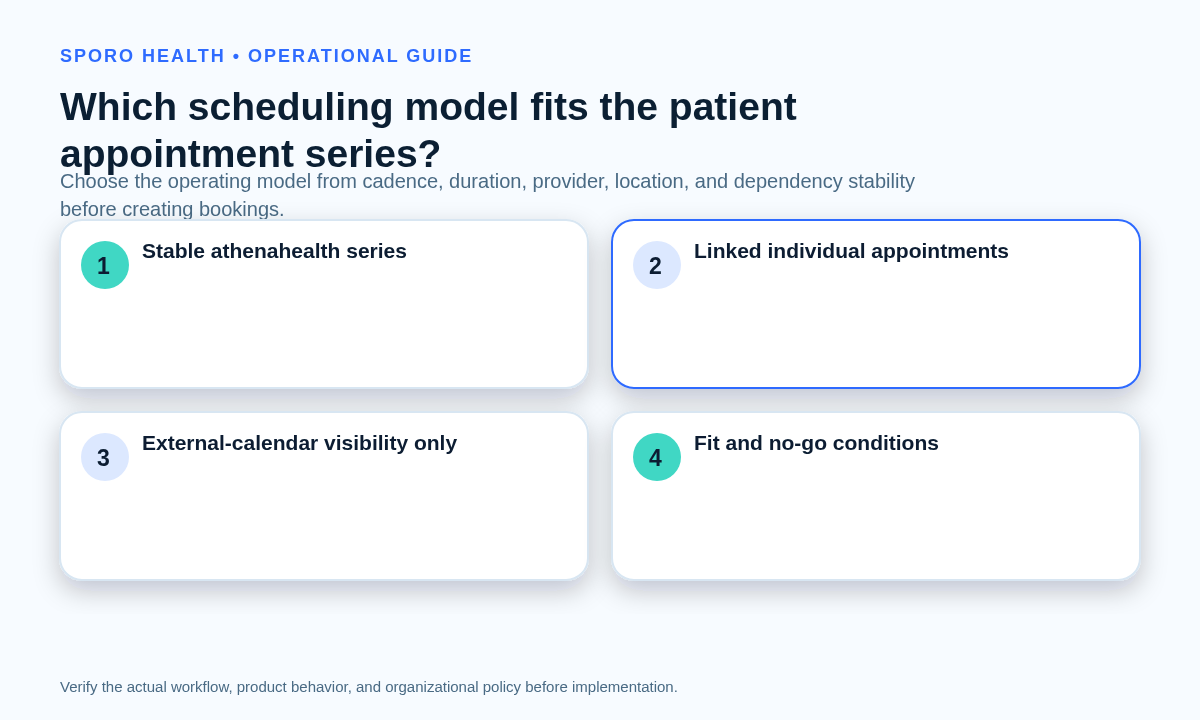
Choose the operating model before creating appointments. Use an athenahealth recurring series only when the repeated visits share a stable cadence, appointment type, duration, provider, and location. If those elements vary materially, create linked individual appointments and govern them with one practice-owned control record.
The current athenaOne Service Description says Appointment Schedule supports daily, weekly, or monthly recurring appointment series and allows individual or all occurrences to be rescheduled or canceled. Public documentation does not establish every intermediate scope, so practices should test their deployed workflow.
| Scheduling model | Operational fit | No-go condition |
|---|---|---|
| athenahealth recurring series | Core fields and cadence remain stable across expected dates. | Dates, durations, providers, locations, or dependencies routinely vary. |
| Linked individual appointments | Visits belong to one plan, but occurrence details need controlled variation. | No owner, census, or shared control record connects the bookings. |
| External-calendar-only repetition | Approved visibility or reminder use that does not create the patient schedule. | Staff might treat it as booking authority or proof that athenahealth appointments exist. |
Separate patient bookings from provider capacity. Use recurring procedure-block release and recovery rules for capacity controls, and apply appointment-duration standards for specialty clinics before declaring one duration stable across a patient series.
What belongs in the series-control card?
Record the full intended series before generating appointments. The card should make the expected dates reproducible and identify who can approve exceptions, perform changes, and verify the result.
- Appointment definition
- Appointment type, duration, and permitted variation.
- Pattern
- First date, cadence, occurrence count or end date, and time zone.
- Assignment
- Provider, department, location, and responsible scheduling owner.
- Dependencies
- Rooms, equipment, support roles, authorizations, or other required readiness.
- Exceptions
- Approved reasons and dispositions for a date that cannot follow the baseline.
- Authority
- Who may create, extend, terminate, edit, cancel, and verify.
- Calendar representation
- Expected Google Calendar or Outlook behavior and the evidence to check.
If an occurrence depends on several assets, use the workflow for appointments requiring multiple resources to verify that the patient booking and every dependency reach a consistent state.
How do you prove that every expected occurrence was handled?
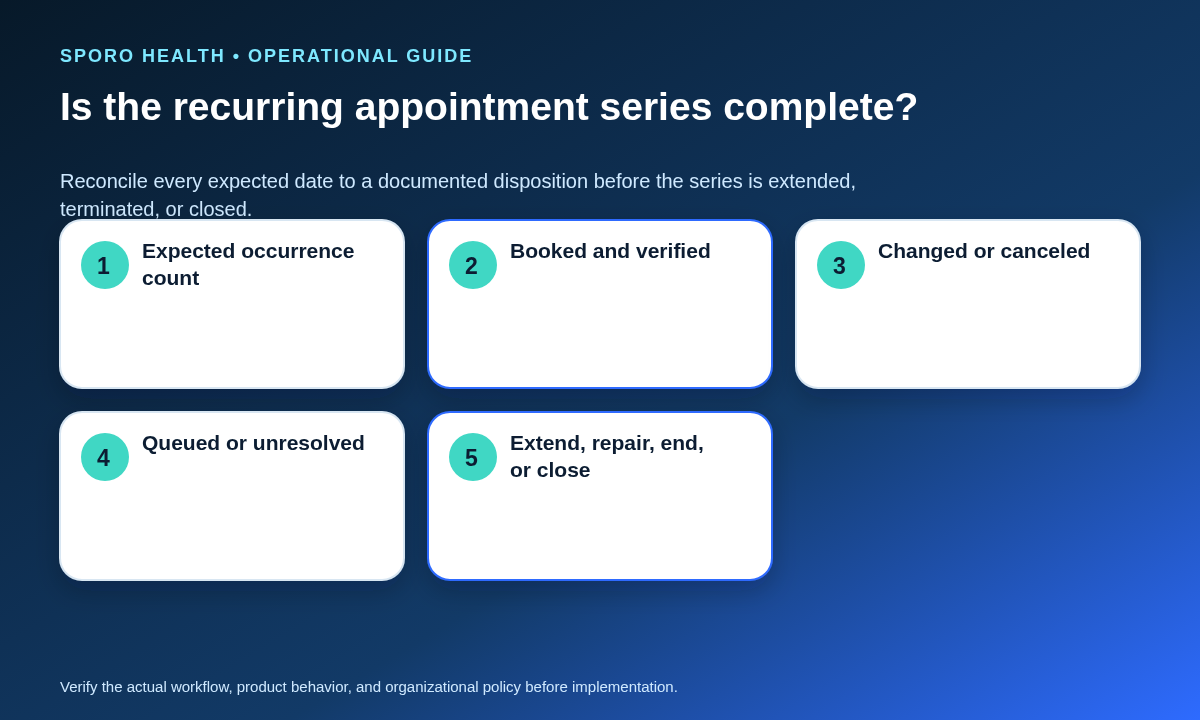
Build an expected-occurrence census and give every planned date exactly one current disposition. Do not treat a successful series command or a plausible final date as evidence that every appointment was created correctly.
- Generate the expected date list from the approved first date, cadence, and count or end date.
- Compare that list with athenahealth appointments rather than counting only what appears booked.
- Record provider, location, duration, dependencies, and any approved variation for each date.
- Assign one disposition and one accountable owner to every exception.
- Verify the total, the first and final dates, and a sample of adjacent occurrences before release.
| Disposition | Closure evidence |
|---|---|
| Booked | Appointment and required dependencies verified. |
| Changed | Approved replacement details and patient instructions recorded. |
| Canceled | Intentional cancellation and residual-item check documented. |
| Queued | Approved queue, owner, and review deadline named. |
| Unresolved | Exception owner, risk, next action, and escalation recorded. |
Series creation is complete only when the number of documented dispositions equals the number of expected occurrences.
Which occurrence-change scope should staff choose?
Apply the smallest supported scope that matches the approved intent. Name the boundary before editing, preserve unaffected appointments, and verify both the intended dates and nearby dates that should not have changed.
| Scope | Use it when | Required verification |
|---|---|---|
| One occurrence | Only one date needs a new time, provider, location, duration, or disposition. | Changed date plus the immediately preceding and following dates. |
| Bounded set | A named group of dates shares one approved exception. | Every date inside the set and both outer boundaries; use only tested functions. |
| All future from a boundary | A lasting rule starts on a named effective date. | Last unchanged date, first changed date, and the new final date or count. |
| Entire series | The approved decision genuinely applies to every occurrence. | Past and future effects, patient instructions, totals, and calendar residue. |
Google advises against editing many instances individually when the intent is broader because that creates numerous exceptions; see its recurring-events guidance. After choosing the scope, use the front-desk workflow for reschedules and cancellations for each transaction.
What should happen when one occurrence cannot be booked?
Preserve the valid series, contain the affected date, and resolve that date without silently changing its neighbors. A failed occurrence is an exception to account for, not a reason to abandon already valid appointments.
- Stop unapproved series-wide edits and mark the failed date unresolved.
- Confirm whether the constraint is provider, location, duration, capacity, or another dependency.
- Find an approved alternative or assign a queue, intentional cancellation, or escalation.
- Record any patient-facing instruction and who owns communication.
- Verify that the original date no longer appears active unintentionally.
- Check adjacent appointments and external calendars for duplicates, stale entries, or orphans.
For an absence affecting several future dates, apply the physician out-of-office availability-control workflow, then return to the patient-series census and assign a disposition to every impacted occurrence.
How should mid-series provider or resource changes be handled?
Scan every future occurrence before changing a provider, location, duration, or dependency rule. Keep unaffected past appointments stable and route clinical or policy-dependent choices to the authorized owner.
- Name the effective boundary and list every future occurrence.
- Test the replacement provider, location, duration, and required resources for each date.
- Separate dates that can remain unchanged from dates needing approved action.
- Do not let schedulers infer clinical interchangeability or patient suitability.
- Rebuild the occurrence census after execution and verify the first changed date.
How should Google Calendar or Outlook represent the series?
Do not assume external-calendar recurrence is identical to the athenahealth patient series. Document the expected representation, test it with the deployed integration, and keep athenahealth as the controlled patient-scheduling record unless the practice has formally approved another authority model.
Google Calendar identifies a recurring parent, individual instances, and exceptions using fields such as recurringEventId and originalStartTime. Microsoft Graph distinguishes a series master, occurrences, exceptions, and canceled occurrences in its event model, while its recurrence-range model supports end-date, no-end, and numbered ranges.
- Create a short test series and reconcile every expected date.
- Move one occurrence and confirm that neighboring dates remain stable.
- Test the approved future-boundary method rather than assuming it exists.
- Cancel one occurrence and then the entire test series.
- Check for stale, duplicate, canceled, or orphaned external items.
Teams evaluating connected-calendar visibility can review the Sporo Health scheduling-automation overview, the athenahealth and Google Calendar product page, the athenahealth and Outlook product page, and the Sporo listing in athenaConnect Marketplace. Treat product descriptions as vendor claims and request a series-specific demonstration.
How should a series be extended, ended, and closed?
Reconcile the current series before adding or removing future dates. Operational closure is reached only when every expected occurrence has a documented disposition and no unintended future appointment or calendar item remains.
- Confirm the approved new end date, occurrence count, or termination boundary.
- Compare the approved boundary with the current census and final booked date.
- Create, change, or cancel only the dates inside the approved scope.
- Resolve open conflicts, queues, patient instructions, and external-calendar residue.
- Have the verifier sign off on totals, boundary dates, and unresolved exceptions.
| Series-integrity measure | Definition |
|---|---|
| Expected-occurrence coverage | Dates with documented dispositions divided by expected dates. |
| Unresolved exception age | Elapsed time since each unresolved date was identified. |
| Duplicate or orphan rate | Reviewed series containing residual unintended items. |
| Scope-error rate | Changes that reached outside the approved occurrence boundary. |
| Clean-closure percentage | Closed series with a disposition for every expected occurrence. |
How should the playbook be put into operation?
Pilot the controls with one recurring appointment type and a small, reviewable set of series. Train staff to select the model, complete the control card, declare scope before editing, and close the census afterward. Review exceptions and scope errors before expanding. When the question is how to manage recurring appointment series in athenahealth, the durable answer is controlled model selection, occurrence accounting, narrow changes, and evidence-based closure—not a single recurrence command.
Frequently asked questions
When should a clinic use a recurring appointment series instead of linked individual appointments?
Use a recurring series when cadence, appointment type, duration, provider, and location are stable. Use linked individual appointments under one control record when those elements vary materially.
Can staff change one athenahealth recurring appointment without changing the rest of the series?
Yes, if the approved intent affects only one date and the deployed workflow supports an individual-occurrence change. Verify that occurrence plus the dates immediately before and after it.
What should happen when one occurrence in a recurring appointment series has no valid slot?
Preserve the valid occurrences, contain the failed date, assign an approved alternative, queue, cancellation, or unresolved-exception disposition, and check for duplicate or orphaned calendar items.
How should a provider absence affect future appointments in a recurring patient series?
Scan every future occurrence before editing. Keep unaffected past appointments stable, classify each impacted date, and route clinical or policy-dependent choices to an authorized owner.
How do you extend or end a recurring appointment series in athenahealth?
Reconcile the current expected-occurrence census first. Then add or remove only the approved future dates and verify the new final date, count, patient instructions, and external-calendar residue.
Should Google Calendar or Outlook use one recurring event or separate events for an athenahealth appointment series?
Do not assume either representation. Google Calendar and Outlook both distinguish recurring series, occurrences, and exceptions, so test how the deployed integration represents athenahealth appointments and edits.
What should staff verify after canceling an entire recurring patient appointment series?
Verify every expected date has a final disposition, no future athenahealth appointment remains active unintentionally, patient-facing instructions are complete, and no duplicate, stale, or orphaned external-calendar item remains.
Sources
- athenaOne Service Description — recurring patient-series and appointment-scheduling capabilities.
- Google Calendar recurring-events guide — instances, exceptions, identity, and edit cautions.
- Microsoft Graph event resource — series-master, occurrence, exception, and cancellation states.
- Microsoft Graph recurrence-range resource — recurrence boundaries and occurrence-count ranges.