Do Google Calendar Working Hours Affect Physician Availability in athenahealth? A Booking-Autho
For practice managers asking “do Google Calendar working hours affect physician availability in athenahealth,” the default answer is no. Treat working hours as an advisory collaboration preference, not booking authority, unless the practice has explicitly approved and tested another mapping. Keep booked appointments intact, separate working hours from busy events and location statuses, and route any mismatch through controlled schedule-change and verification steps.
Do Google Calendar working hours affect physician availability in athenahealth?
No—not by themselves. Google describes working hours as a way to show when someone is unavailable for meeting scheduling, while athenahealth describes Schedule Builder templates as defining appointment availability. A practice should therefore keep its approved athenahealth schedule as the baseline booking authority and treat Google Calendar working hours as a collaboration preference unless a different rule has been deliberately authorized, configured, and tested. See Google’s working-hours guidance and the athenaOne service description. ([support.google.com](https://support.google.com/calendar/answer/7638168?co=GENIE.Platform%3DDesktop&hl=en-GB))
A connector could be designed to interpret working hours, but that behavior must be explicit. Do not infer it from a generic “two-way sync” description. Record whether working-hours settings are ignored, monitored for mismatches, or allowed to trigger a controlled request; never let an undocumented interpretation silently widen or narrow patient-bookable capacity.
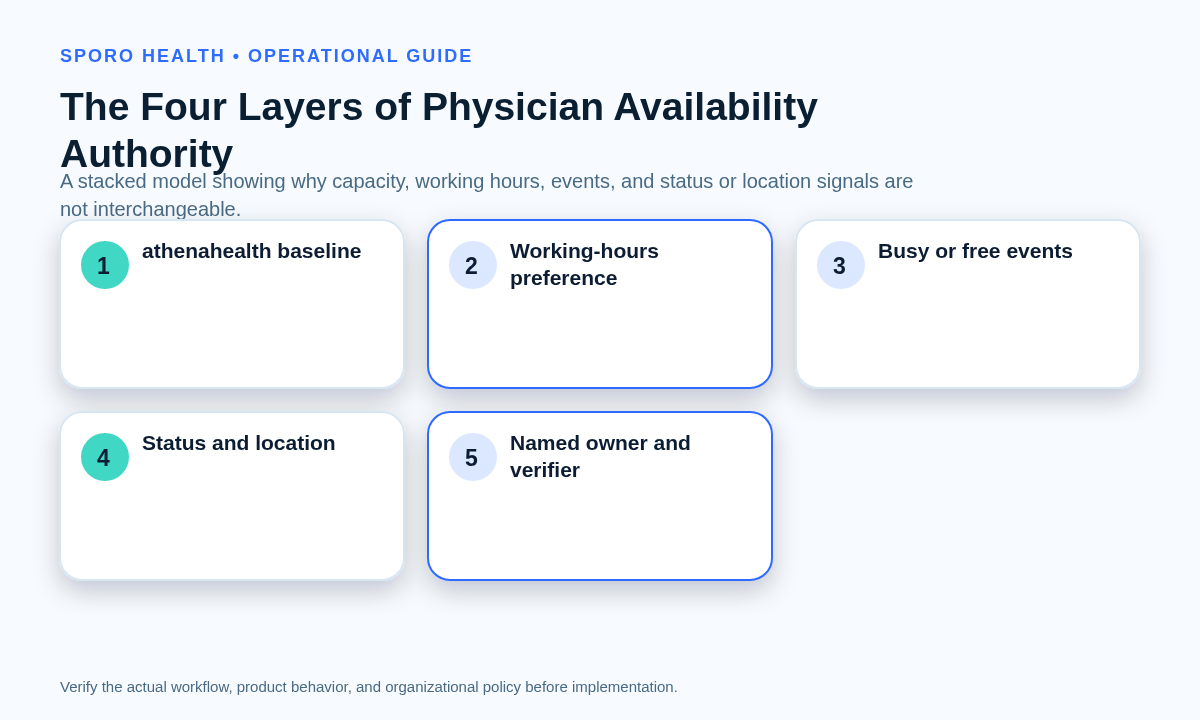
What are the four separate layers of physician availability?
Use four layers with separate owners and acceptance tests. The recurring athenahealth schedule, external-calendar working hours, individual event availability, and status or location signals describe different operational facts.
Use physician personal-calendar conflict rules for event-level commitments, and use the provider-location signal authority guide when a calendar indicates where rather than when a physician works.
| Layer | What it means | Default authority | Minimum test |
|---|---|---|---|
| athenahealth baseline | Recurring patient-bookable hours, appointment types, departments, and slot rules | Authorized practice schedule owner | Confirm representative slots inside and outside the approved baseline |
| Calendar working hours | A recurring collaboration preference for ordinary working periods | Advisory unless the practice approves another mapping | Change the preference and prove booking capacity does not move unexpectedly |
| Event-level busy or free state | A specific commitment for a specific interval | The practice’s documented event-signal contract | Test busy, available, recurring, edited, and deleted events separately |
| Status or location signal | Out of office, focus time, or where work occurs | Informational or status-specific rule | Prove it is not mistaken for baseline patient capacity |
Google’s Events API distinguishes blocking events from available events through event transparency, while its working-location status is created as transparent. Those technical distinctions support keeping events and location statuses out of the working-hours layer. See the Google Events reference and Calendar status-event guide. ([developers.google.com](https://developers.google.com/workspace/calendar/api/v3/reference/events?utm_source=openai))
Which outcome should a working-hours mismatch produce?
Choose one of five dispositions instead of automatically copying the broader or narrower interval. If the difference represents an approved patient-capacity change, use the practice’s provider schedule template versus temporary change decision process.
| Evidence | Disposition | Closure evidence |
|---|---|---|
| Calendar hours match the approved baseline | Confirm no action | Matched intervals and named reviewer |
| Only the collaboration preference is wrong | Correct the calendar only | Corrected display with athenahealth unchanged |
| An approved one-day or date-bounded change exists | Apply a bounded exception | Effective dates, expiration, and unaffected-date test |
| An approved recurring clinic-hours change exists | Open a formal schedule-change request | Approval, future-booking review, execution, and verification |
| Intent is unknown, booked care overlaps, or recurrence is unreliable | Contain and escalate | Protected appointments, bounded exposure, owner, and decision deadline |
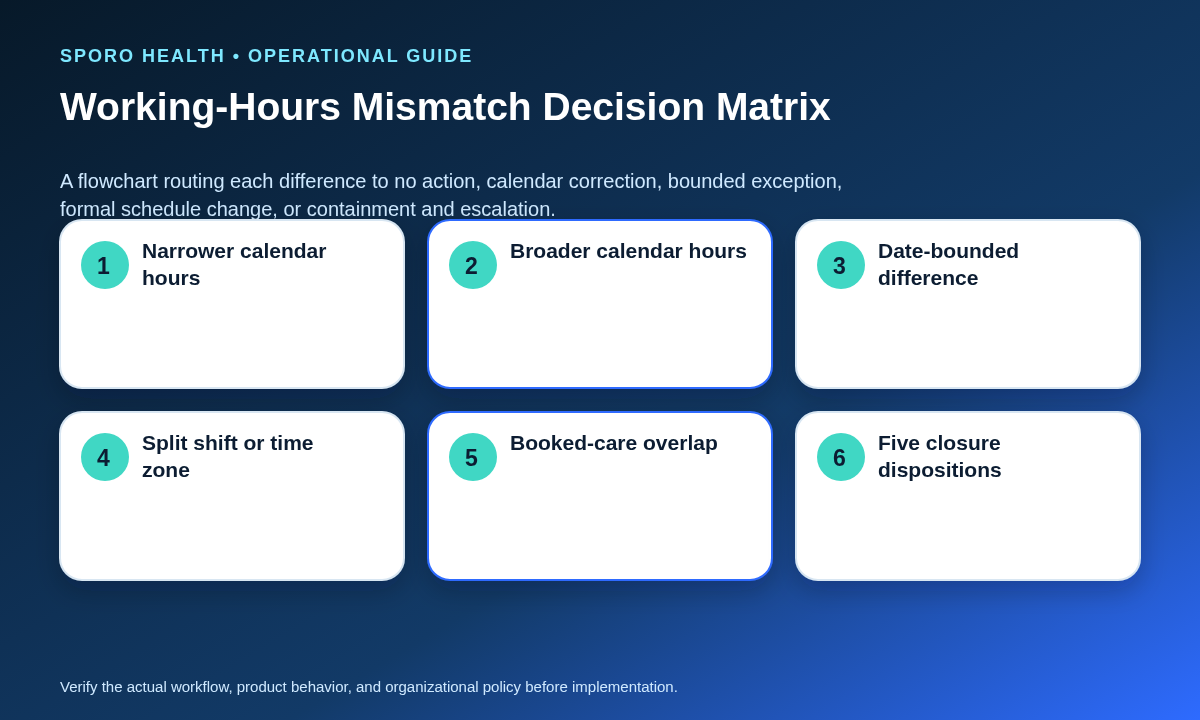
What should happen when Google Calendar hours are narrower than athenahealth?
Preserve booked care and investigate before closing future capacity. A narrower calendar preference may reflect a genuine intended schedule change, a personal collaboration setting, an incorrect time zone, or a stale recurring pattern.
- Stop any further automatic capacity change for the affected interval.
- Keep existing patient appointments intact and identify genuinely uncertain future openings.
- Ask the physician or authorized schedule owner whether the difference is a preference, a temporary exception, or a new baseline.
- Apply the smallest approved disposition from the mismatch matrix.
- Verify the intended interval in athenahealth and the external calendar, plus one unaffected date.
If the evidence shows a temporary absence rather than ordinary working hours, use the physician out-of-office availability workflow so coverage, affected patients, and reopening are controlled.
What should happen when Google Calendar hours are broader than athenahealth?
Do not open patient slots from the calendar setting. Extending a collaboration preference does not prove that the clinic has approved the provider, staff, location, appointment types, resources, or booking channels required for additional capacity.
- If athenahealth is correct, leave its capacity unchanged and correct only the calendar preference if needed.
- If broader clinic hours are intended, require the normal schedule-change request, future-appointment review, staffing and location checks, approval, execution, and independent verification.
- If intent remains uncertain, contain the interval rather than exposing speculative capacity.
What belongs in a working-hours change envelope?
Capture enough information to distinguish a preference correction from a patient-capacity change. One record should follow the mismatch from discovery through approval and verification.
- Provider and clinic
- The exact provider, department, and service location affected.
- Approved baseline and external hours
- The current athenahealth interval and the conflicting calendar interval.
- Clock and scope
- Clinic-local time zone, effective date, end date, recurrence rule, and whether one occurrence or the series is intended.
- Exposure
- Booked appointments, open future slots, self-scheduling surfaces, and unaffected comparison dates.
- Dependencies
- Staffing, location, appointment-type, resource, coverage, and travel requirements.
- Authority and closure
- Requester, approver, executor, verifier, chosen disposition, evidence, and rollback instruction.
Which negative tests should recurring working hours pass?
Test each recurrence and clock boundary separately before accepting the rule. A normal weekday example cannot prove split shifts, isolated exceptions, or daylight-saving behavior.
| Scenario | Expected proof |
|---|---|
| Narrower recurring hours | No booked appointment is removed and no unapproved future interval closes |
| Broader recurring hours | No patient-bookable capacity opens from the preference alone |
| Split shift | Morning, gap, and afternoon intervals remain distinct |
| One-day exception | Only the intended date changes; the recurring baseline remains intact |
| Time-zone or daylight-saving boundary | Clinic-local hours, external display, and adjacent dates stay correct |
| Stale recurrence or booked-care overlap | The interval is contained, assigned, corrected, and verified without disrupting appointments |
For multi-zone or seasonal clock testing, use the DST-safe provider scheduling across time zones playbook.
Can Google Calendar and Outlook use the same governance rule?
Yes for authority, but no for platform testing. Both should keep working-hours preferences separate from patient-bookable capacity, yet their work-hours, location, free/busy, status, and API representations must be tested independently.
| Signal | Google Calendar | Outlook and Microsoft Graph | Practice test |
|---|---|---|---|
| Working hours | Recurring days and intervals; Google permits split periods | Outlook supports work-hours and location plans; Graph exposes working hours through mailbox settings | Change hours without events and observe every connected schedule |
| Event availability | Opaque events block time; transparent events do not | Schedule information reports event-level availability values separately from working hours | Test free, tentative, busy, and out-of-office states supported by the platform |
| Working location | A distinct status-event type that is transparent in the Calendar API | A work-plan and profile signal associated with work hours and location | Prove location alone does not open or close patient capacity |
| Representation | UI settings and event/status resources must not be assumed interchangeable | Current UI behavior and legacy or Graph representations may differ | Record the client, tenant, API object, time zone, and observed result |
Review Microsoft’s work-hours and location guidance, the Graph scheduleInformation resource, and the mailboxSettings resource. ([support.microsoft.com](https://support.microsoft.com/en-us/outlook/notifications-and-settings/set-your-work-hours-and-location-in-outlook))
How should working-hours mismatches be measured?
Measure operational exposure and repeat failure, not merely the number of differences found. Review results by provider-calendar pair so one recurring configuration problem is not hidden inside an organization-wide total.
| Measure | Definition |
|---|---|
| Mismatch age | Time from detection to verified disposition |
| Unapproved capacity changes | Intervals widened or narrowed without the required authorization |
| False-open intervals | Time exposed for booking when the approved schedule says unavailable |
| False-closed intervals | Approved capacity hidden without a valid restriction |
| Recurrence errors | Wrong dates, occurrences, series scope, time zone, or daylight-saving result |
| Repeat mismatch rate | Providers or calendar pairs with another mismatch after corrective action |
Use repeat findings to revise ownership, staff training, configuration, or the approved mapping—not to normalize recurring manual correction.
How should practice managers put the rule into operation?
Publish one authority rule, then prove it with provider-level tests. The rule should state that working hours are advisory unless a named, approved mapping says otherwise.
- Name the owner of athenahealth baseline capacity and the owner of external-calendar preferences.
- Inventory each provider’s approved baseline, time zone, calendar, and current working-hours setting.
- Disable or contain undocumented working-hours effects until their behavior is demonstrated.
- Run the mismatch matrix and negative-test suite for Google Calendar and Outlook separately.
- Train physicians, scheduling teams, and Google Workspace administrators not to use a preference change as a shortcut around schedule-change control.
- Review the measurement set and correct repeated provider-calendar mismatches at their source.
If the practice is evaluating a connected-calendar product, start with Sporo Health, review the current athenahealth and Google Calendar product page, compare the athenahealth and Microsoft Outlook product page, and inspect the Sporo listing in the athenaConnect Marketplace.
Sporo’s current product pages describe external-calendar event blocks as synchronization inputs, but they do not document an account-level working-hours mapping. Treat all product behavior as a vendor claim until the vendor demonstrates the working-hours setting, an ordinary busy event, and a location or status signal as separate test cases in the practice’s configuration. ([info.sporo.health](https://info.sporo.health/athenahealth-google-calendar-sync/))
So, do Google Calendar working hours affect physician availability in athenahealth? They should not by themselves. Keep athenahealth booking capacity under practice change control, use working hours as advisory context, and close every mismatch with evidence from both systems.
Frequently asked questions
Do Google Calendar working hours block patient booking in athenahealth?
No. They should remain advisory unless a documented and tested practice workflow explicitly gives them another role.
Can a physician open athenahealth slots by extending Google Calendar working hours?
No. A calendar preference should not create patient-bookable capacity without the authorized athenahealth schedule-change process.
Are working hours and working location the same availability signal?
No. Working hours describe a recurring work pattern, while working location describes where work occurs; neither should be treated as a patient-booking instruction without an approved rule.
What should happen when working hours disagree with booked patient appointments?
Preserve the appointments, stop further automatic changes to the affected interval, and route the mismatch to the authorized schedule owner for a documented decision and verification.
Should a one-day physician hours change update the athenahealth schedule template?
Not automatically. Use a date-bounded exception when the change is limited, and change the recurring baseline only after formal approval and future-appointment review.
Can Google Calendar and Outlook use the same working-hours test card?
No. Use one governance rule, but separate platform test cards because their working-hours, location, free/busy, and status constructs differ.
Sources
Primary platform documentation and current vendor destinations consulted for this guide:
- athenaOne Service Description
- Google Calendar: Set your working hours and location
- Google Calendar API: Manage status and working-location events
- Google Calendar Events API reference
- Microsoft Support: Set work hours and location in Outlook
- Microsoft Graph scheduleInformation resource
- Microsoft Graph mailboxSettings resource
- Sporo athenahealth and Google Calendar product page
- Sporo athenahealth and Microsoft Outlook product page
- Sporo Health listing in athenaConnect