Moving a Provider Between athenahealth Departments: A Schedule-Continuity Checklist
For practice managers asking how to move a provider between athenahealth departments without disrupting schedules, treat the transfer as a controlled scheduling cutover, not a profile edit. Preserve the provider’s stable identity, map the old and new departments, classify every future appointment, change only approved schedules and access, test both systems, and keep a verified rollback state until the destination is stable.
How do you move a provider between athenahealth departments without disrupting schedules?
Treat the provider-department unit as the cutover scope and keep provider identity stable unless a separate identity change is approved. Record the provider, old department, new department, locations, effective date, execution owner, acceptance owner, edit-control window, and last verified configuration before changing production.
athenahealth’s current athenaOne service description says Schedule Builder templates can be tailored to provider groups, departments, and individual providers. It also describes configured patient rescheduling paths that preserve the same provider, department, and appointment type. Those dependencies make the move more than a location-label change.
Which provider department transfer mode should you use?
Choose hard cutover, phased overlap, continuing dual-department work, or defer-and-remediate according to the approved operating state. Do not allow an accidental overlap to become the transfer plan.
| Mode | Use it when | Required control |
|---|---|---|
| Hard cutover | The old department ends on a clean effective date. | Close old capacity at the boundary and activate only the approved new state. |
| Phased overlap | A short transition requires work in both departments. | Give each department explicit start and end dates, hours, and booking authority. |
| Continuing dual-department work | The provider will maintain an ongoing split schedule. | Map and test each department independently; include travel buffers where applicable. |
| Defer and remediate | Appointments, access, templates, resources, or mappings remain unresolved. | Keep target capacity contained until named owners close the dependencies. |
If the destination is not yet operational, use the new clinic scheduling go-live checklist instead. For phased or continuing work that requires same-day site changes, add the provider travel-time buffer playbook.
What belongs in the before-and-after control map?
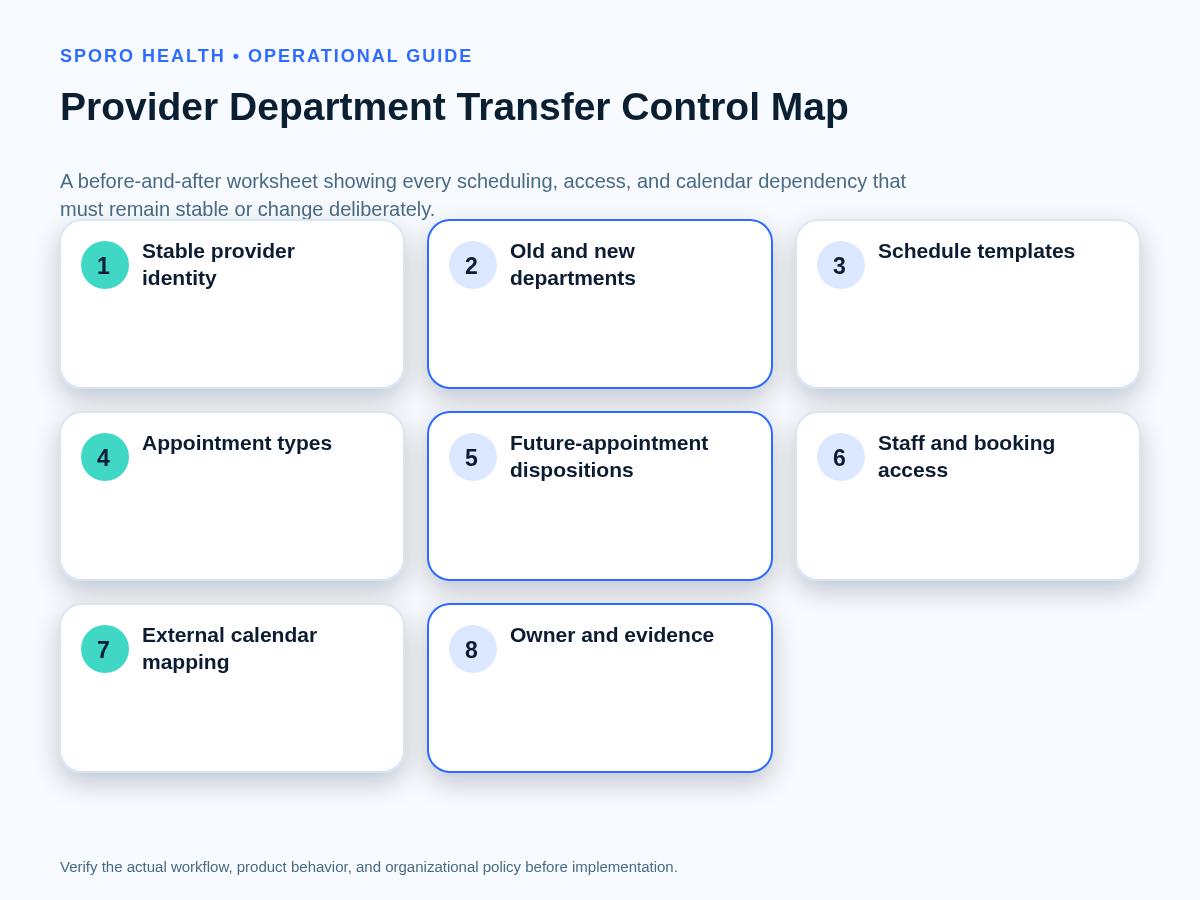
The map should show every scheduling, access, booking, and calendar dependency that must remain stable or change deliberately. Use one evidence field for each row so that “configured” is not confused with “verified.”
| Control | Before state | Approved after state | Evidence |
|---|---|---|---|
| Provider identity | Current provider record and identifier | Same stable identity unless separately approved | Record comparison |
| Department and location | Old department, site, and time zone | New or continuing department boundaries | Effective-dated view |
| Appointment types | Currently bookable types | Types available in each destination | Test bookings |
| Schedule templates | Baseline and temporary rules | Reused or bounded target schedule | Template review |
| Booking channels | Front desk, central team, portal, or other paths | Approved provider-department paths | Channel tests |
| Staff access | Current viewers and editors | Required old and new department access | Role-based tests |
| External calendar | Google Calendar or Outlook target | Intended provider calendar and representation | Event comparison |
| Integration mapping | Current provider-calendar relationship | Verified department-aware target state | Vendor or admin evidence |
If the transfer also changes an email address, username, UPN, or mailbox identity, run the separate provider identity-change cutover checklist rather than hiding an identity change inside this department move.
How should future appointments be handled when the provider changes locations?
Do not move or recreate every future appointment by default; give each booking an explicit disposition. The ledger should retain the appointment reference, booked department, service, date, location, decision, owner, patient-contact status, and verification evidence.
| Disposition | Decision rule |
|---|---|
| Remain | The booked department, provider service, and location remain valid after the effective date. |
| Move | The same approved service can be honored in the new department without changing the intended appointment. |
| Reschedule | The original booking cannot be honored, but an approved alternative is available. |
| Cancel | The practice’s approved workflow requires cancellation and any required communication is assigned. |
| Escalate | Service availability, resource, credentialing, access, location, or patient-workflow questions remain unresolved. |
Reconcile the final ledger against the production schedule. If an API or export supports the comparison, validate its use against athenahealth’s current appointment API reference rather than relying on an old field list or a copied report definition.
Should the existing provider schedule be reused?
Reuse a schedule only when its appointment types, resources, locations, time zones, booking rules, and effective dates match the approved destination. The organizational move and the provider-hours decision are separate approvals. If the future hours differ, create the smallest bounded change that represents the target state and leaves the prior state recoverable.
The athenaOne service description notes that Schedule Builder supports appointment types, repetition patterns, and flexible date ranges. Use those boundaries deliberately, and consult the guide to choosing a baseline template or temporary schedule change when the provider’s hours are also changing.
Which permissions and calendar mappings must be retested?
Retest athenahealth scheduling authority, human calendar access, and integration authorization as three separate controls. A department assignment or staff-group update should not be assumed to alter all paths.
- Scheduling authority: Confirm who can view, create, reschedule, cancel, or release capacity in the old and new departments.
- Human calendar access: Google documents distinct calendar sharing levels, while Microsoft documents separate sharing and delegate roles.
- Application authorization: Google Calendar uses defined OAuth scopes, and Microsoft Graph distinguishes delegated and application permissions in its permissions reference.
Inventory direct, group, administrative, and application paths with the provider calendar access recertification workflow. For vendor-specific questions, review Sporo’s current athenahealth and Google Calendar product page or athenahealth and Microsoft Outlook product page, then verify the actual mapping in the practice’s configuration.
What sequence should the provider schedule cutover follow?
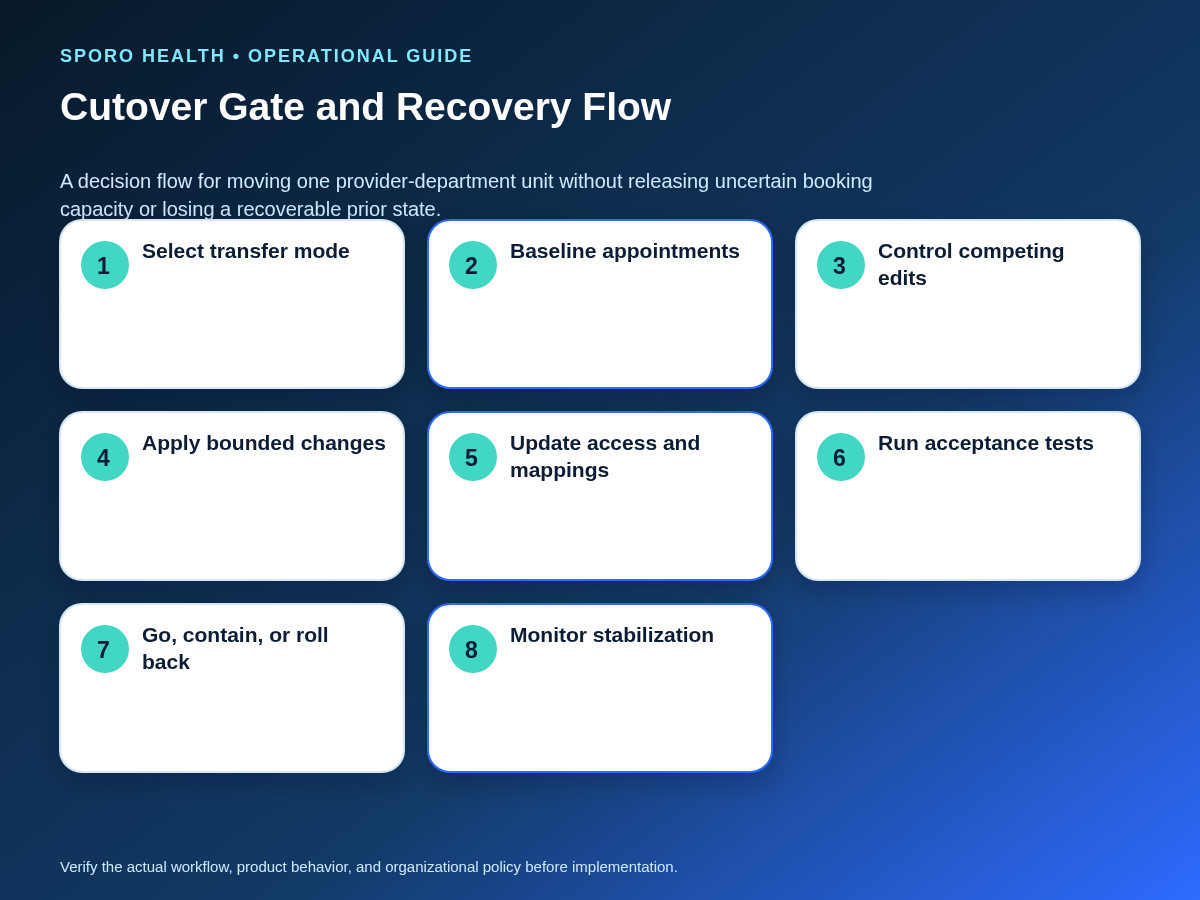
Approve scope first, control competing edits, make the bounded changes, and reopen normal booking only after acceptance passes.
- Approve the transfer mode, effective date, owners, and rollback authority.
- Complete the control map and baseline all future appointments.
- Notify affected schedulers and control competing edits during the cutover window.
- Apply the approved department, location, and schedule changes.
- Update staff access, booking channels, and external-calendar mappings.
- Run acceptance tests from every required view and role.
- Reconcile appointments, capacity, and calendar events against the baseline.
- Record the gate decision before releasing normal booking.
What must acceptance testing prove?
Testing must prove that the final state works from both departments, every authorized booking path, and the connected provider calendar. Capture the actor, input, expected result, actual result, screenshots or record references, defect owner, and retest status.
| Scenario | Views and results to compare |
|---|---|
| Schedule visibility | Old department, new department, provider view, and front-desk role show the intended capacity. |
| Create | A new booking uses the correct provider, department, appointment type, location, and calendar representation. |
| Reschedule | The original state is replaced correctly without leaving stale capacity or a stale calendar event. |
| Cancel | The appointment and intended external-calendar representation reach the approved final state. |
| Recurring block | One-occurrence and series-level changes respect the approved boundaries. Google documents recurrence as part of its calendar event model. |
| Patient-facing booking | Only approved provider, department, appointment-type, and location combinations are offered. |
| Permissions | Authorized staff can complete their tasks and unauthorized roles cannot. |
When should the transfer go, contain, or roll back?
The gate should produce go, conditional go, contain, or rollback—not an undocumented decision to “watch it.”
| Decision | Gate rule |
|---|---|
| Go | All critical paths pass and the appointment ledger reconciles. |
| Conditional go | Critical paths pass; bounded noncritical work has owners, due dates, and monitoring. |
| Contain | The issue is limited to the affected provider-department unit, and uncertain booking remains closed. |
| Rollback | Schedule integrity, booking authority, external-calendar accuracy, or recoverability cannot be demonstrated. |
What should rollback restore?
Rollback should restore the last verified provider-department configuration while preserving every transaction made during the cutover window. It is not complete merely because the old department appears again.
- Stop new changes for the affected provider-department unit.
- Restore the verified department, schedule, access, and mapping state.
- Compare the cutover change log with current appointments and calendar events.
- Reconcile every create, reschedule, cancellation, and manual correction.
- Assign the original failure, correct it, and repeat acceptance testing before reopening.
How should the transfer be measured after cutover?
Measure the move by provider and department during the first review periods, not only as a practice-wide total.
| Measure | What it reveals |
|---|---|
| Unmatched future appointments | Bookings missing from the approved ledger or final state |
| Wrong-location bookings | Department or site rules still producing incorrect appointments |
| Permission failures | Required work blocked or unauthorized work still possible |
| Calendar mismatches | athenahealth and Google Calendar or Outlook disagree |
| Manual corrections | Hidden operational work created by the transfer |
| Repeat defects and closure time | Whether fixes hold and exceptions receive timely ownership |
Route detected differences through a named queue and accepted handoff using the daily schedule reconciliation playbook. Stabilization ends only after agreed review periods show no unresolved critical defect.
What should the final implementation checklist contain?
The signed checklist should connect approval, execution, evidence, gate authority, and recovery for one provider-department unit.
- Approved transfer mode and effective dates
- Completed before-and-after control map
- Disposition for every affected future appointment
- Approved schedule and booking-channel changes
- Retested staff access and integration authorization
- Two-sided acceptance evidence
- Documented go, conditional-go, contain, or rollback decision
- Stabilization owner, measures, and exit criteria
The practical answer to how to move a provider between athenahealth departments without disrupting schedules is to keep the move bounded, testable, and reversible. If connected-calendar mapping is in scope, visit Sporo Health’s healthcare automation site or review the current Sporo Health athenaConnect Marketplace listing. Use those commercial descriptions to frame questions, then base approval on configuration-specific evidence.
Frequently asked questions
How do you move a provider between athenahealth departments without disrupting schedules?
Use a controlled cutover: map the old and new departments, classify future appointments, change only approved schedules and permissions, test every booking and calendar view, and keep rollback available until the new department is stable.
Can a provider work in two athenahealth departments?
Yes, when the split is intentional and each department’s schedule, appointment types, booking authority, location, effective dates, and connected-calendar behavior are mapped and tested independently. Do not infer the arrangement merely because both departments appear in a staff view.
Should every future appointment move to the provider’s new department?
No. Assign each appointment a remain, move, reschedule, cancel, or escalate disposition based on its booked department, service availability, location, effective date, and approved workflow.
Can the provider’s existing schedule template be reused?
Only after confirming that appointment types, resources, location, time zone, booking rules, and effective dates match the approved future state. Otherwise make the smallest bounded schedule change.
Which permissions must be retested after a department transfer?
Retest athenahealth scheduling permissions, human Google Calendar or Outlook sharing, and integration authorization separately. A department or staff-group change should not be assumed to update all three.
When should a provider department transfer be rolled back?
Roll back when schedule integrity, booking authority, or recovery cannot be demonstrated, or when a critical test fails without a bounded containment plan. Restore the last verified configuration and reconcile every affected transaction before reopening.
Sources
- athenaOne Service Description — Schedule Builder, appointment scheduling, and patient self-scheduling context.
- athenahealth Appointment API Reference — current appointment API documentation.
- Google Calendar sharing guidance — human calendar permission levels.
- Google Calendar API authorization scopes — application authorization boundaries.
- Google Calendar event and recurrence concepts — event and recurring-series behavior.
- Microsoft Graph calendarPermission resource — sharing and delegate roles.
- Microsoft Graph permissions reference — delegated and application permissions.