
Provider Schedule Change Cutoffs for athenahealth Practices: A Freeze-Window Policy Guide
A provider schedule change cutoff policy for athenahealth practices should use tiered notice rules, not one universal number of days. For practice managers, the freeze window should begin where the remaining time can no longer cover booked-appointment review, operational coordination, authorized edits, communication, and verification. Permanent, bounded, one-day, and emergency changes then follow different control paths.
What is a provider schedule freeze window?
A schedule freeze window is the near-term period when routine provider availability changes need heightened approval or should be deferred. It is not a total ban on change. It is a control boundary separating requests that can follow the normal workflow from requests that need additional authority, narrower scope, explicit appointment disposition, or emergency containment.
Start the freeze window where the practice can no longer reliably complete four tasks before care is due:
- Identify booked appointments, protected capacity, coverage, and operational dependencies.
- Assign owners for patient follow-up, schedule execution, verification, and recovery.
- Update every authorized schedule view and booking channel affected by the request.
- Detect and correct a wrong date, recurrence boundary, location, status, or cancellation.
The boundary can differ by change class, location, or appointment exposure. It should not be copied from another practice without checking whether the underlying work can be completed in the available time.
How should notice tiers follow the commitment horizon?
Notice should increase as the change reaches farther into recurring capacity or encounters more existing operational commitments. Permanent baseline changes generally need the longest review horizon; date-bounded patterns and one-day exceptions can use narrower paths; same-day emergencies should enter containment rather than pretending to be routine work.
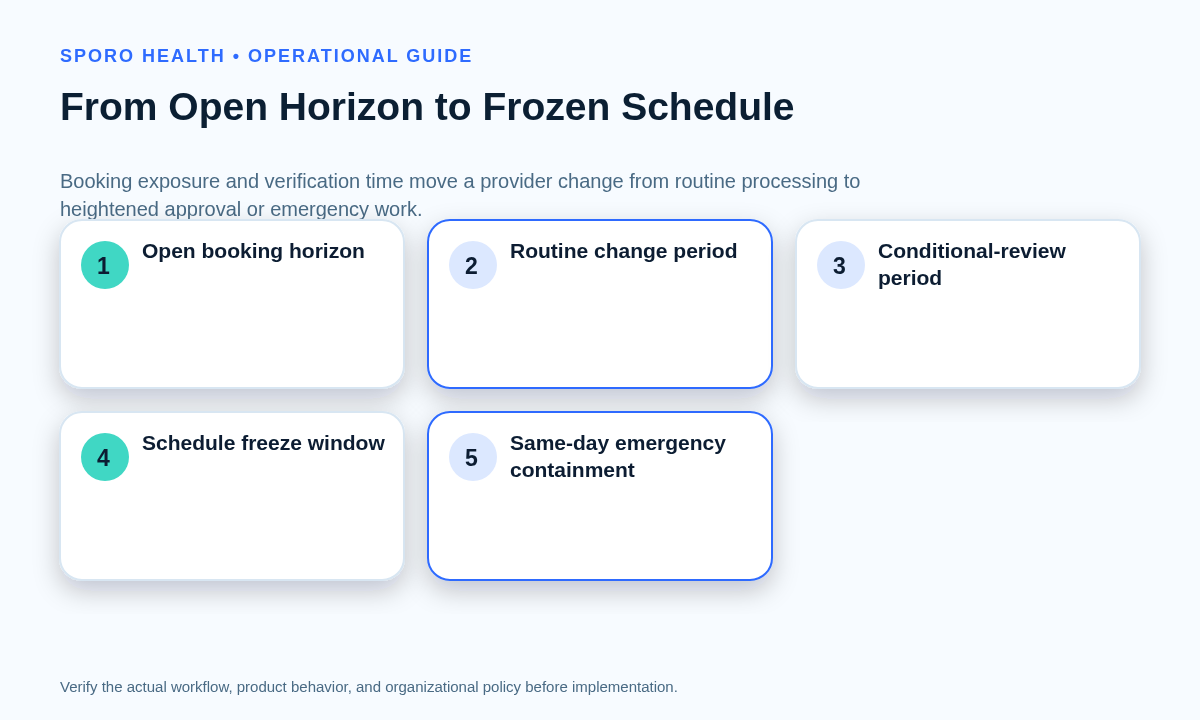
| Zone | Operational signal | Default treatment |
|---|---|---|
| Open booking horizon | Little or no appointment exposure; dependencies can still be planned. | Assess and schedule the change through normal governance. |
| Routine change period | Bookings may exist, but owners have enough time to review and communicate. | Use standard approval, execution, and verification. |
| Conditional-review period | Exposure is rising or one dependency remains uncertain. | Approve only with named conditions and deadlines. |
| Schedule freeze window | Routine completion and verification can no longer be assumed. | Approve with conditions, reduce scope, defer, or escalate. |
| Same-day emergency | Care is imminent and the provider cannot follow the approved schedule. | Contain the smallest affected window and triage appointments. |
Before applying these zones, classify the requested schedule layer by choosing a schedule template or temporary change. A request to alter every future Monday is not operationally equivalent to closing one Monday afternoon.
Which disposition should a late request receive?
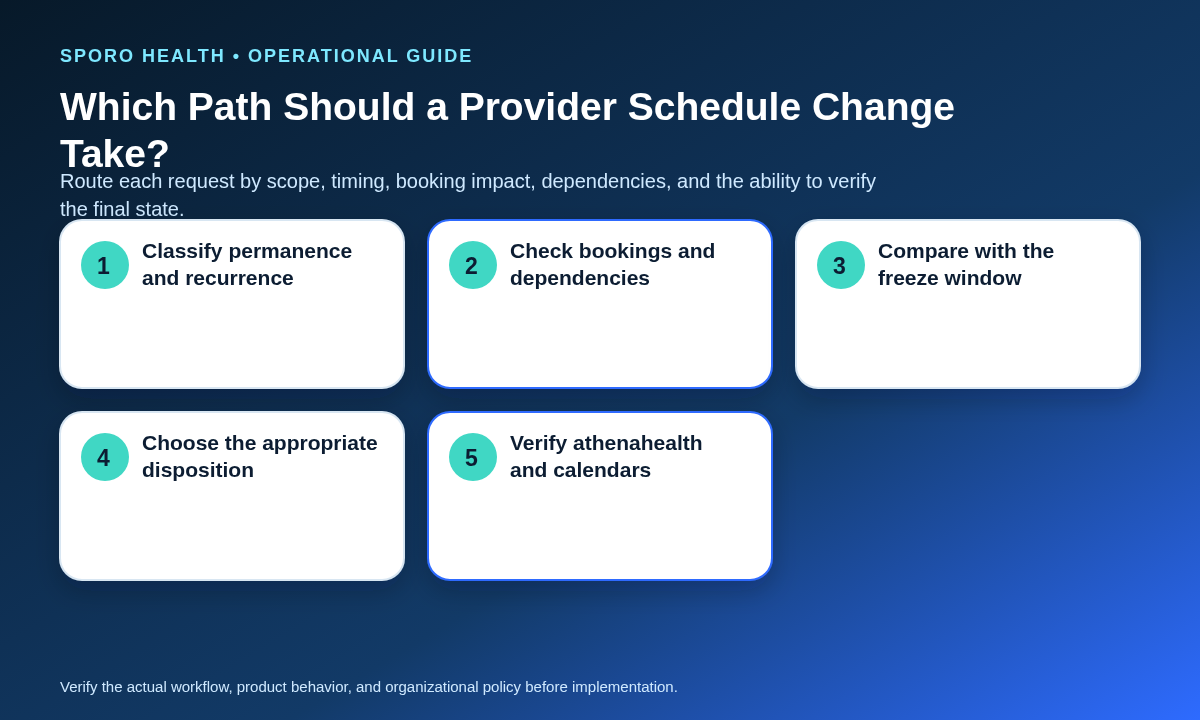
A cutoff decision should route the request to routine processing, conditional approval, scope reduction or deferral, or emergency containment. Timing alone does not decide the outcome; booked appointments, recurrence, locations, resources, communication work, and the ability to verify the final state also matter.
| Disposition | Use when | Required control |
|---|---|---|
| Routine processing | The request is outside the freeze window and its impact can be completed normally. | Standard approval, execution, appointment review, and verification. |
| Conditional approval | The request is late, but all exposure can be owned before the effective time. | Written conditions, deadlines, owners, and verification evidence. |
| Reduce scope or defer | The full request is unsafe, but a smaller interval is manageable or a later date is acceptable. | Record whether the decision narrows dates, locations, recurrence, or postpones the change. |
| Emergency containment | An unplanned same-day event makes the approved schedule infeasible. | Incident ownership, appointment triage, coverage, controlled edits, and verified reopening. |
Inside the freeze window, routine processing is no longer available. The approver must choose conditional approval, scope reduction, deferral, or emergency routing. Verbal urgency should not remove ownership, communication, or verification requirements.
What belongs in the late-change impact envelope?
The impact envelope should record enough information to decide, execute, verify, and reverse the change without reconstructing the request from messages. It becomes the shared control record for the requester, approver, appointment owner, executor, and verifier.
| Control area | Required fields |
|---|---|
| Change identity | Provider, current state, proposed state, effective dates, permanence, and recurrence. |
| Booking exposure | Booked appointments, appointment types, protected capacity, and booking horizon. |
| Operational scope | Locations, departments, coverage, rooms, equipment, travel, and other resources. |
| Schedule surfaces | Booking channels, authoritative schedule, connected calendars, local queues, and staff views. |
| Ownership | Requester, approver, executor, appointment owner, verifier, and escalation owner. |
| Closure and recovery | Communication work, evidence required, completion time, restoration plan, and rollback owner. |
If the request concerns temporary time away, route the approved result into the established physician out-of-office availability workflow rather than using the policy record as a substitute for execution.
Who approves and verifies changes inside the freeze window?
A named operations owner should approve the late request, while execution, appointment disposition, verification, escalation, and rollback remain explicitly assigned. Where staffing permits, the person who executes a high-exposure change should not be its only verifier.
| Change path | Approver | Executor | Appointment owner | Verifier and recovery |
|---|---|---|---|---|
| Routine, outside freeze | Normal schedule authority | Authorized scheduler or administrator | Routine booking team | Assigned verifier; standard rollback owner |
| Conditional, inside freeze | Practice manager or designated operations leader | Named authorized user | Named owner by location or queue | Independent check where feasible; escalation deadline recorded |
| Narrowed or deferred | Owner who can accept the revised scope | Authorized user for the approved portion | Owner for any remaining bookings | Verifier confirms both changed and untouched boundaries |
| Emergency containment | Incident or escalation owner | Smallest authorized response group | Explicit appointment-triage owner | Recovery owner authorizes reopening after verification |
Keep this authority separate from the rules in a provider availability override decision guide. A late provider schedule request and permission to bypass an existing restriction are different decisions.
What should happen during a same-day emergency?
A same-day emergency should trigger containment and appointment triage, not an undocumented bypass of the freeze window. The objective is to protect the smallest affected interval while preserving a clear path to recovery.
- Confirm the provider, location, effective interval, and immediate constraint.
- Assign one incident owner and pause uncertain booking in the affected window.
- Identify every affected appointment and record its disposition owner.
- Coordinate approved coverage and operational resources without assuming that coverage automatically preserves every appointment type.
- Update only authorized schedule surfaces and record who made each change.
- Verify the authoritative schedule and connected calendars before reopening capacity.
When appointments must move or be canceled, use the practice’s front-desk reschedule and cancellation workflow so each transaction reaches a verified end state.
How should multi-location changes be handled?
A multi-location request should be evaluated by provider, location, department, date, and appointment type rather than as one global change. A change that is safe at one clinic can remain unsafe elsewhere because of different bookings, travel constraints, resources, local ownership, or communication time.
- List each provider-location-department combination in scope.
- Separate affected bookings and appointment types by site.
- Check travel, coverage, rooms, equipment, and protected-capacity dependencies.
- Name the local booking owner and every channel through which capacity is offered.
- Require verification evidence for each site before closing the request globally.
If one site cannot meet the conditions, reduce the approved scope or defer that site. Do not let successful verification at one location stand in for cross-site review.
How should Google Calendar and Outlook be checked?
Google Calendar and Outlook should be verified as separate schedule surfaces after any approved late change. Test the exact interval and recurrence boundaries on each platform; a correct appearance in one calendar does not establish that another calendar, booking view, or schedule queue is aligned.
The Google Calendar Events reference exposes fields such as status, start, end, time zone, location, recurrence, recurring-event identity, and original start time. Its recurring-events guide distinguishes a whole series from individual instances and exceptions. Therefore, test the approved occurrence, nearby occurrences, canceled instances, and the dates immediately outside a bounded change.
The Microsoft Graph event model separately represents properties including recurrence, location, event type, cancellation, status display, series masters, occurrences, and exceptions. Microsoft’s calendar resource documentation explains that a time-bounded calendar view can return occurrences, exceptions, and single instances. Use that distinction when verifying the effective interval.
The minimum cross-platform evidence should cover approved dates, start and end times, recurrence limits, event or availability status, location representation, exceptions, cancellations, and neighboring dates. Capture discrepancies as open work; do not close the schedule request because the initial edit succeeded.
How should the cutoff policy be calibrated?
Calibrate cutoffs with observed operating data by change class, not with an arbitrary target copied from another organization. Establish a baseline first, then adjust one boundary or approval rule at a time.
AHRQ’s Daily Huddle Component Kit describes looking ahead to scheduled patients, surfacing equipment or room issues, writing down schedule changes, and using iterative Plan-Do-Study-Act cycles. A practice can apply the same learn-and-adjust discipline to its freeze-window policy.
| Measure | What it may reveal |
|---|---|
| Late-request frequency | Whether routine behavior repeatedly enters the freeze window. |
| Affected appointments | The booking exposure created by each change class. |
| Approval exceptions | Whether the policy is routinely bypassed or poorly fitted. |
| Correction touches | Extra edits or contacts required after initial execution. |
| Verification misses | Requests not proven complete before the effective time. |
| Reopened discrepancies | Changes closed before all schedule surfaces agreed. |
| Deferrals beyond freeze | Whether the boundary protects operations or blocks manageable work. |
Feed unresolved or reopened items into the daily schedule reconciliation process, then review patterns by location, provider, and change class.
How do you put a provider schedule change cutoff policy for athenahealth practices into operation?
Start with provisional tiers, test them against real requests, and revise them only after reviewing baseline evidence. The first version should be understandable enough that a requester can predict the likely path before submitting a change.
- Define permanent, date-bounded, one-day, and emergency change classes.
- Map the commitment horizon for each class using existing bookings and completion time.
- Publish the impact envelope, four dispositions, authority matrix, and emergency route together.
- Pilot the policy with a bounded provider or location group and review every late request.
- Adjust cutoff boundaries only after comparing verification, correction, reopening, and deferral measures with the baseline.
Technology can support schedule visibility, but it should not decide approval or appointment disposition. If connected-calendar tooling is relevant, review Sporo Health, its athenahealth and Google Calendar product overview, its athenahealth and Microsoft Outlook product overview, and the Sporo Health listing in athenaConnect Marketplace. Treat these as vendor materials and require written scope plus witnessed tests before relying on product behavior.
Frequently asked questions
- What is a provider schedule freeze window for a medical practice?
- It is the near-term period when routine availability changes require heightened approval or should be deferred. Its boundary reflects the work needed to protect bookings and verify the final schedule.
- Should permanent provider schedule changes require more notice than one-day exceptions?
- Yes, generally. Permanent changes can alter recurring capacity across a longer horizon, while a one-day exception can follow a narrower path when its impact is contained.
- How should existing patient appointments affect a provider schedule change deadline?
- Count and classify affected appointments before approval. More bookings, appointment types, communication work, or unresolved dispositions justify an earlier cutoff or stronger conditions.
- Who should approve a provider schedule change inside the freeze window?
- A named operations approver with authority over the affected appointments and locations should decide. The requester should not erase execution, verification, or escalation ownership.
- What should happen when a provider has a same-day emergency schedule change?
- Route it to emergency containment. Protect the smallest affected window, assign an incident owner, disposition appointments, coordinate coverage, update authorized surfaces, and verify before reopening.
- Should multi-location providers have different schedule change cutoffs?
- Not automatically, but locations may need different boundaries when booking exposure, travel, resources, local ownership, or verification time differ materially.
- How should Google Calendar and Outlook be checked after a late provider schedule change?
- Test each platform separately for dates, recurrence boundaries, status, location, exceptions, cancellations, and neighboring dates. A correct result on one platform does not prove the other is aligned.
- Which measures show that a provider schedule change cutoff is too loose or too restrictive?
- Compare baseline rates for late requests, affected bookings, approval exceptions, correction touches, verification misses, reopened discrepancies, and deferrals by change class.
Sources

One comment
Comments are closed.
[…] event differs from a future provider request governed by a provider schedule change freeze-window policy. It also differs from a confirmed absence, where capacity is unavailable. The operational question […]