Google Calendar OAuth Permissions for athenahealth Integrations: A Client-ID-to-Scope Review
If you need to decide how to review Google Calendar OAuth permissions for an athenahealth integration, keep approval on hold until the exact OAuth client IDs, authorization path, requested scopes, target users and calendars, required operations, approvers, and revocation owner are documented. Google Workspace administrators should then prove both allowed and denied behavior before any production connection is accepted.
How to review Google Calendar OAuth permissions for an athenahealth integration
Use an evidence gate rather than approving an app name or vendor description. The gate should produce one of four outcomes: approve the documented cohort, approve with conditions, hold for missing evidence, or reject access that cannot be justified or bounded.
Google’s Admin console documentation says administrators can review an app’s full OAuth client ID, requested services, scopes, user count, and access setting. Record that evidence rather than relying on a screenshot of a consent screen or a product demonstration. See Google’s third-party app access controls.
- Do not approve an unidentified client ID.
- Do not accept an unknown authorization path.
- Do not infer calendar reach from the scope name alone.
- Do not close the review without a tested revocation owner.
What must be in the access inventory?
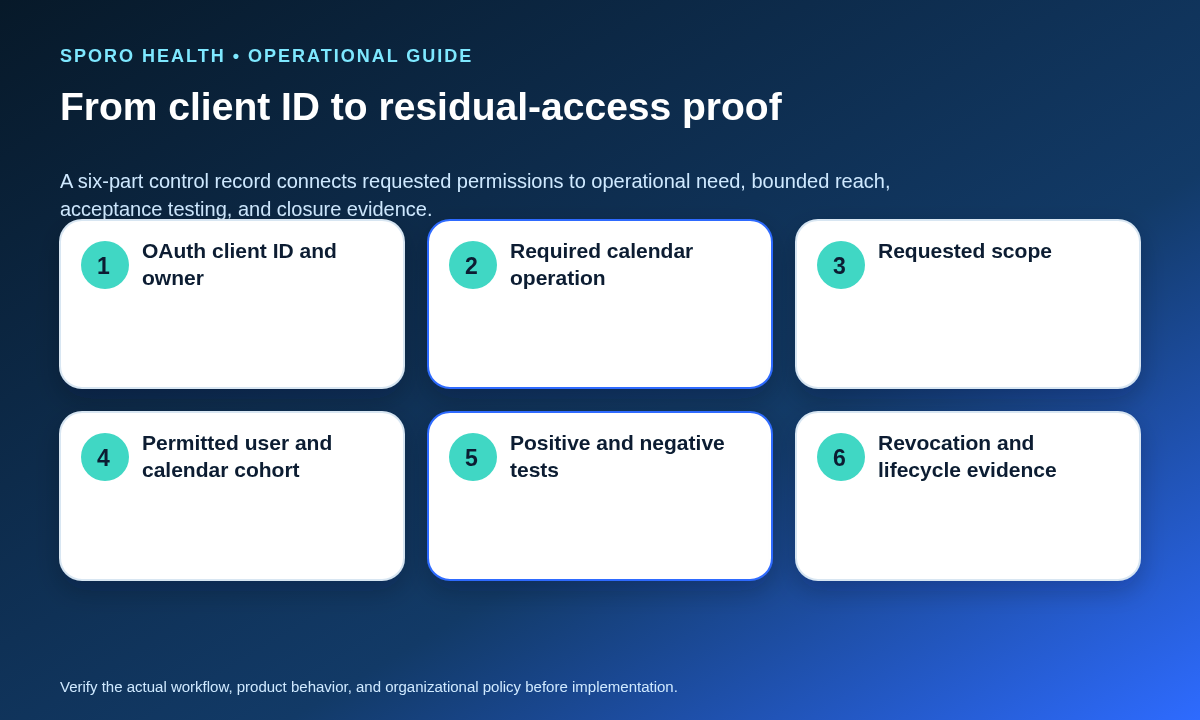
The inventory must include every client, credential, grant, identity, calendar type, owner, and unresolved discrepancy that could create effective access. One row per app name is not enough when web, mobile, service-account, test, or legacy clients may use different identifiers.
- OAuth client ID, app type, project or vendor owner, and environment
- Service account and any domain-wide delegation entry
- Marketplace individual or administrator installation
- Per-user OAuth grants and enrolled providers
- Requested and administratively authorized scopes
- Provider identity and primary or secondary calendar ID
- Integration owner, approver, revocation owner, and evidence date
- Duplicate, unexplained, test, or retired clients requiring disposition
Define which managed identities may enter the cohort by using the personal versus work Google Calendar account-control guide; a shared personal calendar does not automatically become practice-controlled.
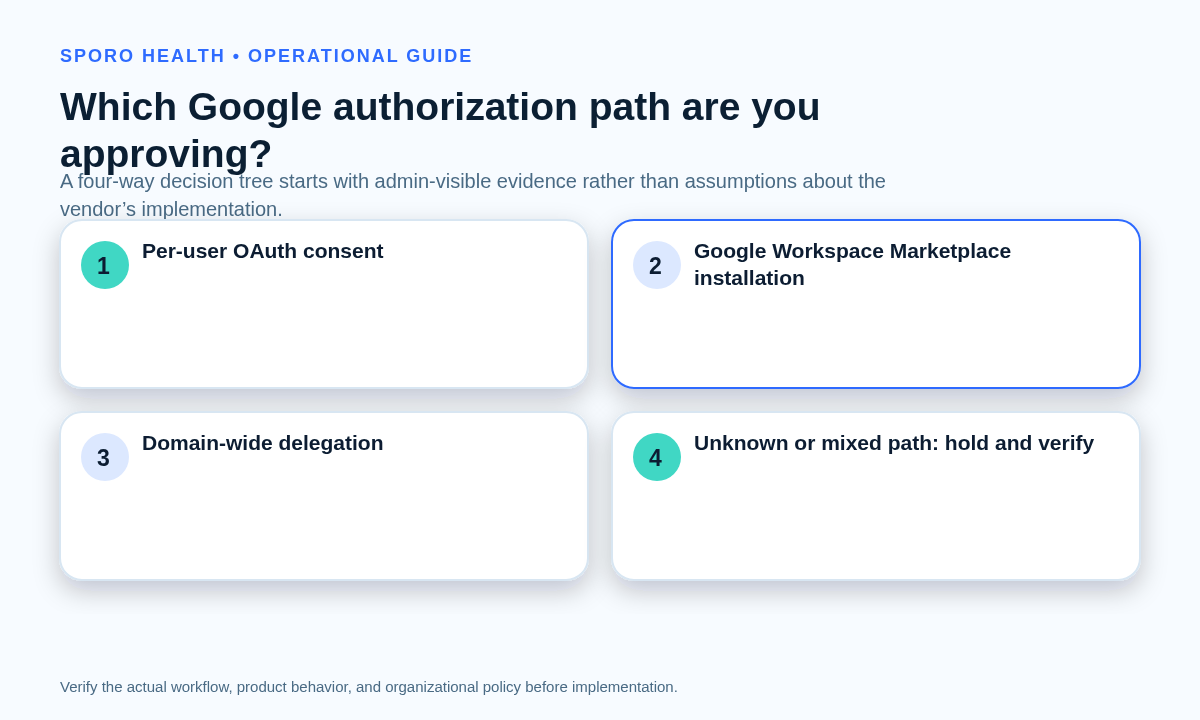
Which Google authorization path are you approving?
Classify the deployment as per-user OAuth consent, Marketplace installation, domain-wide delegation, or unknown or mixed. The label determines whose approval creates access, which evidence should exist, how far the grant may reach, and how it can be revoked.
- Per-user OAuth consent: each provider authorizes a client against an account. Match the provider, client ID, granted scopes, enrollment record, and user-level removal procedure.
- Marketplace installation: determine whether installation is individual or administrator-controlled, which users received it, and which scopes were declared. Google documents that Marketplace scopes support both domain-wide and individual installs; installation alone does not prove the credential model. See Marketplace OAuth configuration.
- Domain-wide delegation: match the client ID or service account to the DWD registry and authorized scopes. Google states that DWD can access Workspace user data without individual consent. See Google’s domain-wide delegation controls.
- Unknown or mixed: stop the approval. Mixed user grants, Marketplace records, or DWD entries may create parallel access paths that must be reconciled first.
Document the observed path, the evidence supporting it, and every contradictory artifact. Do not let the vendor’s preferred architecture substitute for the configuration actually present in the tenant.
What OAuth scopes does the workflow actually need?
Map every required calendar operation to the narrowest current scope that can perform it, then reject unrelated access. Google recommends selecting narrowly focused scopes and publishes distinct permissions for free/busy lookup, event reading, event writing, calendar discovery, and calendar properties in its Calendar OAuth scope reference.
| Required operation | Candidate narrow scope | Evidence to require | Target cohort | Disposition |
|---|---|---|---|---|
| Availability lookup | calendar.freebusy |
Free/busy request and response | Named provider calendars | Allow, condition, or deny |
| Read event details | calendar.events.readonly |
Fields consumed and purpose | Approved calendars only | Allow, reduce, or deny |
| Create or change events | calendar.events or an owned-calendar variant |
Insert, update, and delete scenarios | Approved write destinations | Allow or narrow |
| Discover subscribed calendars | calendar.calendarlist.readonly |
Why discovery is necessary | Enrolled accounts | Allow or deny |
| Read calendar properties | calendar.calendars.readonly |
Properties used by the workflow | Named calendar IDs | Allow or deny |
The broad calendar scope includes powerful calendar-management capabilities and should not be treated as a default. The final choice depends on the exact API calls and target calendars. After scope approval, use the minimum necessary calendar data worksheet to govern the event fields and lifecycle states processed through that access.
Why must four access boundaries stay separate?
OAuth scopes, Admin console app policy, acting identity reach, and calendar ACLs answer different access questions. Passing one boundary does not prove least privilege at the other three.
- OAuth scope: defines the types of operations and data the token may request.
- Admin app policy: determines whether the client is trusted, limited, or blocked under the tenant’s current controls. Verify the full client ID and setting in the Admin console app record.
- Acting identity: determines which user the app represents. Google warns that DWD scopes restrict data types but do not restrict which users a service account may impersonate; see the DWD best-practices guidance.
- Calendar ACL and ownership: determines what that identity can do on a particular calendar. Google’s event guidance requires both an adequate OAuth scope and write access to the target calendar. See Create events.
Human sharing remains a separate layer. Use the Google Calendar sharing levels for medical practices when reviewing staff access, and compare it with Google’s current calendar-sharing permissions.
How should the permitted provider-calendar cohort be defined?
Name the approved providers, accounts, calendar IDs, calendar types, organizational units, and exceptions instead of using a general label such as “all clinicians.” For each provider, record the managed account, primary or secondary calendar, required read and write operations, enrollment owner, start date, and exclusion reason for nearby accounts.
Organizational units can describe the administrative cohort, but they are not proof that every authorization path enforces the same boundary. If DWD is present, separately document how the application selects impersonated users. Create at least one excluded provider, administrator, shared calendar, and unrelated secondary calendar for negative testing.
What must acceptance testing prove?
Testing must show required actions on approved calendars and denied actions on excluded targets, followed by successful revocation and safe scheduling fallback. Use controlled test identities and synthetic events rather than live patient information.
| Scenario | Approved target | Excluded target | Evidence |
|---|---|---|---|
| Availability lookup | Expected busy windows returned | No usable availability returned | Timestamped request and result |
| Event read | Only approved details exposed | No event data exposed | Field-level capture |
| Create, update, delete | Required actions succeed | No event is changed | Before-and-after event IDs |
| Private event | Behavior matches approved visibility rule | No broader detail appears | UI and API comparison |
| Recurring event and one exception | Series and occurrence scope stay distinct | No excluded series is affected | Parent and instance IDs |
| Secondary calendar and revocation | Approved calendar works before removal | Residual access fails after removal | Revocation and fallback record |
Google represents recurring series and their instances with distinct identifiers, and private-event visibility also depends on effective calendar access. Build those cases explicitly from the Calendar Events resource and recurring-events guidance. A successful approved-target test without a denied-target test is incomplete.
How should lifecycle changes and revocation be handled?
Every onboarding, transfer, leave, email change, and offboarding event must trigger an explicit mapping and access decision. Do not let a new provider inherit a predecessor’s calendar, token, exception, or administrative reach automatically.
- Onboarding: add only the approved identity and calendar after acceptance tests pass.
- Transfer: reassess department, organizational unit, calendar ownership, and target selection.
- Leave: decide whether access pauses, remains read-only, or stays unchanged for a documented reason.
- Email change: confirm whether the underlying Google identity and token mapping changed.
- Offboarding: protect near-term schedules, stop new integration activity, remove the matching grant, test residual access, reconcile missed changes, and record closure.
For per-user OAuth, Google provides a user-access removal path through linked-app settings. For DWD, administrators can remove scopes or delete the client authorization; Google notes that dependent applications stop working when that client is deleted. See Google Account app-access management and the DWD removal procedure.
Convert the initial decision into a recurring provider calendar access recertification workflow so stale clients, grants, calendars, and exceptions are found after production changes.
What should the vendor prove?
The vendor evidence packet must connect each current client ID and scope to the deployed authorization path, operational purpose, bounded cohort, credential owner, audit evidence, change process, and disconnection procedure. Request:
- Current production and nonproduction OAuth client IDs
- Requested scopes and operation-level justification
- Per-user, Marketplace, DWD, or mixed-flow diagram
- Provider and calendar selection controls
- Token, service-account, and credential ownership
- Scope or client-change notification process
- Allowed-target and denied-target test evidence
- Emergency disconnection and reconciliation procedure
Use the proof-based vendor due-diligence checklist for the wider commercial and operational review. Public product pages do not establish the authorization model used by a particular deployment.
Where do current Sporo destinations fit?
Use current vendor destinations for product discovery, not as proof of client IDs, scopes, calendar reach, or revocation behavior. Review the Sporo Health homepage, Sporo’s athenahealth and Google Calendar page, Sporo’s athenahealth and Microsoft Outlook page, and Sporo Health’s athenaConnect Marketplace listing. If the workflow appears relevant, request the deployment-specific evidence packet before approving or expanding access.
How should the approval review close?
The review closes only when every client, scope, identity, calendar, test result, lifecycle owner, and revocation step has a documented disposition. The practical answer to how to review Google Calendar OAuth permissions for an athenahealth integration is to approve one evidenced access path and one bounded cohort—not an app brand in the abstract. Any unresolved client, parallel grant, failed denial, or untested revocation should leave the decision on hold.
Frequently asked questions
Is Google Calendar sharing the same as OAuth authorization?
No. Google Calendar sharing and OAuth authorization are separate controls. Sharing governs what people or accounts can see or change through calendar ACLs; OAuth governs what an application may request. Approval should document and test both.
Is a Google Workspace Marketplace installation the same as domain-wide delegation?
No. A Marketplace app may support individual installation, administrator installation, or both, while domain-wide delegation is a separate administrative grant. Confirm the client ID, scopes, token actor, consent behavior, and DWD registry entry instead of inferring the path from the listing.
Is a free/busy scope always enough for a calendar integration?
Only when the approved workflow needs availability and nothing more. If the integration must discover calendars, read event details, create events, update them, or delete them, those operations require separately justified scopes and calendar access.
How should denied Google Calendar access be tested?
Use a named excluded test account and calendar. Attempt each required read or write operation, capture the denial or empty result, confirm no event was created or changed, and repeat after any policy, client, scope, or cohort change.
How should Google Calendar OAuth access be revoked for one provider?
Use the revocation method that matches the authorization path. Remove the user grant for per-user OAuth, remove or narrow the administrative grant for domain-wide delegation, and follow the current Marketplace removal procedure for an admin-installed app; then test residual access and reconcile missed schedule changes.
What if the authorization path is unknown or mixed?
Keep approval on hold. An unknown or mixed path means the practice cannot yet identify who granted access, which credentials act, which users are reachable, or which revocation method will work. Require vendor and tenant evidence before testing production calendars.
Sources
- Google Calendar API OAuth scopes
- Google Workspace third-party app access controls
- Google Workspace domain-wide delegation controls
- Google Workspace domain-wide delegation best practices
- Google Workspace Marketplace OAuth configuration
- Google Account linked-app access management
- Google Calendar sharing permissions
- Google Calendar Events resource
- Google Calendar event-creation requirements
- Google Calendar recurring-events guidance