
Provider Capacity by Clinic Location in athenahealth: A Reserve-and-Release Playbook
To decide how to allocate provider capacity across athenahealth locations, multi-location practice managers should assign every bounded provider session to one clinic and one capacity state, then control any release or transfer through a documented ledger, donor-location safety gate, approval, and independent verification. Existing appointments stay protected, while Google Calendar or Outlook serves as an availability input and verification surface—not the allocation authority.
athenahealth’s current athenaOne Service Description explains that Schedule Builder can apply provider templates by provider group, department, date range, appointment type, time, and frequency. It also describes permissions and controls for frozen and booked slots. Those platform controls help implement a decision, but they do not replace a practice-owned rule for deciding which location receives the capacity.
This playbook adds that missing governance layer. It separates allocation from template design, booking authority, location labels, calendar availability, and permanent provider-department assignments.
What is the right unit for allocating provider capacity?
Use a bounded provider session or interval as the allocation unit. A session might be a recurring morning clinic, an afternoon block, or another exact interval that can be assigned, reviewed, released, and restored without ambiguity.
Each unit must have one provider, one clinic location, one effective interval, and one current capacity state. Do not treat a location label, staff permission, or busy calendar event as the allocation itself. Before assigning minutes, distinguish the ledger from provider-location signals that should control booking.
Keep structural changes separate too. A temporary loan of one session does not necessarily change the provider’s permanent department assignment, and a local team allowed to book appointments does not automatically own the provider’s capacity.
What belongs in the provider-location capacity envelope?
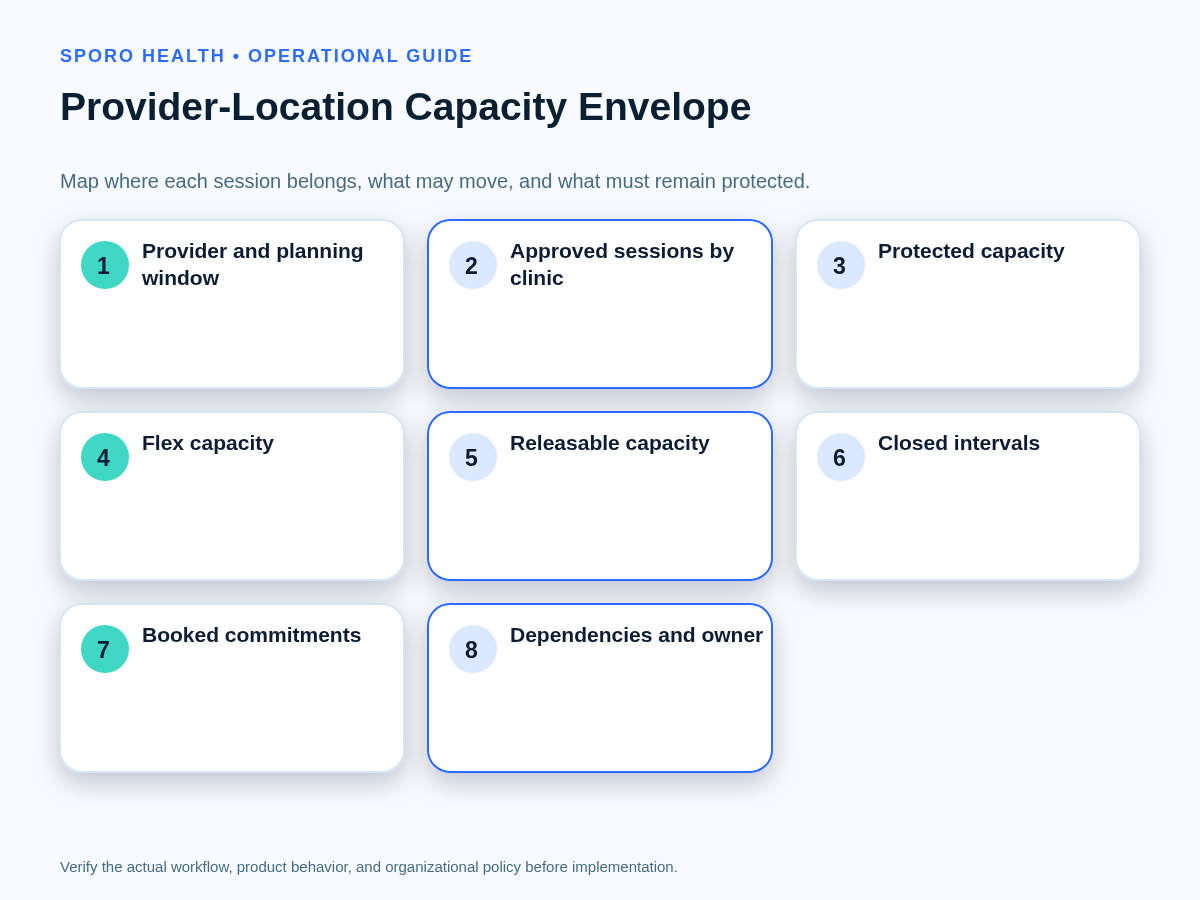
The capacity envelope should show where the provider’s approved clinic minutes belong and what constrains each interval. Use one row per provider-location-session combination for the selected planning horizon.
If recurring baselines differ unpredictably, address standardizing provider schedule templates across locations before using the ledger to govern releases.
| Ledger field | Decision purpose |
|---|---|
| Provider, clinic location, effective dates, local time zone | Identifies who, where, and when the allocation covers. |
| Appointment categories and session minutes | Defines the capacity actually being assigned. |
| Current bookings and booking horizon | Protects commitments and frames near-term demand. |
| Protected, flex, releasable, or closed state | Establishes current booking and transfer rights. |
| Staffing, room, travel, and other dependencies | Records conditions that can make nominal capacity unusable. |
| Review date and decision owner | Prevents an old allocation from persisting without review. |
| Authoritative schedule record and verification owner | Names the system to edit and the person who checks the result. |
Reconcile the envelope to current appointments before approving changes. The worksheet is a decision record, not a substitute for the live athenahealth schedule.
Which capacity state should each provider session use?
Classify every session as protected, flex, releasable, or closed. Each state must define booking rights, cross-location request rights, state-change evidence, expiration, and permitted transitions.
| State | Who may book? | May another location request it? | Evidence, expiration, and transition |
|---|---|---|---|
| Protected | The assigned clinic under its normal rules. | Only through the full safety gate and approval. | Supported by bookings, expected demand, or dependencies; reviewed on a stated date; may move to flex, releasable, or closed. |
| Flex | The assigned clinic has first use until the decision deadline. | Yes, but no transfer occurs automatically. | Demand and booking-horizon evidence determine whether it becomes protected, releasable, or closed. |
| Releasable | An approved receiving clinic after the transaction is applied. | Yes, for the exact approved interval. | The transfer expires on a stated date and returns to its approved state unless renewed. |
| Closed | Nobody. | No. | Used for unavailable or unsafe capacity; reopening requires authorization, schedule edits, and verification. |
Do not let a local team infer a state transition from low bookings alone. The state changes only when the required evidence and authorized decision are recorded.
When should unused capacity be released to another location?
Release or lend capacity only when every donor-location safety test passes. If a material condition is unknown, retain the current allocation or close the uncertain interval rather than letting the receiving clinic claim it.
Outpatient scheduling research treats reserved capacity, flexible capacity, variable demand, and the scheduling horizon as distinct planning variables; it does not establish a universal release percentage. See the studies on static and dynamic outpatient capacity and the influence of scheduling horizon.
The gate should also incorporate the practice’s standard for protecting provider travel time between clinic sites.
- Booked commitments: preserve every appointment or document its authorized disposition.
- Expected demand: review the donor clinic’s booking horizon, waitlist, seasonality, and known referrals.
- Staffing: confirm that both sites can support the proposed arrangement.
- Rooms and resources: verify that receiving-site capacity exists for the appointment categories.
- Travel feasibility: test preceding and following locations in local time.
- Provider confirmation: record approval for the location and exact interval.
- Reversibility: define expiration, restoration, and action if demand changes.
How should a temporary capacity transfer be controlled?
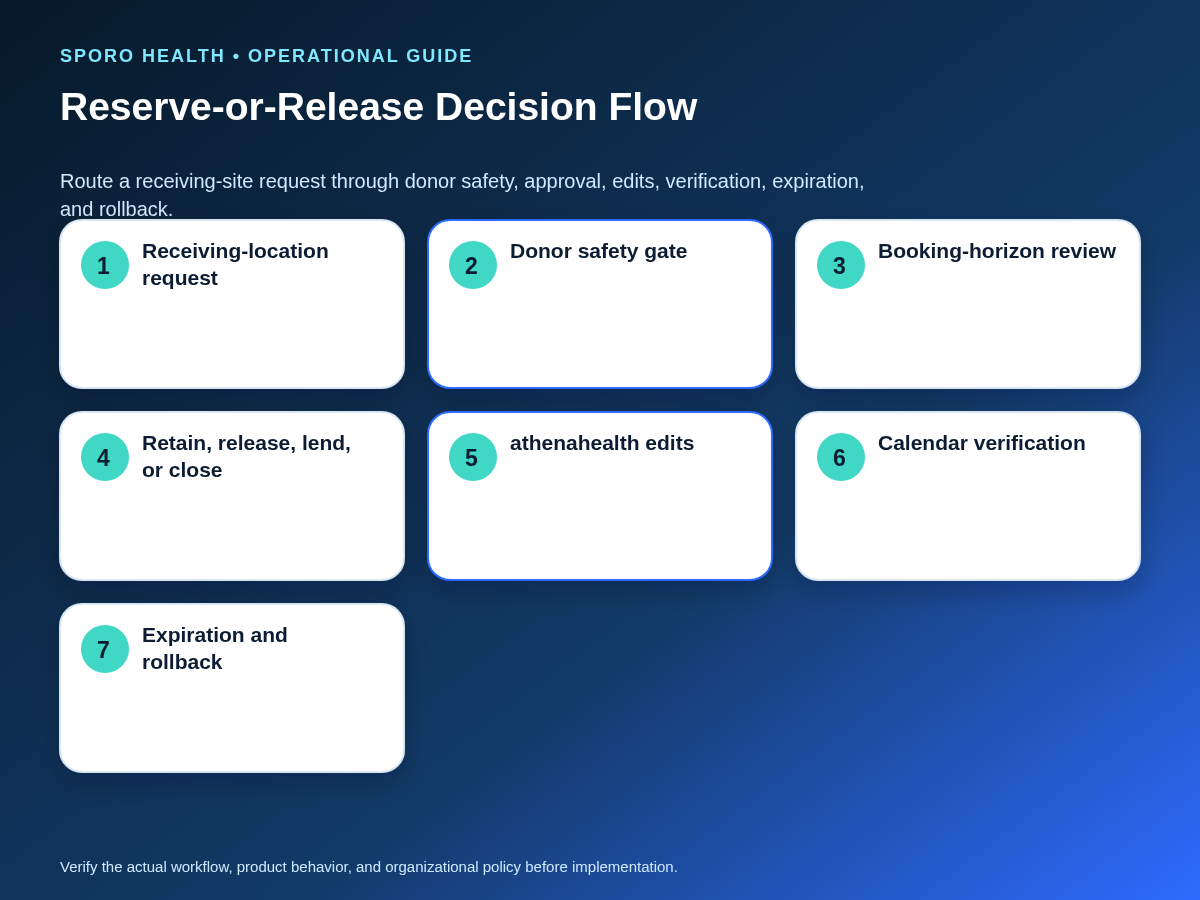
Use one capacity-transfer transaction card from request through closure. The card prevents the donor approval, receiving-site edits, calendar checks, expiration, and rollback from becoming disconnected tasks.
After approval, choose the smallest implementation method. The distinction in deciding between a template update and a temporary schedule change helps prevent a bounded loan from silently changing the recurring baseline.
- Scope
- Provider, donor location, receiving location, exact dates, times, and time zone.
- Impact
- Affected bookings, appointment categories, staffing, rooms, travel, and booking channels.
- Edits
- Required athenahealth changes and any approved connected-calendar changes.
- Control
- Requester, approver, editor, independent verifier, and decision timestamp.
- Recovery
- Expiration, rollback action, escalation owner, and closure evidence.
- Contain the interval from unapproved booking.
- Run the donor gate and record the decision.
- Preserve or explicitly disposition existing appointments.
- Apply the smallest approved schedule changes.
- Verify provider, location, time, state, and booking rights.
- Close at expiration only after restoration is confirmed.
Should Google Calendar or Outlook control location allocation?
No; connected calendars should be inputs and verification surfaces, not the sole approval record. Free/busy information can identify a conflicting commitment, but it does not prove which clinic owns an otherwise open interval.
Google’s Calendar free/busy query documentation shows that availability can be requested for defined calendars, time ranges, and a time zone. Its calendar-sharing documentation also distinguishes free/busy visibility from access to event details.
Microsoft Graph’s getSchedule documentation similarly supports availability checks for users or resources over a specified period and time zone. Neither platform response contains the practice’s donor approval or capacity-state decision.
Use only the operational detail approved for the workflow. HHS guidance says covered entities generally must develop policies that limit certain uses, disclosures, and access to the minimum necessary for the intended purpose, subject to the rule’s exceptions. Privacy and compliance conclusions still depend on the practice’s configuration and authorized review.
- Confirm the approved clinic, interval, time zone, and capacity state.
- Compare athenahealth with the approved ledger.
- Check Google Calendar or Outlook for conflicting or stale blocks.
- Record mismatches without exposing unnecessary event detail.
Who should own provider capacity decisions?
Assign one allocation owner while separating requests, approval, editing, and verification. Local clinics may provide demand evidence, but no location should unilaterally acquire apparently open capacity.
This control can operate within centralized, decentralized, or hybrid scheduling authority without confusing appointment-booking structure with capacity ownership.
| Role | Responsibility |
|---|---|
| Allocation owner | Maintains the ledger, review cadence, and final state. |
| Local requester | Submits demand, interval, dependencies, and receiving-site readiness. |
| Authorized approver | Accepts, conditions, denies, or expires the change. |
| athenahealth editor | Applies only the approved schedule transaction. |
| Independent verifier | Checks the ledger, athenahealth, and connected-calendar surfaces. |
Emergency authority should be narrow, time-bounded, documented, and reviewed after use. Emergency access does not permit staff to displace booked appointments without the practice’s authorized process.
How do you measure provider capacity allocation drift?
Compare approved and actually open minutes for every provider-location pair over the same planning horizon. Then add measures that explain why the difference occurred and whether patients or operations were affected.
| Measure | Operational interpretation |
|---|---|
| Approved versus open minutes | Shows whether each location received the bookable capacity authorized in the ledger. |
| Pair-minute drift rate | Sum absolute provider-location minute differences, divided by approved session minutes. |
| Transfer frequency | Shows how often the baseline allocation requires temporary lending. |
| Reversal frequency | Signals weak gates, changing demand, or edits that did not hold. |
| Bookings displaced | Counts appointments moved or otherwise affected by allocation changes. |
| Unresolved mismatches | Shows intervals where the ledger and one or more schedule views still disagree. |
Report open minutes as currently bookable minutes, not theoretical template time. Interpret the score with demand, booking horizon, provider absence, and approved exceptions; a higher transfer count is not automatically good or bad.
What should happen when the allocation ledger and schedules disagree?
Contain the affected interval, preserve booked appointments, and reverse the smallest unsafe change before reopening capacity. Compare the approved ledger with athenahealth and each connected-calendar view, then document the repaired state.
| Exception | Immediate response |
|---|---|
| Urgent receiving-site request | Use narrow emergency authority, an expiration, and retrospective review. |
| Uncertain donor demand | Keep the session flex or protected until the review threshold is met. |
| Partially booked session | Retain booked intervals; transfer only a clearly bounded unbooked segment if feasible. |
| Conflicting location signals | Stop new booking and compare the ledger, athenahealth assignment, and calendar blocks. |
| Missing calendar visibility | Do not infer availability; use another authorized verification method. |
| Failed schedule edit | Close the interval, restore the last verified state, and retest. |
| Change cannot reverse cleanly | Freeze further changes, protect appointments, and escalate to the named recovery owner. |
Recovery closes only when the allocation state, location, time, booking rights, existing appointments, and connected-calendar representation match the approved outcome.
How should the reserve-and-release playbook be put into use?
Start with one approved ledger, one four-state policy, and one transfer workflow. Expand only after staff can apply and verify the standard consistently.
- Assign the allocation owner and decision roles.
- Inventory recurring provider sessions by location.
- Classify every interval and set its review date.
- Test donor-gate, transfer, expiration, and rollback scenarios.
- Reconcile approved and open minutes by provider-location pair.
- Review repeated transfers and mismatches for policy or baseline changes.
The durable answer to how to allocate provider capacity across athenahealth locations is not to let every clinic chase open-looking slots. Make the allocation explicit, keep transfers bounded, protect appointments, and verify every affected surface.
If connected-calendar visibility is part of the approved design, review Sporo Health’s scheduling resources, the commercial pages for athenahealth and Google Calendar and athenahealth and Microsoft 365/Outlook, and the Sporo Health athenaConnect Marketplace listing. Ask for configuration-specific evidence before relying on any product behavior.
Frequently asked questions
What is provider capacity allocation for a multi-location medical practice?
Provider capacity allocation assigns each bounded provider session to a clinic location and capacity state for a defined planning horizon. The approved ledger—not an apparently open slot—determines which location controls the interval and whether it may be released or transferred.
When should unused provider capacity be released to another clinic location?
Release it only after the donor-location safety gate passes: booked care is protected, expected demand is reviewed, staffing and rooms are ready, travel is feasible, the provider has confirmed, and the change can expire or roll back.
How do you prevent one athenahealth location from booking another location’s reserved provider time?
Keep reserved sessions in protected or closed state, restrict edit and booking rights, and require staff to check the provider-location ledger before opening time. A location label or external-calendar free/busy result alone should not authorize booking.
How do you transfer a provider session between athenahealth locations temporarily?
Use one transaction record for the donor, receiver, exact interval, affected bookings, approved system edits, verification owner, expiration, and rollback. Apply the smallest bounded change, verify every schedule view, and close it only after evidence is recorded.
How do you measure provider capacity allocation drift across clinic locations?
Compare approved and actually open minutes for each provider-location pair over the same horizon. Add transfer frequency, reversals, displaced bookings, and unresolved mismatches, then interpret results alongside booking horizon and demand.
Should Google Calendar or Outlook determine provider capacity by clinic location?
No. Google Calendar or Outlook can provide availability signals and a verification surface, but the practice-owned allocation ledger and authorized athenahealth schedule decision should control which location owns the capacity.
Sources

2 Comments
Comments are closed.

[…] dependencies, calendar representation, owners, and exception authority. Leaders should settle allocating provider capacity by clinic location before approving the detailed split-day […]
[…] adjacent models, review allocating recurring provider capacity by clinic location, same-day split-location schedule boundaries, and the permanent provider department transfer […]