Can a Medical Practice Use Google Calendar Appointment Schedules with athenahealth? A Booking-
Can medical practices use Google Calendar Appointment Schedules with athenahealth? Yes—but practice managers should not expose the same patient capacity through both channels until one system is the booking authority and complete transactions are tested. Google creates Calendar bookings from configured availability; athenahealth self-scheduling follows practice-configured scheduling rules. Similar-looking open times do not prove that both channels create or protect the same patient appointment.
What is the operational difference between Google Calendar Appointment Schedules and athenahealth patient self-scheduling?
They are separate booking workflows unless a tested connection proves otherwise. Google’s Appointment Schedules documentation describes booking pages built from defined availability, scheduling windows, selected calendars, buffers, daily limits, and booking-form settings. The athenaOne Service Description describes patient self-scheduling based on practice-configured visit reasons, appointment types, providers, departments, and patient eligibility.
The documents describe different records and rules. A Google booked event or busy block is therefore not proof that an athenahealth patient appointment exists. Use three ways practices connect athenahealth and Google Calendar as architecture context, but make the patient-booking decision separately.
Which booking-authority model should the practice choose?
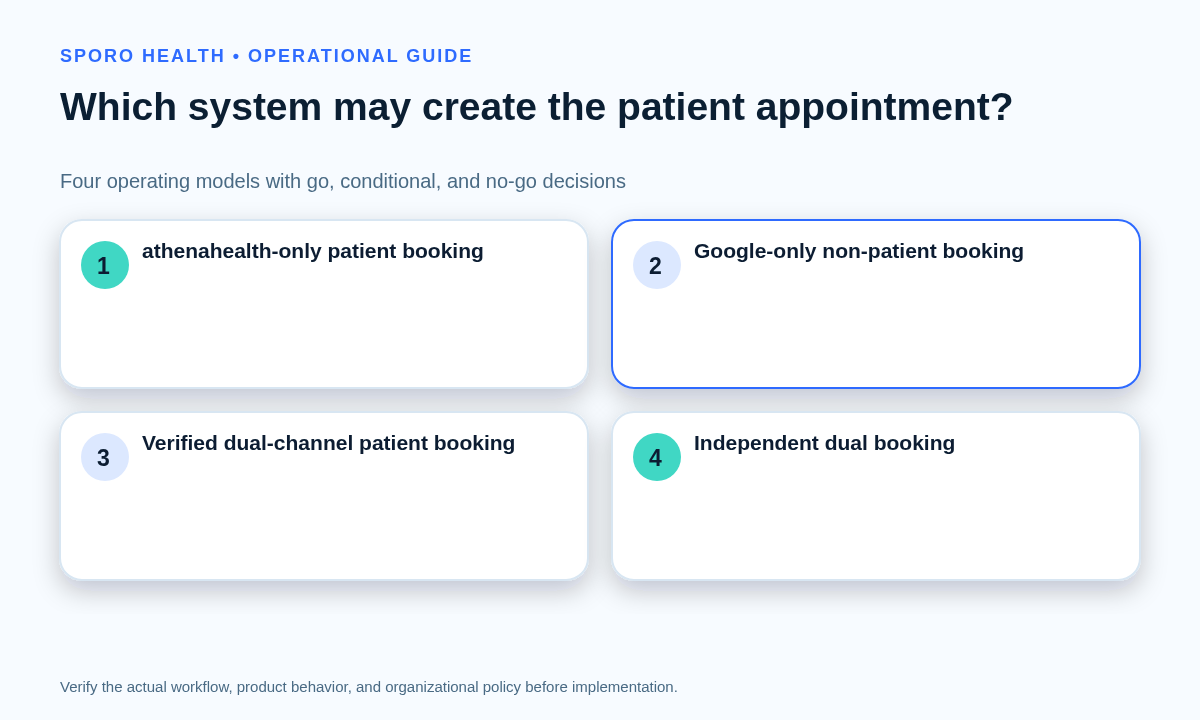
Choose the model that leaves one identifiable patient appointment and one reliable capacity-closing path. Reject any model in which two public pages can accept the same capacity without consistently closing it in the other channel.
| Model | Permitted use | Authority | Disposition | Launch proof |
|---|---|---|---|---|
| athenahealth-only patient booking | Patients book through approved athenahealth workflows | athenahealth appointment | Go | Google reflects constraints without becoming a second patient-booking surface |
| Google-only non-patient booking | Interviews, vendor calls, or administrative meetings | athenahealth remains patient-booking authority | Conditional | Links, forms, calendars, and audiences do not overlap patient scheduling |
| Verified dual-channel patient booking | Both pages may offer patient capacity | One defined patient appointment | Conditional | Every booking, change, and cancellation passes end-to-end testing |
| Independent dual booking | Both pages accept the same capacity independently | No dependable shared authority | No-go | Reject when neither channel reliably closes capacity in the other |
Document the chosen model alongside the physician calendar-sync evaluation checklist. The model—not the appearance of matching calendars—determines which record staff preserve during a conflict.
What belongs in a medical-practice booking-surface registry?
The registry should identify every link that can expose or claim provider capacity. Maintain one row per public page, embedded widget, portal workflow, staff-only link, campaign link, or legacy URL.
| Field | Control question |
|---|---|
| URL and owner | Where is the link published, and who can change or disable it? |
| Intended users | Patients, existing patients, staff, vendors, or another defined audience? |
| Provider scope | Which providers, departments, locations, and services are exposed? |
| Appointment purpose | Patient visit, non-patient meeting, intake call, or another purpose? |
| Availability input | Which schedules, calendars, busy states, and booking rules are checked? |
| Destination | Which calendar receives the booked event? |
| Authoritative record | Which record proves the patient appointment exists? |
| Lifecycle | What are the effective dates, review owner, shutdown steps, and replacement link? |
Before publishing, use the personal-versus-work Google Calendar account guide to establish managed ownership and the minimum-necessary calendar data worksheet to review form fields, event content, reminders, viewers, and retained copies.
How do slots close and reopen across Google Calendar and athenahealth?
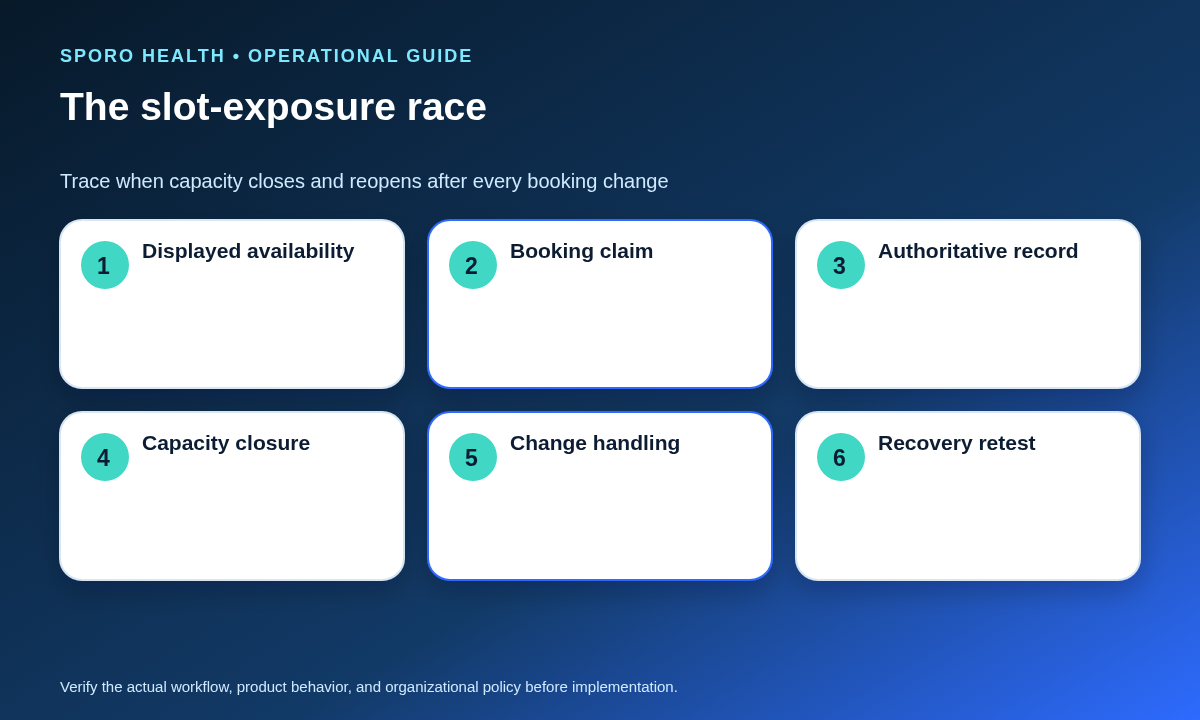
Map each trigger from the first capacity claim through closure or release in both systems. Google can hide times occupied by Busy events on selected calendars, but the practice must verify how athenahealth appointments and blocks reach those calendars. Google’s availability guidance also notes that disabling conflict checks can leave times visible despite Busy events.
| Trigger | Google state | athenahealth state | Required evidence |
|---|---|---|---|
| Booking | Booked event exists and the page removes the time | One patient appointment or approved capacity block exists | Every approved channel shows the interval closed |
| Reschedule | New time closes; old time does not reopen early | The authoritative appointment moves once | Old and new intervals are verified |
| Cancellation | Event is canceled and the slot may reopen | Appointment cancellation is confirmed | Release occurs only after both states agree |
| External Busy event | Selected-calendar availability closes | Expected block behavior is confirmed | No patient capacity remains falsely open |
| Failed update | Last confirmed state is identified | Last confirmed state is identified | Exposure stays contained until reconciliation and retest |
Google documents that canceling a booked appointment can make its time available again, so cancellation testing is as important as booking testing. For broader collision controls, see the practice manager’s double-booking prevention guide.
How should a practice test booking, rescheduling, cancellation, and blocked-time behavior?
Test complete appointment transactions, not isolated calendar updates. A transaction is complete only when one authoritative patient appointment exists, every approved channel closes occupied capacity, required confirmations are issued, and later changes have a named owner.
- Capture the displayed slot, URL, provider, purpose, and availability inputs.
- Book through the channel under test and retain confirmation evidence.
- Verify the authoritative appointment record and its stable identifier.
- Confirm that all other approved channels close the same capacity.
- Reschedule and verify both the released and newly occupied intervals.
- Cancel, confirm the required notifications, and verify controlled capacity release.
Google’s Events API reference distinguishes event IDs, recurring-event instances, status, time boundaries, and Busy versus available transparency. Those details make identity and recurrence explicit test dimensions.
| Scenario group | Pass criterion |
|---|---|
| Normal lifecycle | Booking, rescheduling, and cancellation preserve one authoritative appointment |
| Availability semantics | External Busy events, Free events, and all-day events produce the approved result |
| Recurrence | One occurrence and an entire series are not confused |
| Concurrency | Simultaneous booking attempts produce one surviving claim |
| Degradation | Delayed updates and removed permissions trigger containment |
| Recovery | A failed transaction is reconciled and passes a clean retest |
Record evidence from both systems and incorporate the results into the calendar-sync pilot acceptance matrix.
What should staff do when Google and athenahealth disagree?
Stop new exposure for the affected scope before trying to repair every record. Preserve the surviving authoritative patient appointment, then reconcile secondary events or blocks around it.
- Contain: disable or unpublish the affected link, provider, service, or time range.
- Preserve: identify the authoritative booking that must survive.
- Classify: simultaneous claim, stale slot, unmatched Google booking, duplicate athenahealth appointment, failed cancellation, or removed access.
- Reconcile: correct the non-authoritative state without creating another appointment.
- Notify: inform the booking owner, operations owner, and affected staff through the approved process.
- Reopen: repeat the failed scenario and restore exposure only after it passes.
How should booking-channel integrity be measured?
Use defined numerators and denominators, with an owner and review cadence for every measure. Separate schedule-integrity outcomes from staff workload and balancing measures that detect excessive capacity closure.
| Class | Measure and formula | Data owner | Cadence |
|---|---|---|---|
| Outcome | Stale-slot exposure: stale open slots observed ÷ slot observations sampled | Operations analyst | Daily in pilot; weekly live |
| Outcome | Duplicate claims: intervals with multiple accepted claims ÷ completed booking attempts | Booking owner | Weekly |
| Outcome | Unmatched bookings: bookings lacking an authoritative counterpart ÷ all bookings | Reconciliation owner | Daily |
| Outcome | Failed cancellations: incomplete cross-channel cancellations ÷ all cancellations | Scheduling lead | Weekly |
| Workload | Manual reconciliation: manually corrected transactions ÷ cross-channel transactions | Practice manager | Weekly |
| Workload | Staff recovery: transactions requiring staff recovery ÷ all transactions | Practice manager | Weekly |
| Workload | Exception age: total open-exception hours ÷ open exceptions | Exception-queue owner | Daily |
| Balancing | False closure: available intervals incorrectly hidden ÷ available intervals sampled | Capacity owner | Weekly |
Define the observation unit before launch—such as a displayed slot, completed booking attempt, or cancellation—so changing volume does not make the rates misleading.
What should be reviewed before a Google booking page is used for patients?
Review the public link, account owner, form fields, confirmations, reminders, cancellation path, calendar visibility, and retained data before patient use. Google states that an Appointment Schedules booking page is always public and that anyone with its link can view the page, account name, and profile photo in its sharing documentation.
Google’s setup documentation says booking forms require first name, last name, and email address and may include additional fields; descriptions can appear on the page, in confirmation emails, and in event descriptions. Google also notes that a forwarded confirmation email may allow its recipient to cancel the appointment. Test those paths and obtain authorized privacy, legal, security, and operational review for the actual configuration. Google’s Calendar privacy guidance explains that sharing and administrator visibility depend on account and calendar settings.
Where do connected-calendar products fit?
A connection can support the chosen operating model, but it does not replace booking authority, acceptance testing, or recovery procedures. Start with the Sporo Health homepage for company context and treat statements on Sporo’s athenahealth and Google Calendar product page as vendor claims to verify. Practices standardized on Microsoft 365 can separately review the athenahealth and Microsoft Outlook option. The Sporo Health Google Calendar Sync listing in athenaConnect is another commercial destination to inspect.
Ask any vendor to demonstrate what a Google Appointment Schedules booking does in athenahealth, how failures are surfaced, which record survives a collision, and how access removal affects open booking pages.
So, can medical practices use Google Calendar Appointment Schedules with athenahealth?
Yes, when the practice chooses one booking-authority model and proves the full transaction. Use athenahealth-only patient booking as the simplest go model, reserve Google for clearly separated non-patient meetings when appropriate, and treat dual-channel patient booking as conditional. Independent dual booking is a no-go when either page can expose capacity that the other cannot reliably close.
Before launch, approve the booking-surface registry, slot-exposure map, transaction evidence, recovery flow, and scorecard. If a connection is being evaluated, request a witnessed demonstration and bounded pilot rather than relying on matching screenshots or vendor assurances.
Frequently asked questions
Can calendar synchronization turn a Google booking into an athenahealth patient appointment?
Not by assumption. Verify whether the current configuration creates an athenahealth appointment, creates only an availability block or calendar event, or makes no athenahealth change; then test the complete patient workflow.
When is it safe to keep both a Google booking page and athenahealth self-scheduling live?
Both booking pages may remain live only when they serve non-overlapping purposes or a tested connection consistently closes capacity, preserves one authoritative patient appointment, and provides a controlled recovery path.
Does Google Appointment Schedules check athenahealth availability?
Google checks the Google calendars selected for conflict review. The practice must prove how athenahealth capacity reaches those calendars and whether every relevant provider, department, appointment type, block, and change is represented.
Can a practice use Google Appointment Schedules only for non-patient meetings?
Yes, as an operating model to evaluate. Separate the links, calendars, audiences, labels, form fields, and availability rules from patient scheduling, then verify that those meetings still constrain provider capacity as intended.
What makes a booking transaction complete?
A transaction is complete when one authoritative patient appointment exists, occupied capacity is unavailable through every approved channel, required confirmations are issued, and staff know who owns later changes.
What should staff do when one page shows a stale open slot?
Stop new exposure for the affected provider, service, or time range; preserve the surviving authoritative appointment; reconcile the other channel; notify owners; and reopen only after the failed scenario passes a retest.
Sources
- Google Calendar Help: Create an appointment schedule
- Google Calendar Help: Check availability across calendars
- Google Calendar Help: Share your appointment schedule
- Google Calendar Help: Cancel appointments
- Google Calendar Help: Privacy basics
- Google Calendar API: Events reference
- athenahealth: athenaOne Service Description
- Sporo Health: athenahealth and Google Calendar product page (vendor description)